List of all outgoing system generated emails
Every outgoing system email the platform sends, organized by scope. Sub-Account / Location Level emails are tied to individual locations (appointments, reviews, social planner, payments). Agency Level emails are sent from the agency itself (password resets, user provisioning, payment failures, registration status).
Sub-Account / Location Level Emails
Sent from the Unassigned Calendar and the Group Calendar when someone books an appointment.
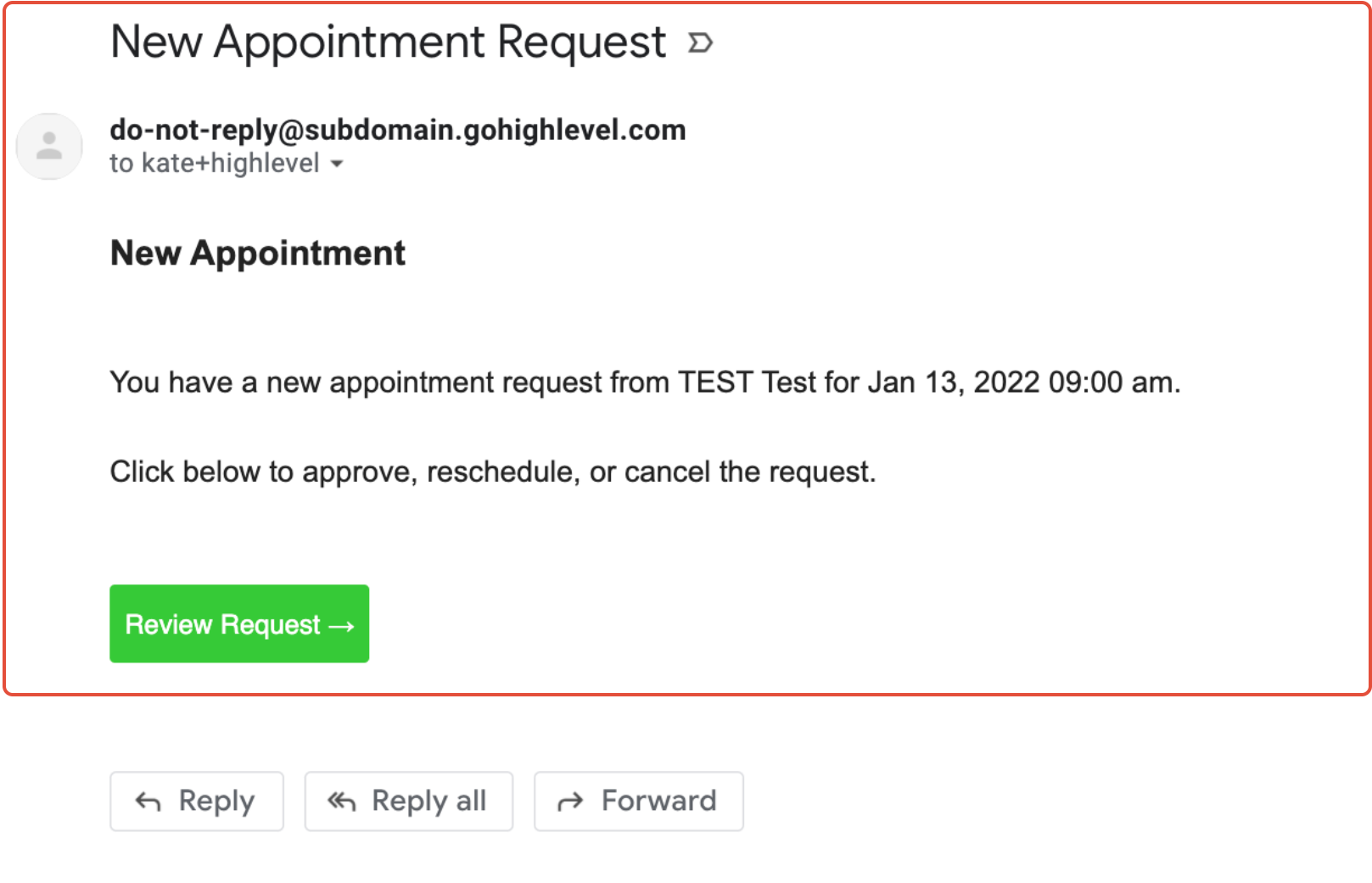
If you're wondering why calendar emails are being sent from no-reply@support.domain.com, it's likely due to default sender settings. Learn how Calendar Email Sender Addresses work.
Open Locations Settings → Calendar Settings, open the calendar, click the 3. Confirmation tab, and save.
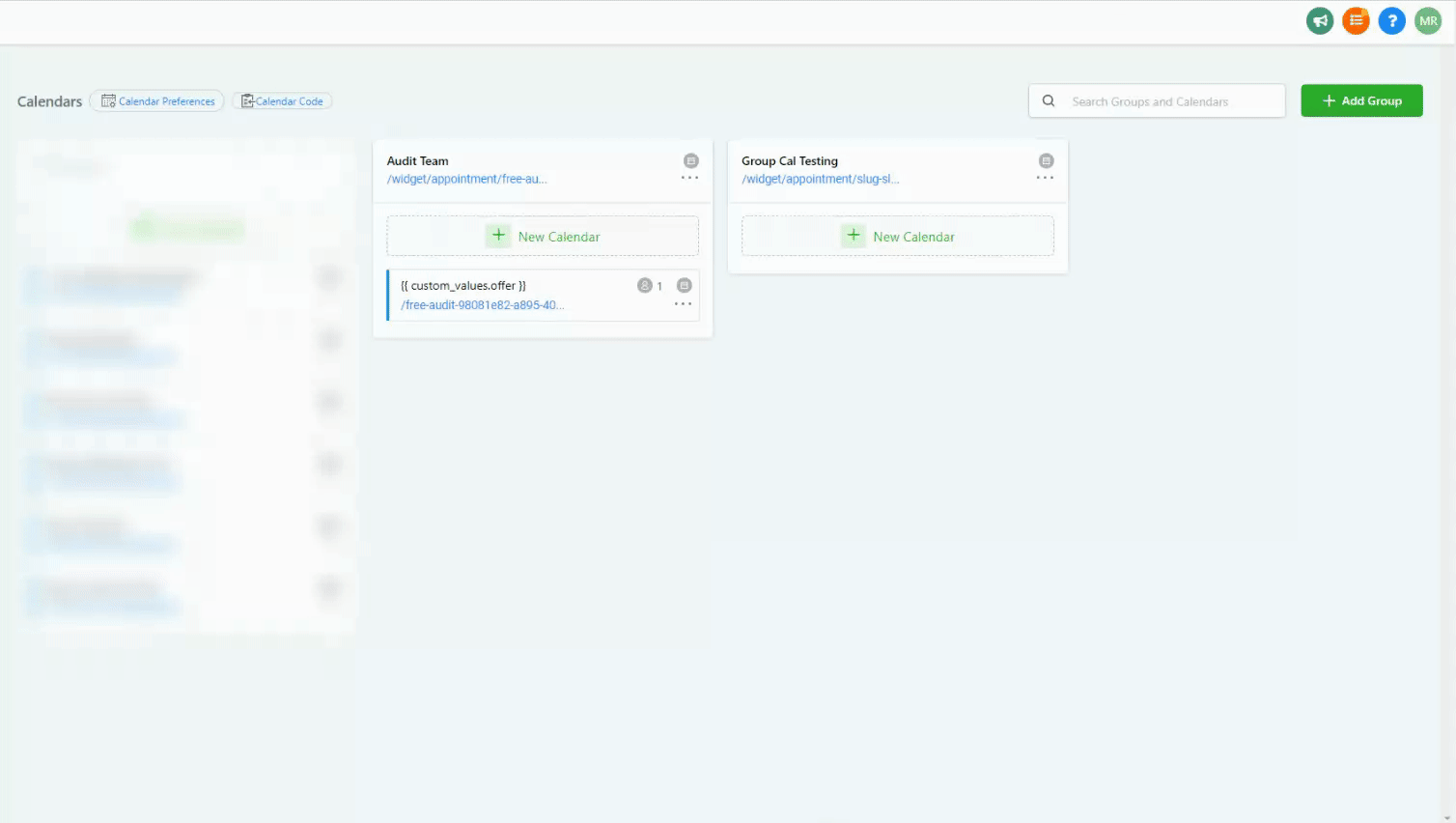
Open Locations Settings → Calendar Settings, open the calendar, click the 3. Confirmation tab, remove the email(s), and save.
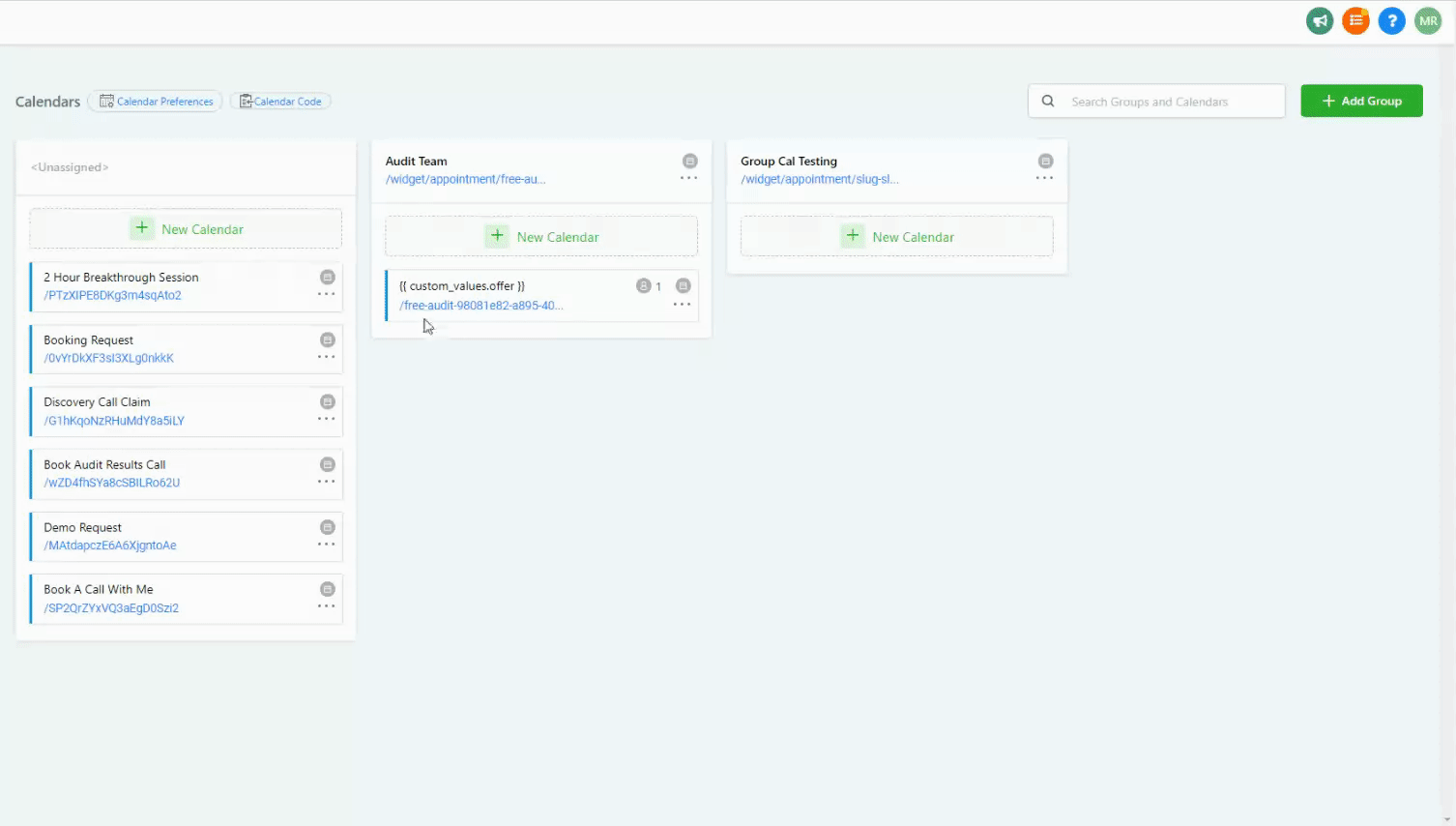
If the calendar settings for auto confirmation and send appointment alert emails are enabled, appointment owners will still receive appointment request emails. The development team is rolling out a fix in an upcoming calendar update.
Sent to a contact after an appointment, asking them to leave a review.
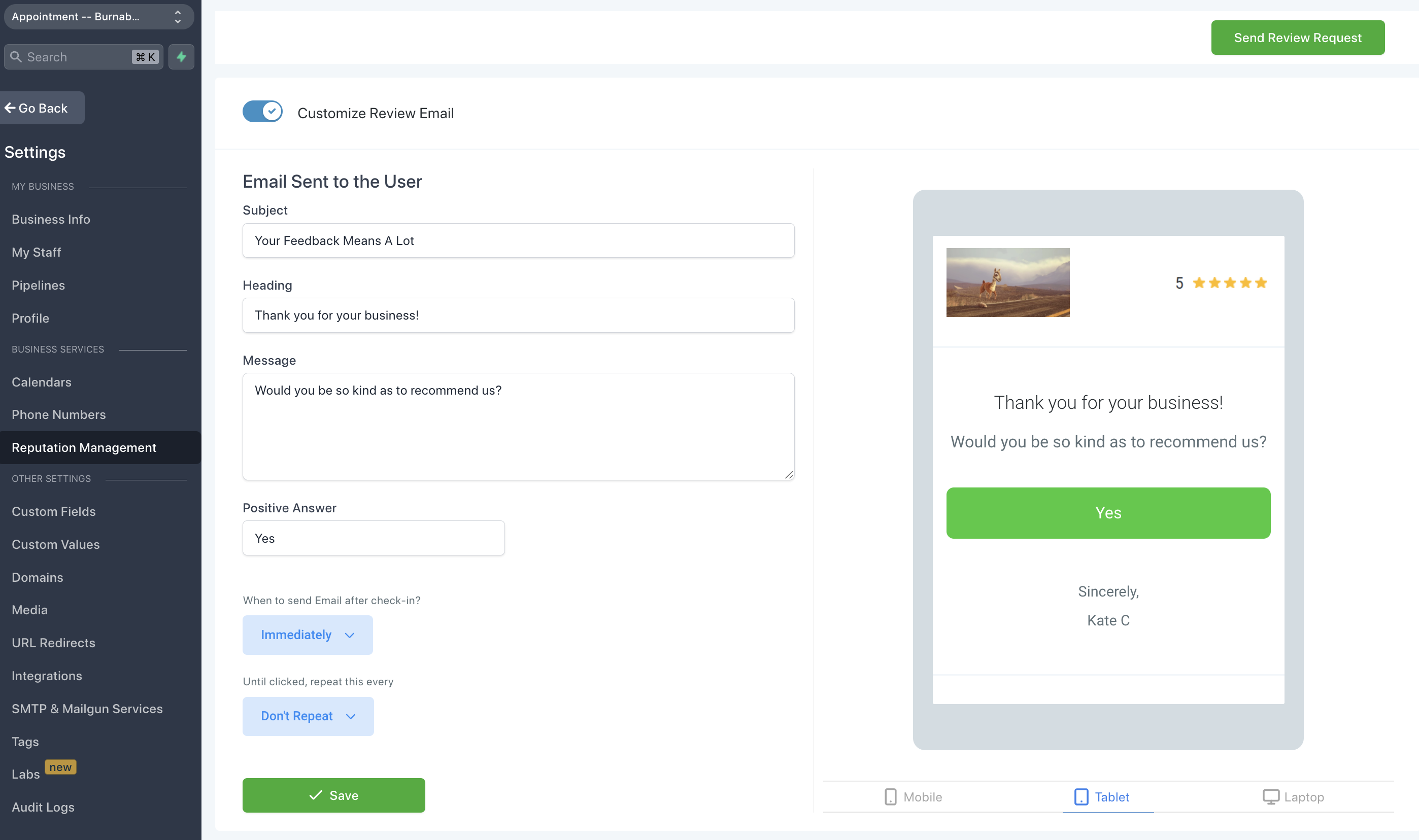
When sending a review request, the signed-in user is listed as the sender of the message.
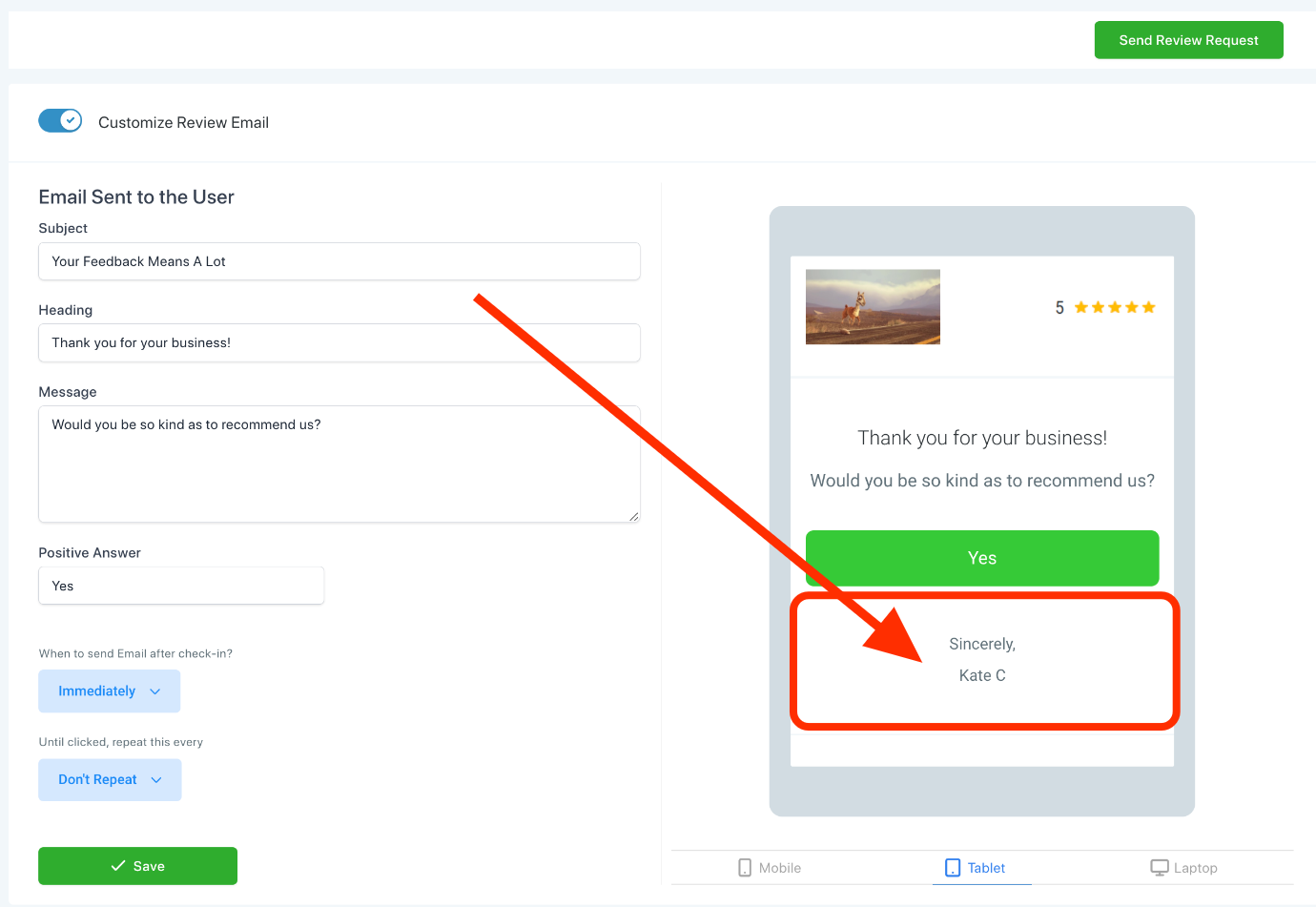
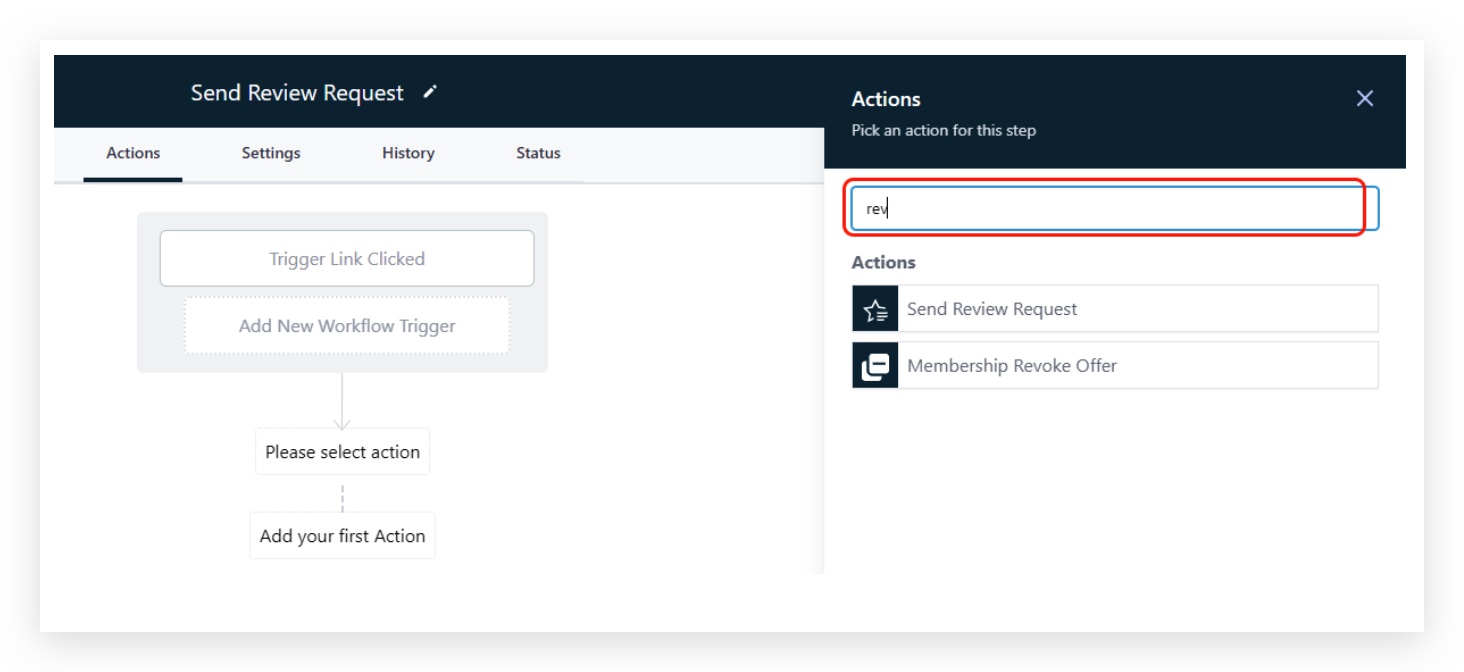
If you want to send a review request from the contact's assigned user, use the Workflows action "Send Review Request" instead — it sends the request on behalf of the assigned user.
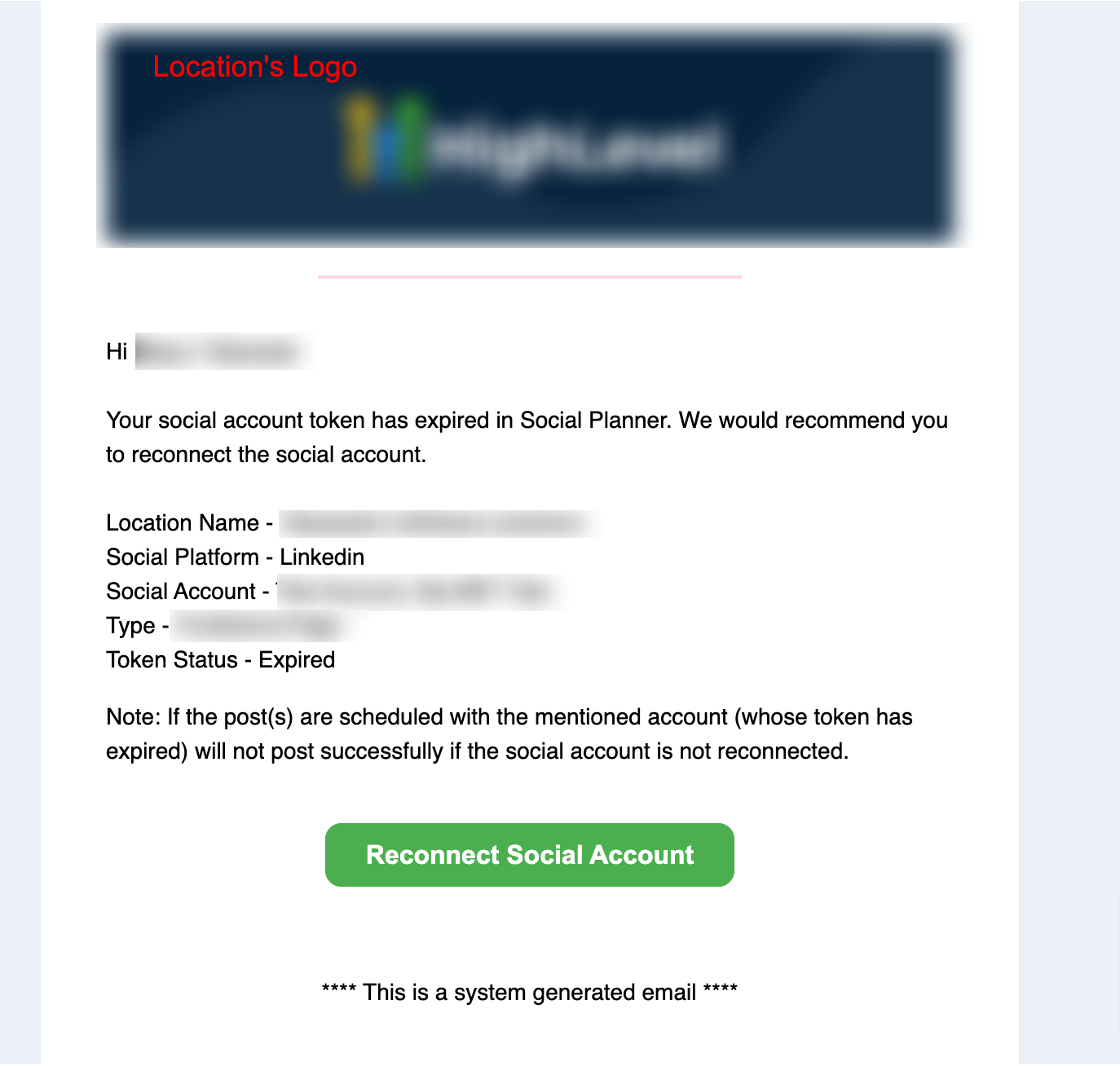
Sent when a connected social account's auth token expires and needs to be reconnected.
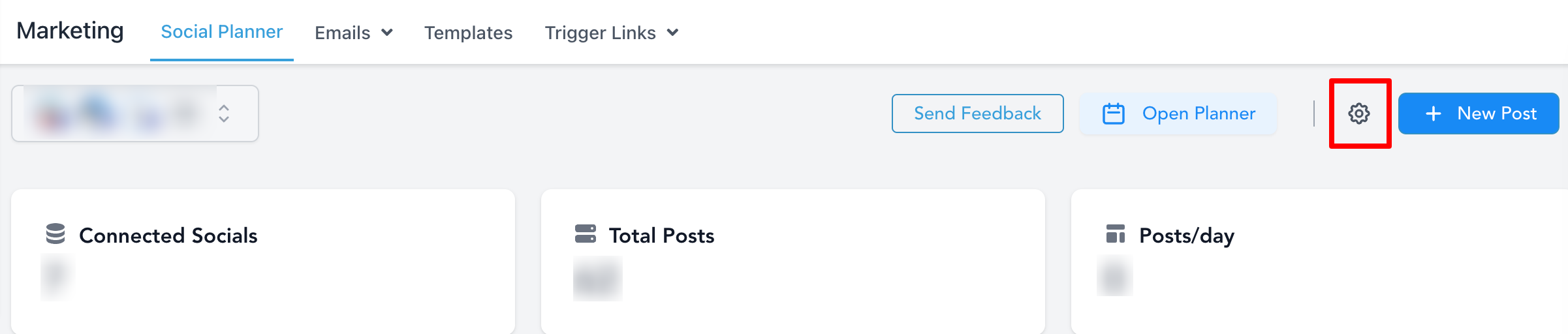

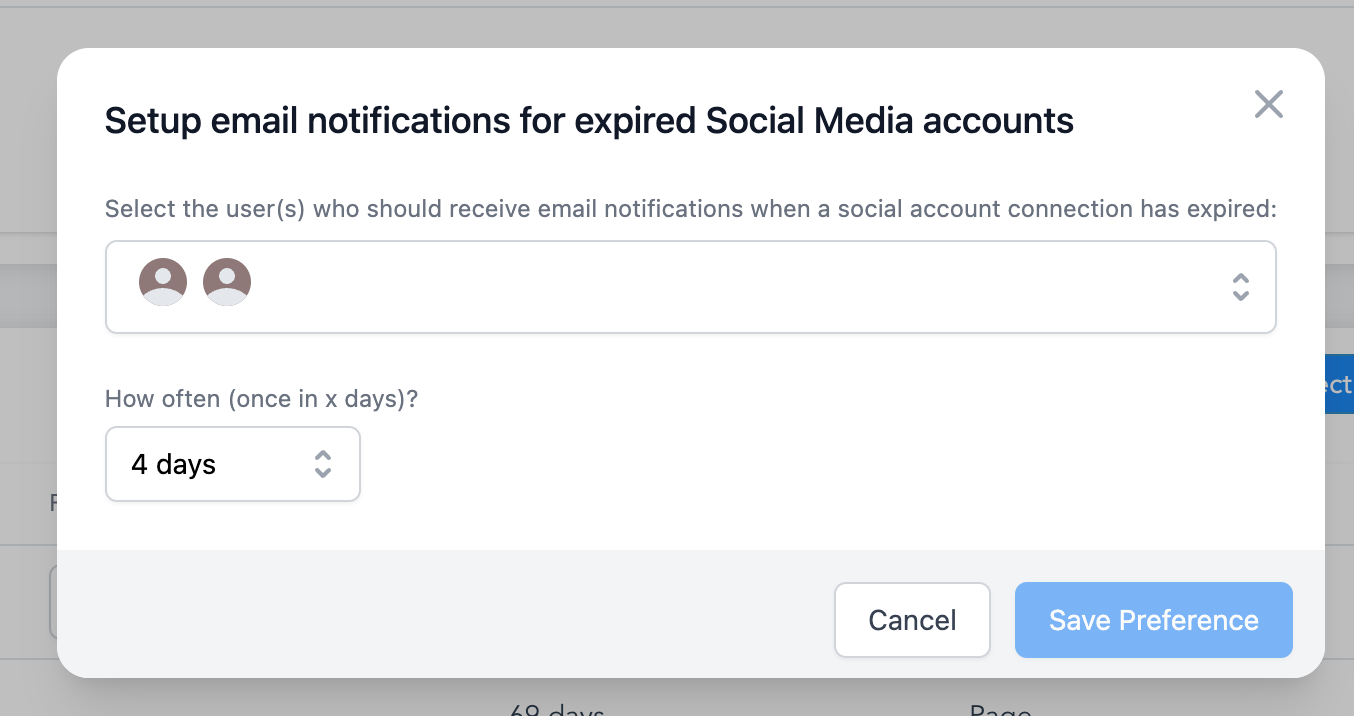
When sending an email notification, the signed-in user is listed as the sender of the message.
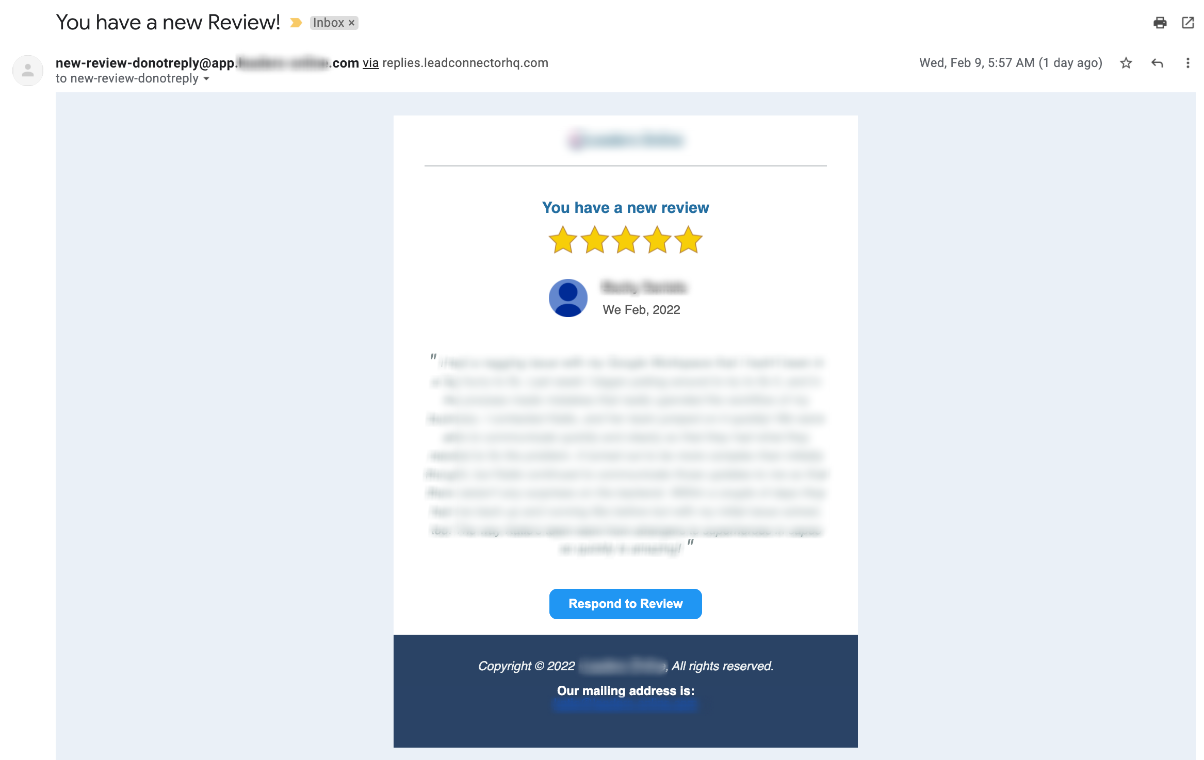
Sent when a new public review is submitted on one of the location's connected platforms.
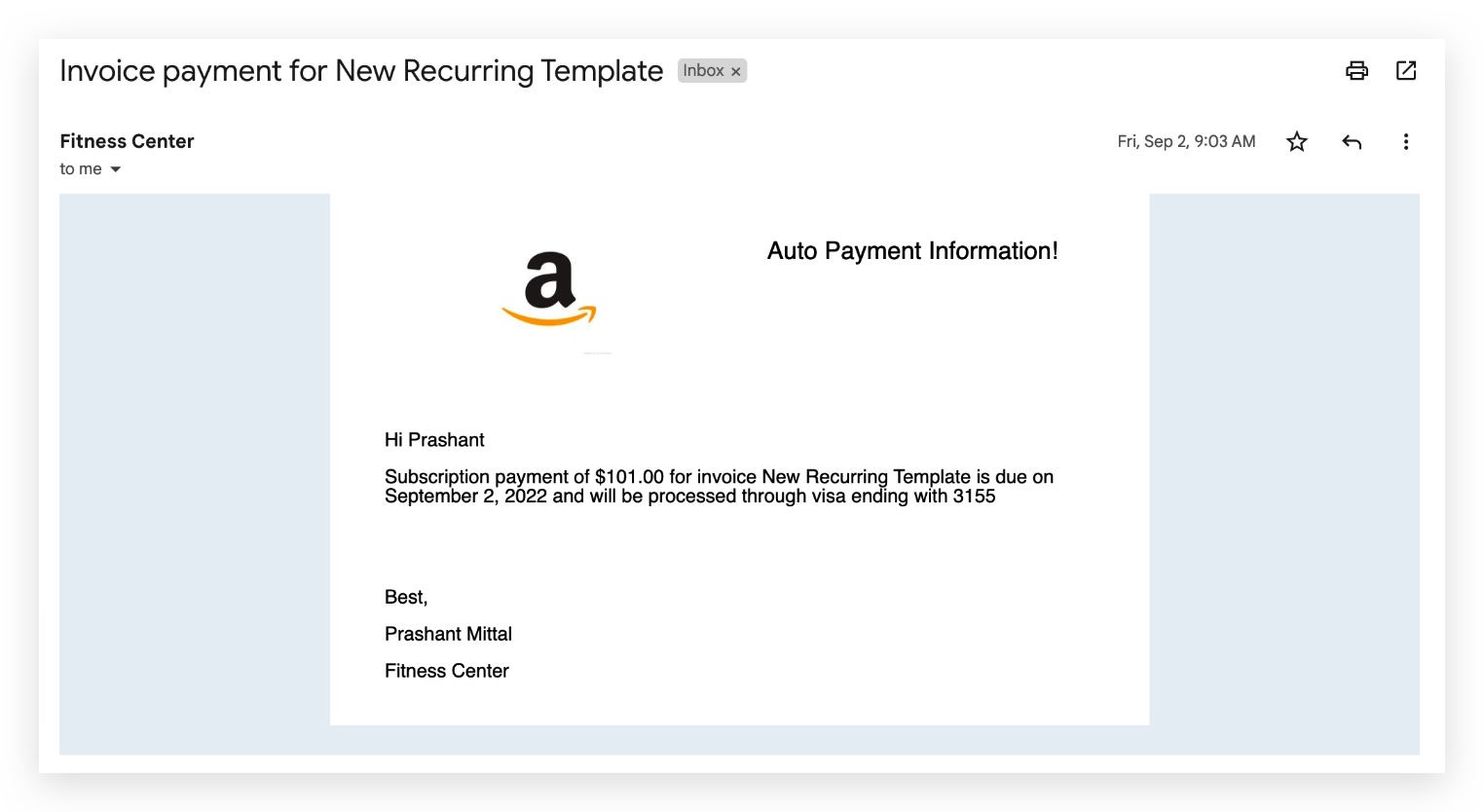
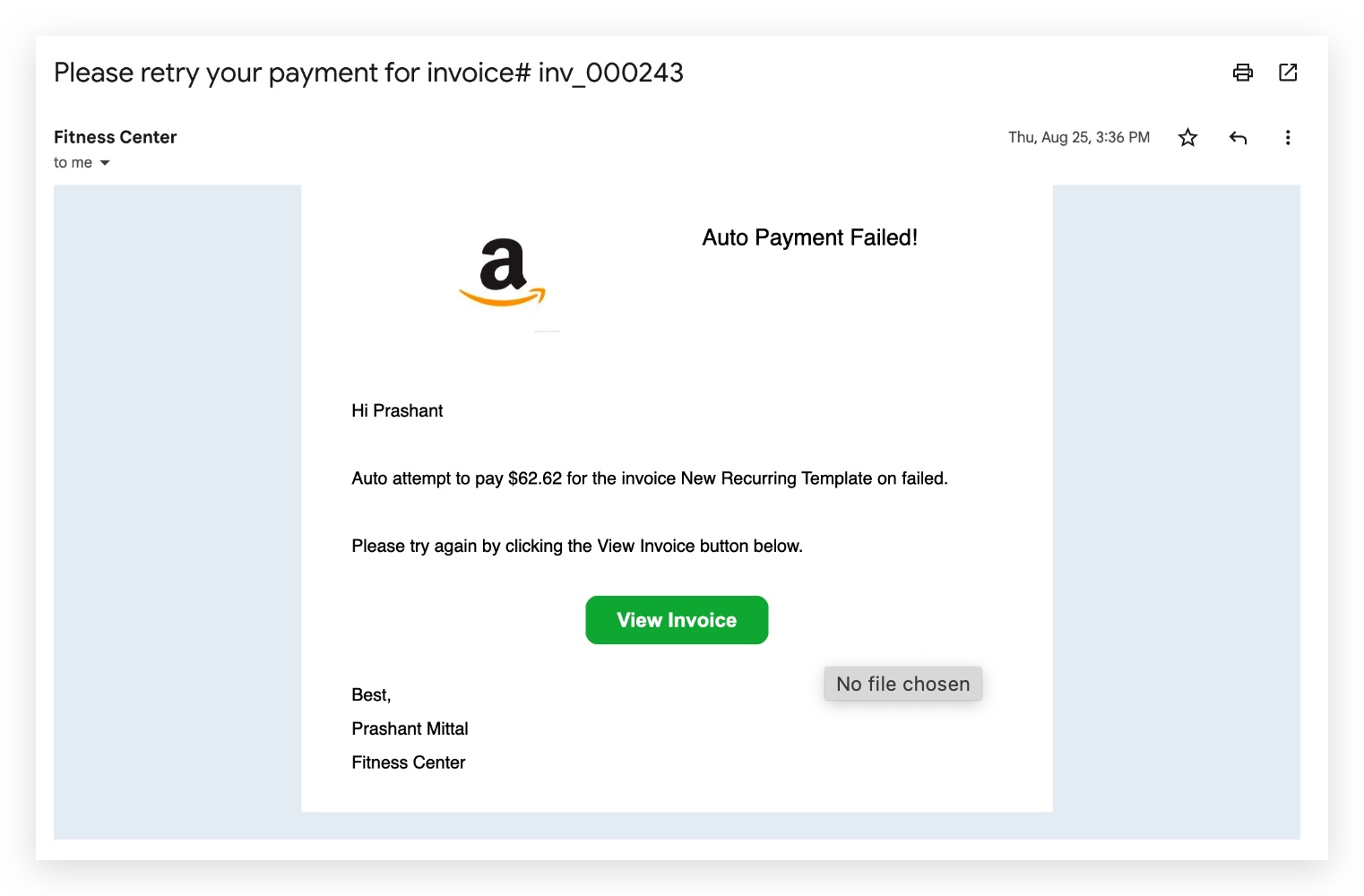
Invoice & Payment Notification Emails
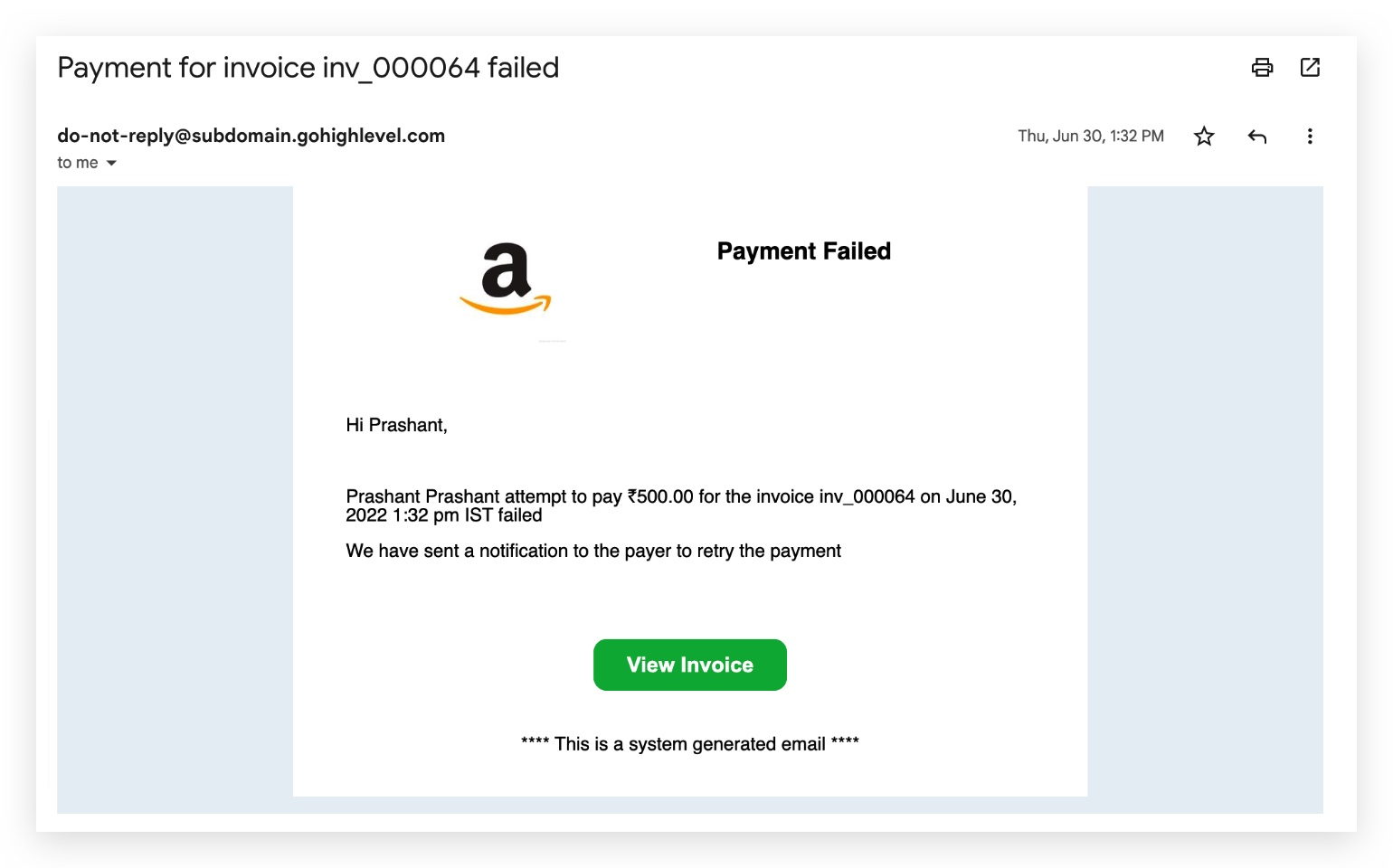
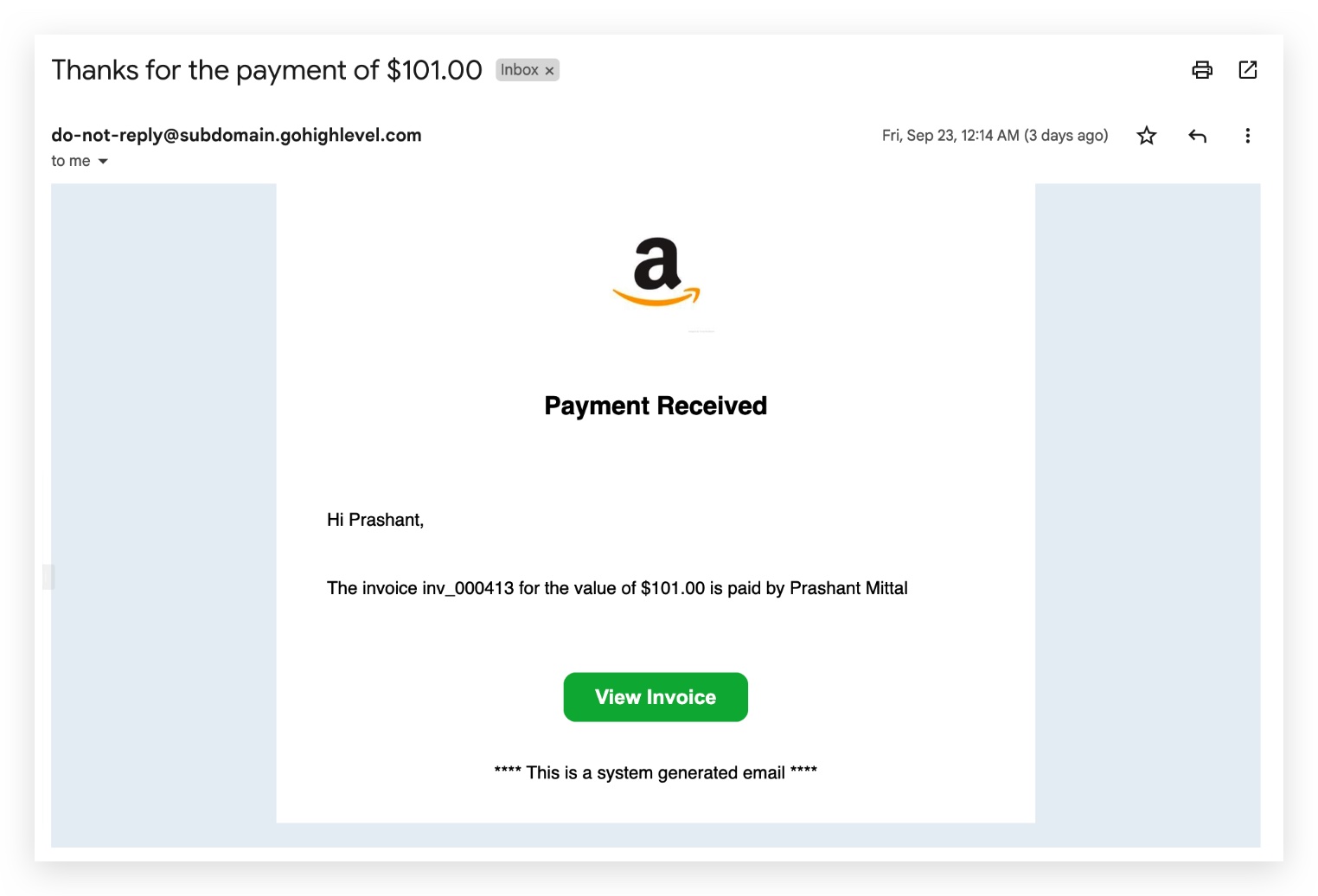
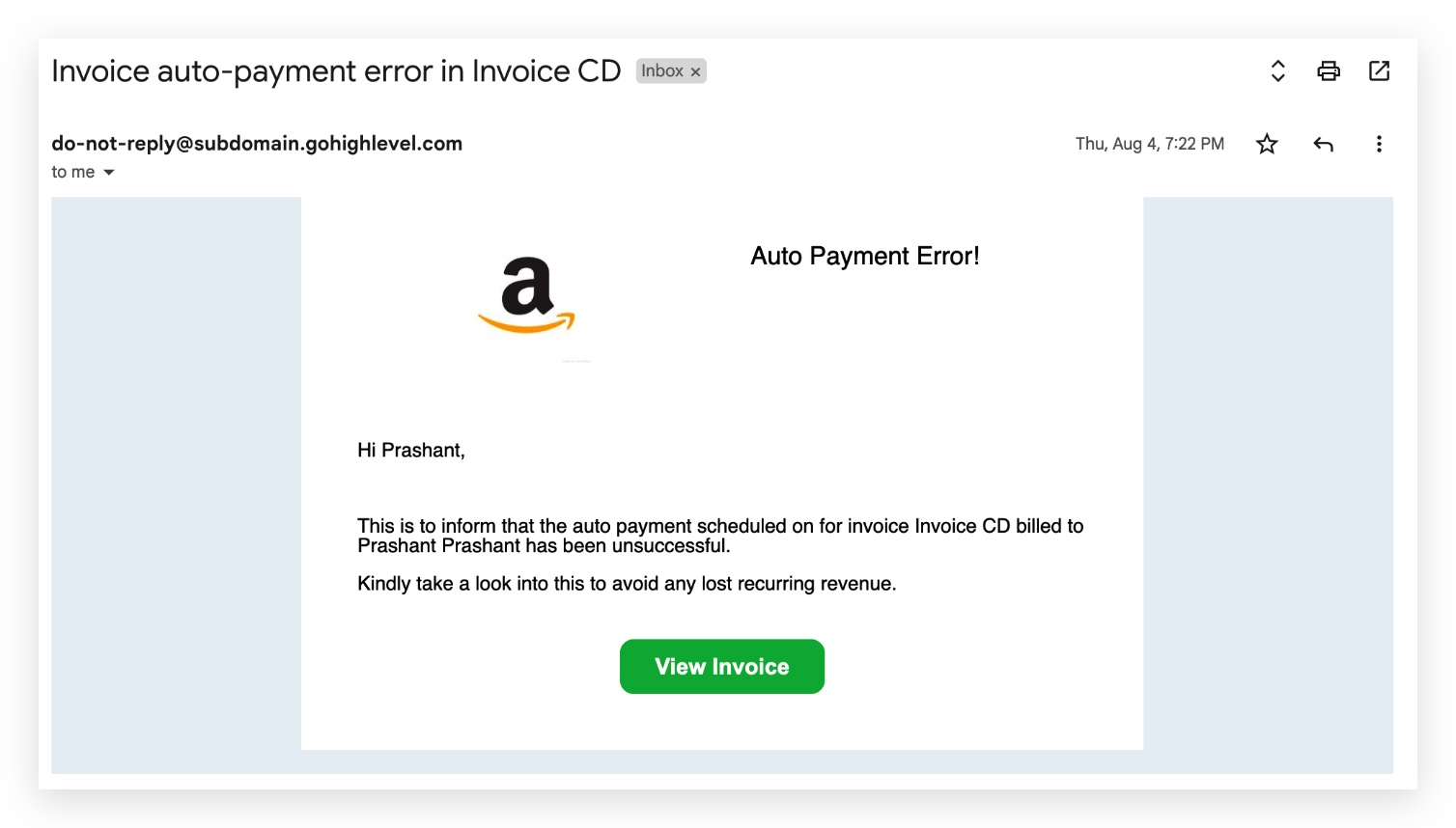
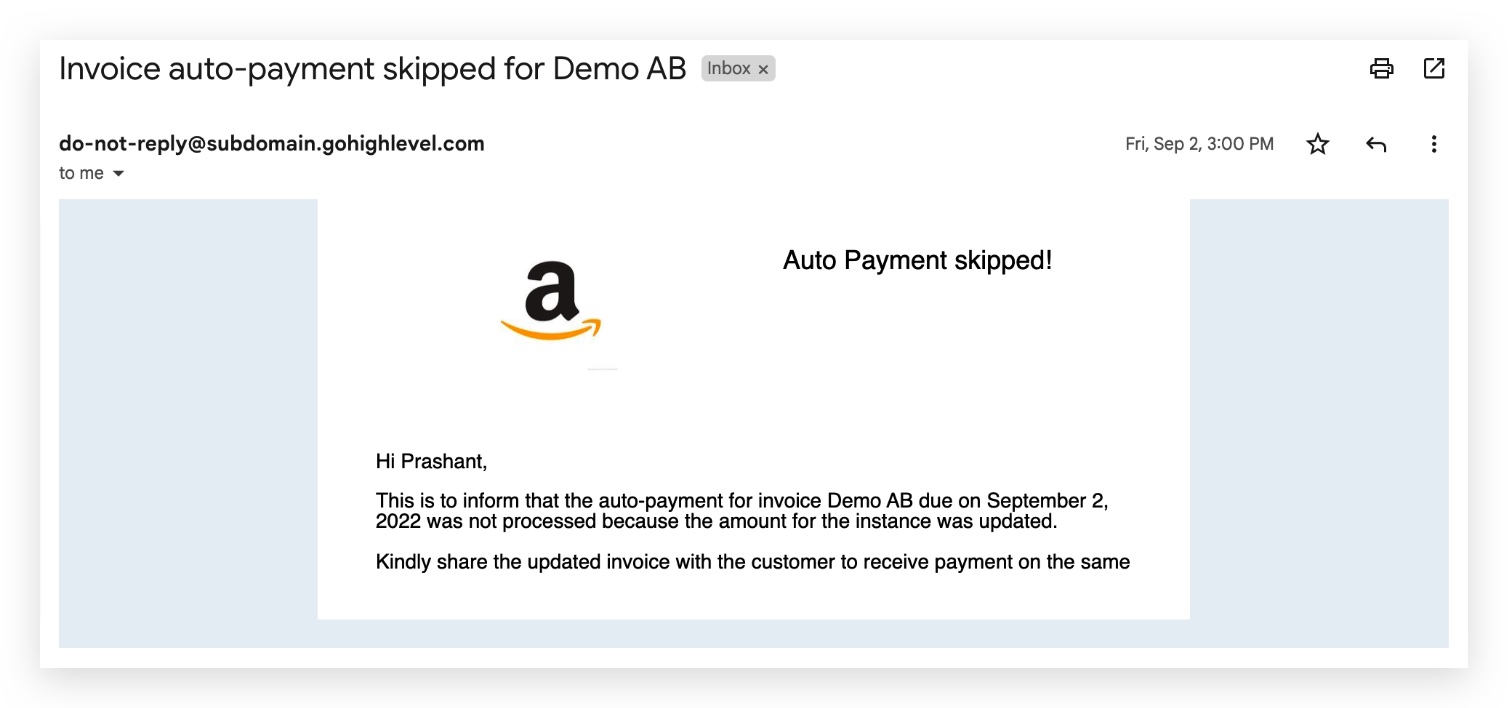
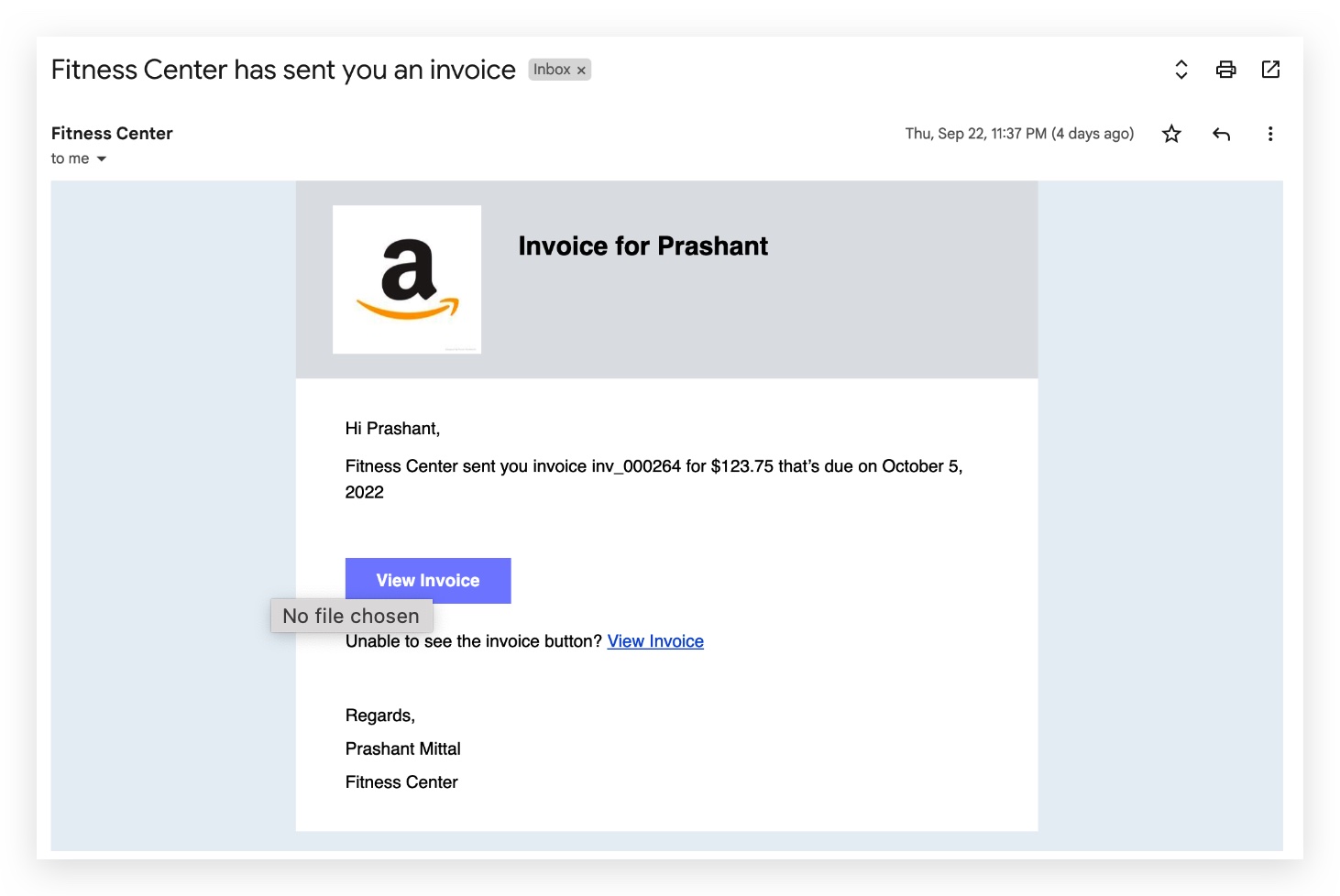
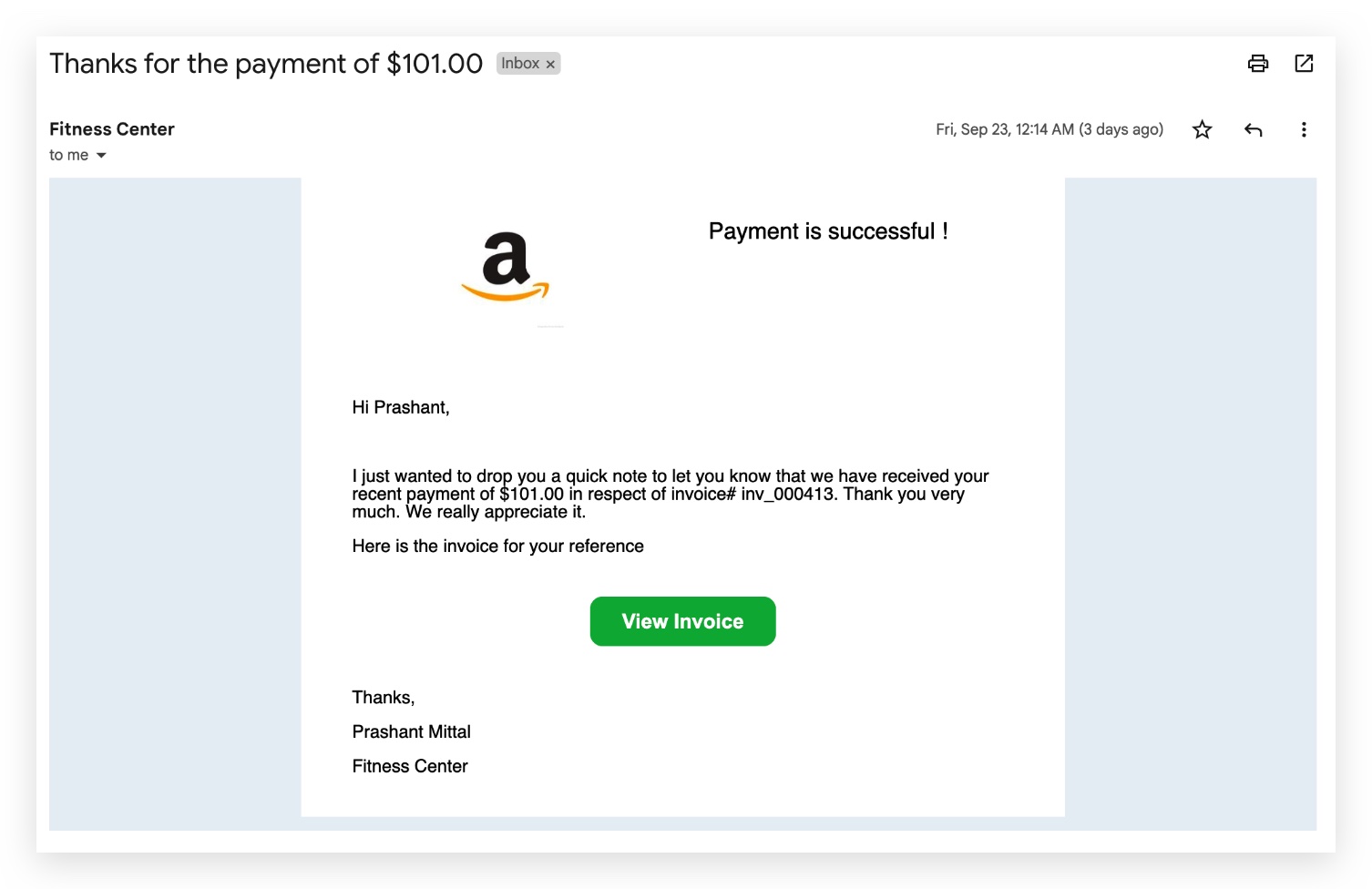
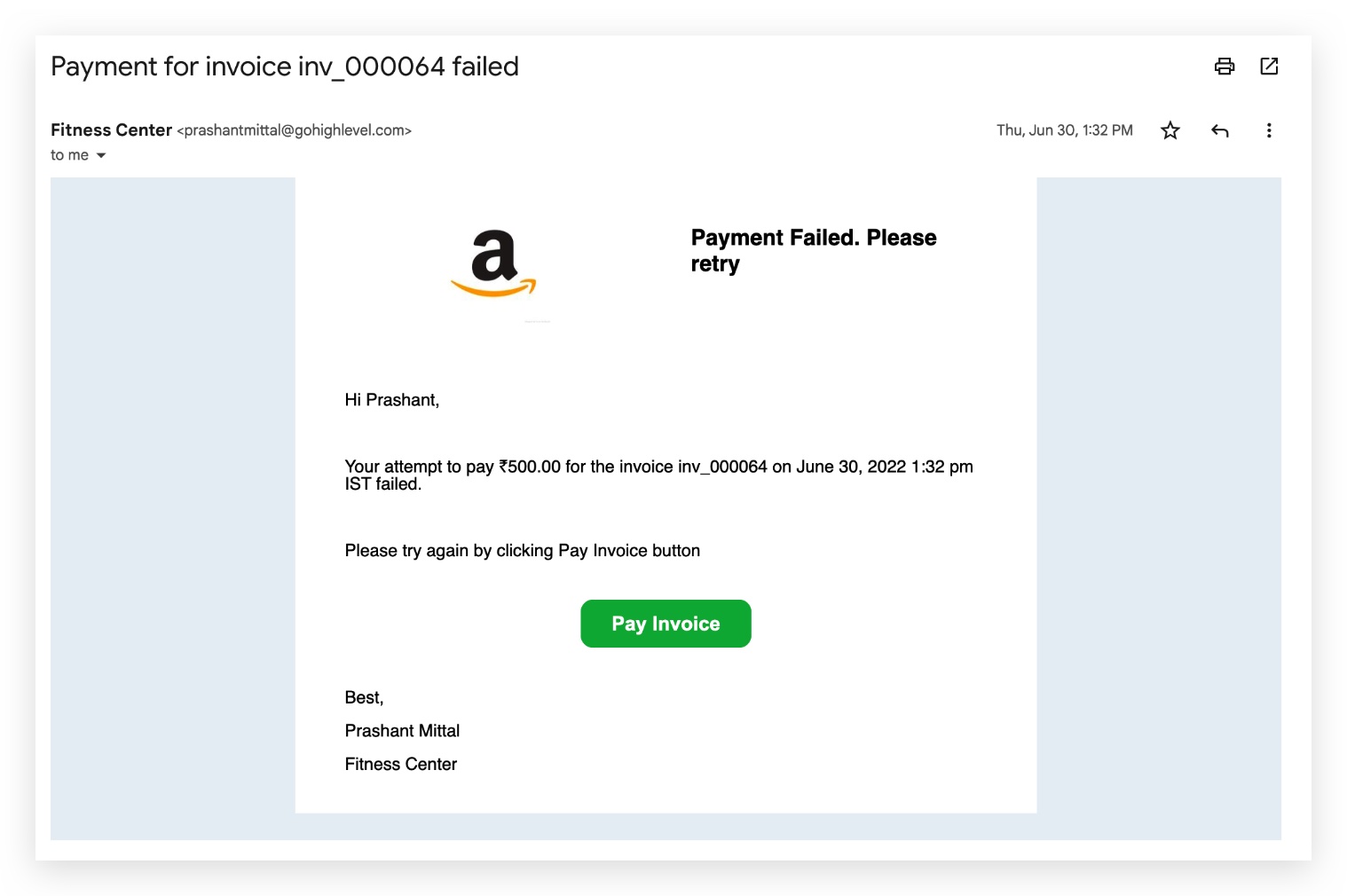
Two audiences receive invoice-related emails: the business / sub-account (for failures and skips that need attention) and the end customer (for invoice receipts, successful payments, and upcoming auto-payments).
Agency Level Emails
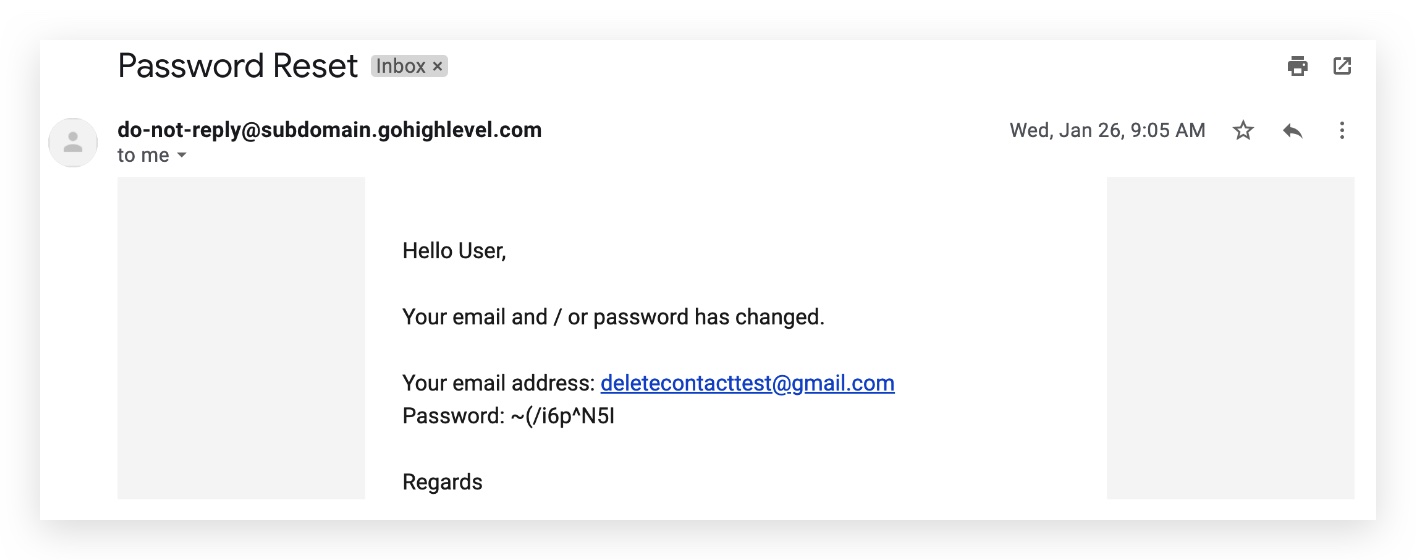
Sent when a user requests a password reset from the login page.
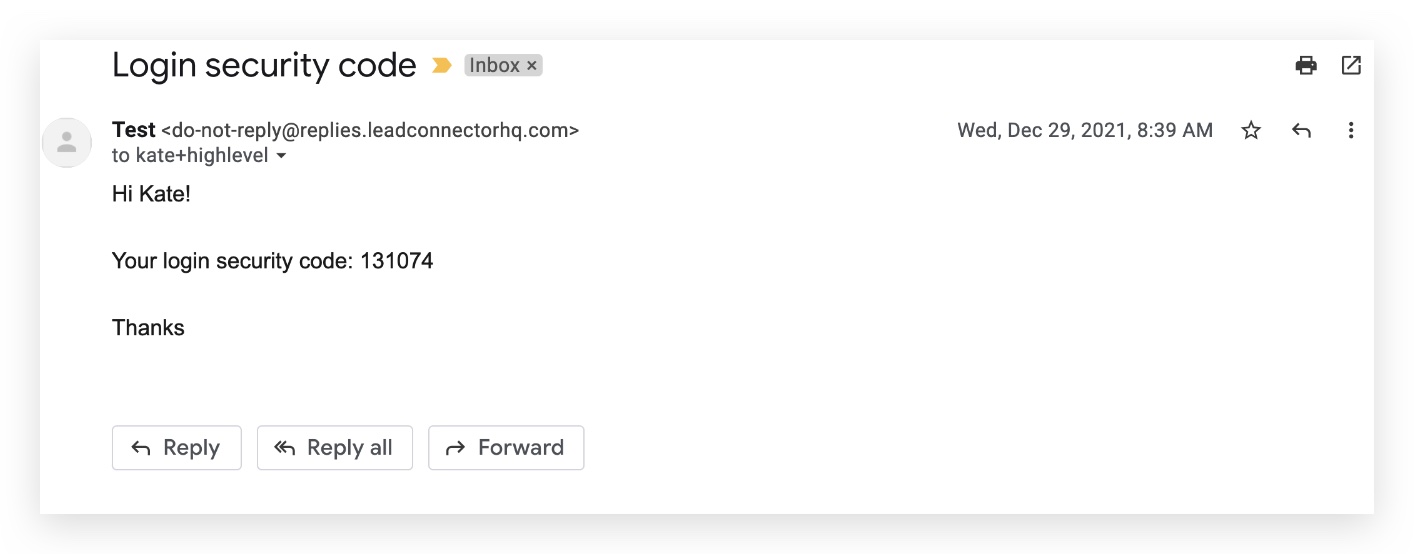
Sent during sign-in when an additional verification code is required.
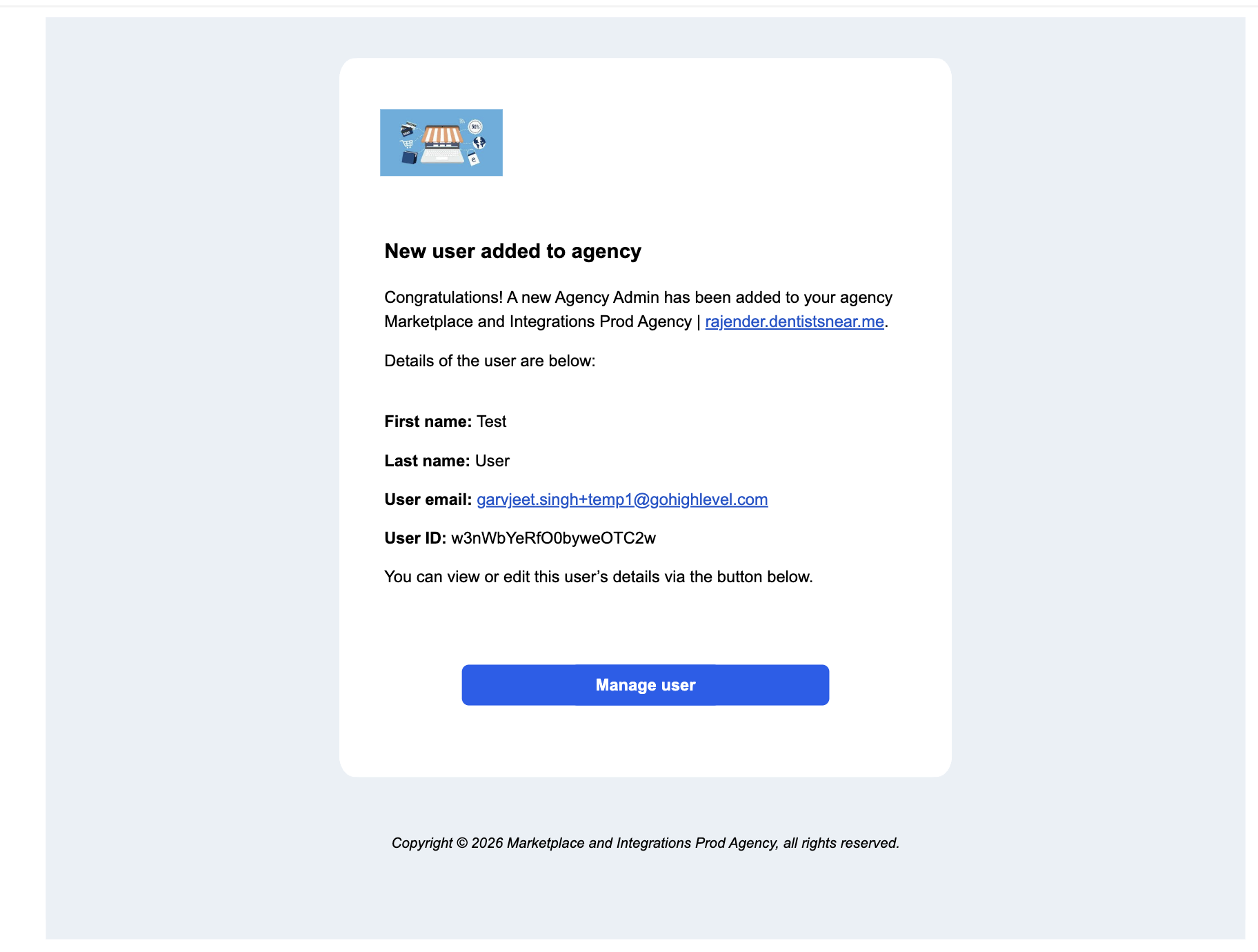
Chat To Clients CRM sends an email notification to agency admins whenever a new user is added. Sub-account admins also receive a notification when a user is added to their sub-account.
Both notifications feature an updated card-based design with improved typography, spacing, and a Manage user button that opens the Team Settings page.
Agency admins receive this notification whenever a new user is added. The email includes the user's name, email address, user ID, and all sub-accounts associated with the user.
Admins can click Manage user to open the Team Settings page.
Sub-account admins receive this notification when a user is added to their sub-account. The email displays the user's details in the updated card layout.
Admins can click Manage user to open the Team Settings page.
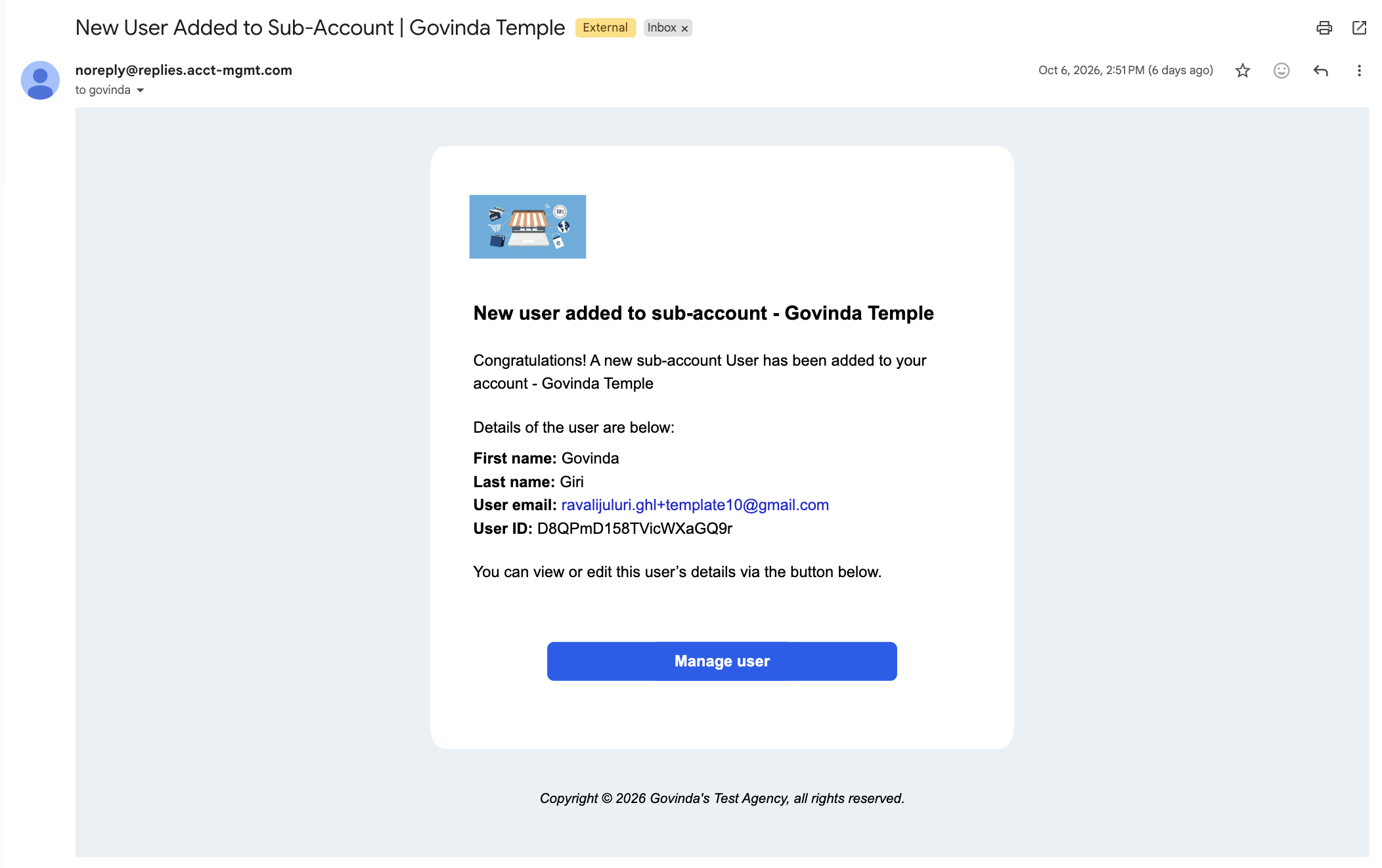
Both notifications continue to use the agency's white-label name, logo, and domain. The redesigned emails also feature a simplified footer containing only the copyright line.
Notifies the agency when a user is added to an agency account or a sub-account.
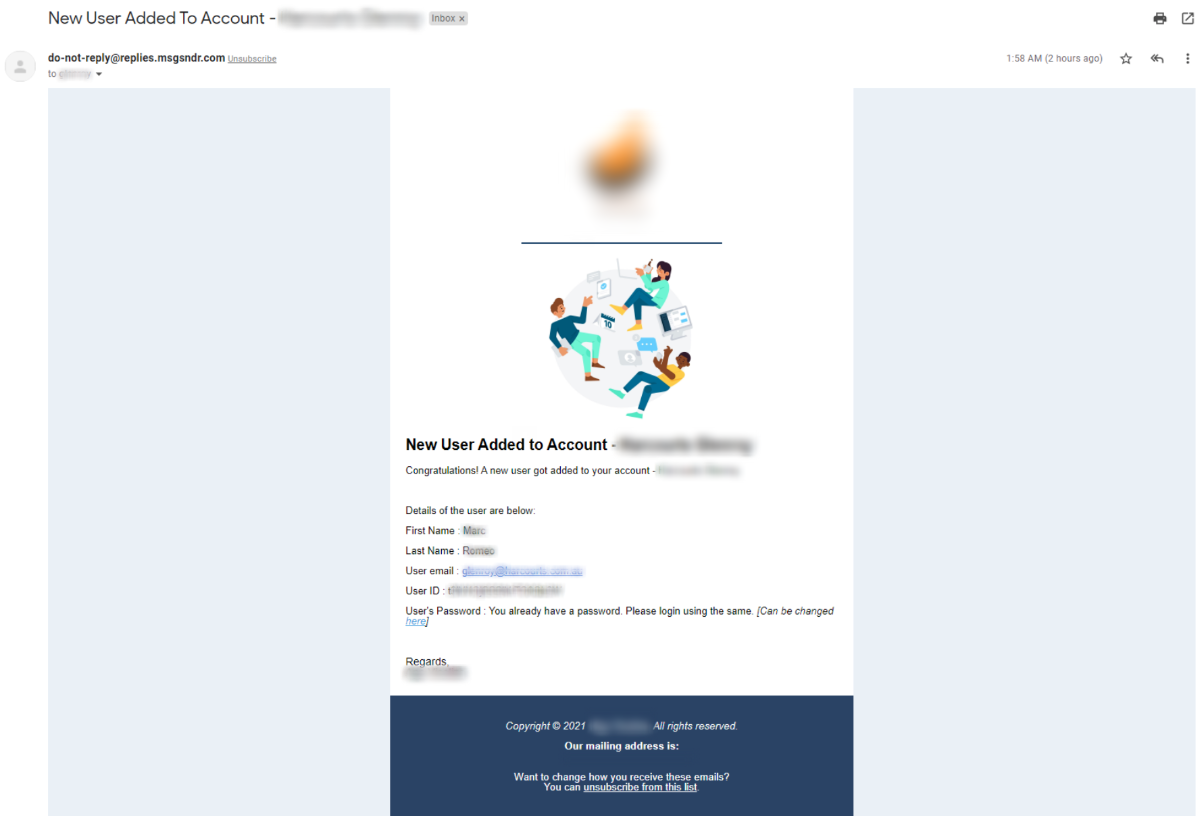
Sent to a newly-provisioned user with their username and password.
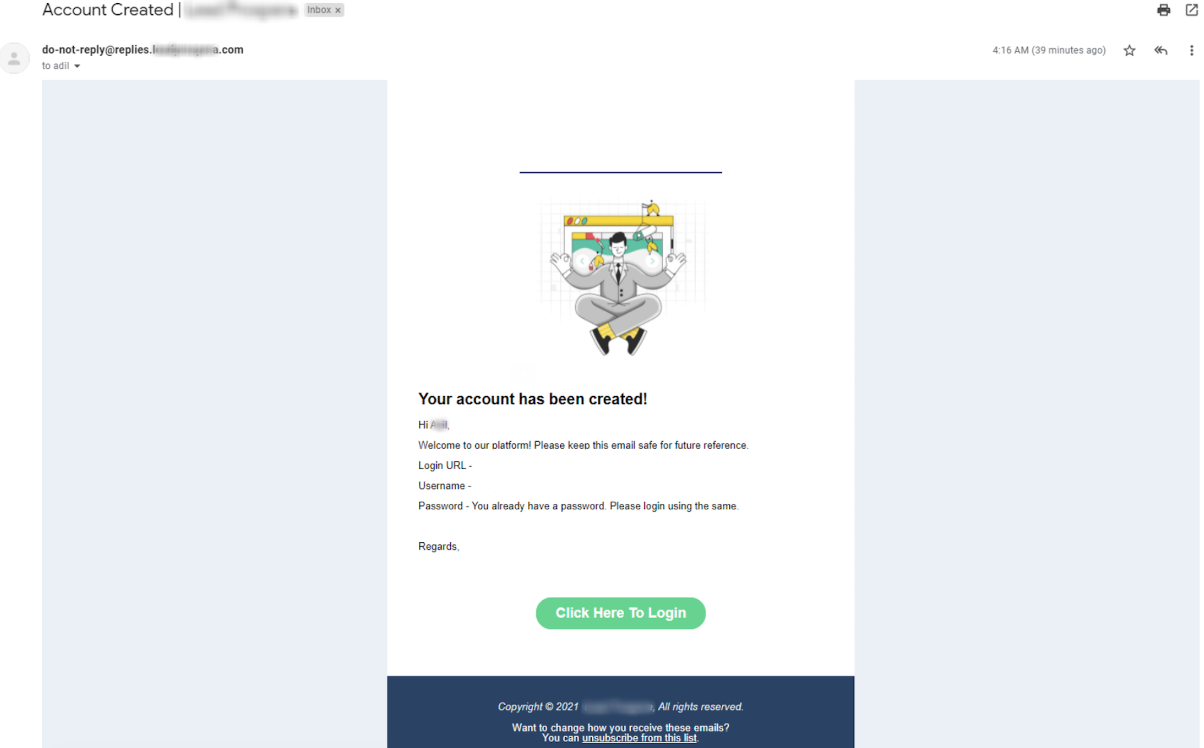
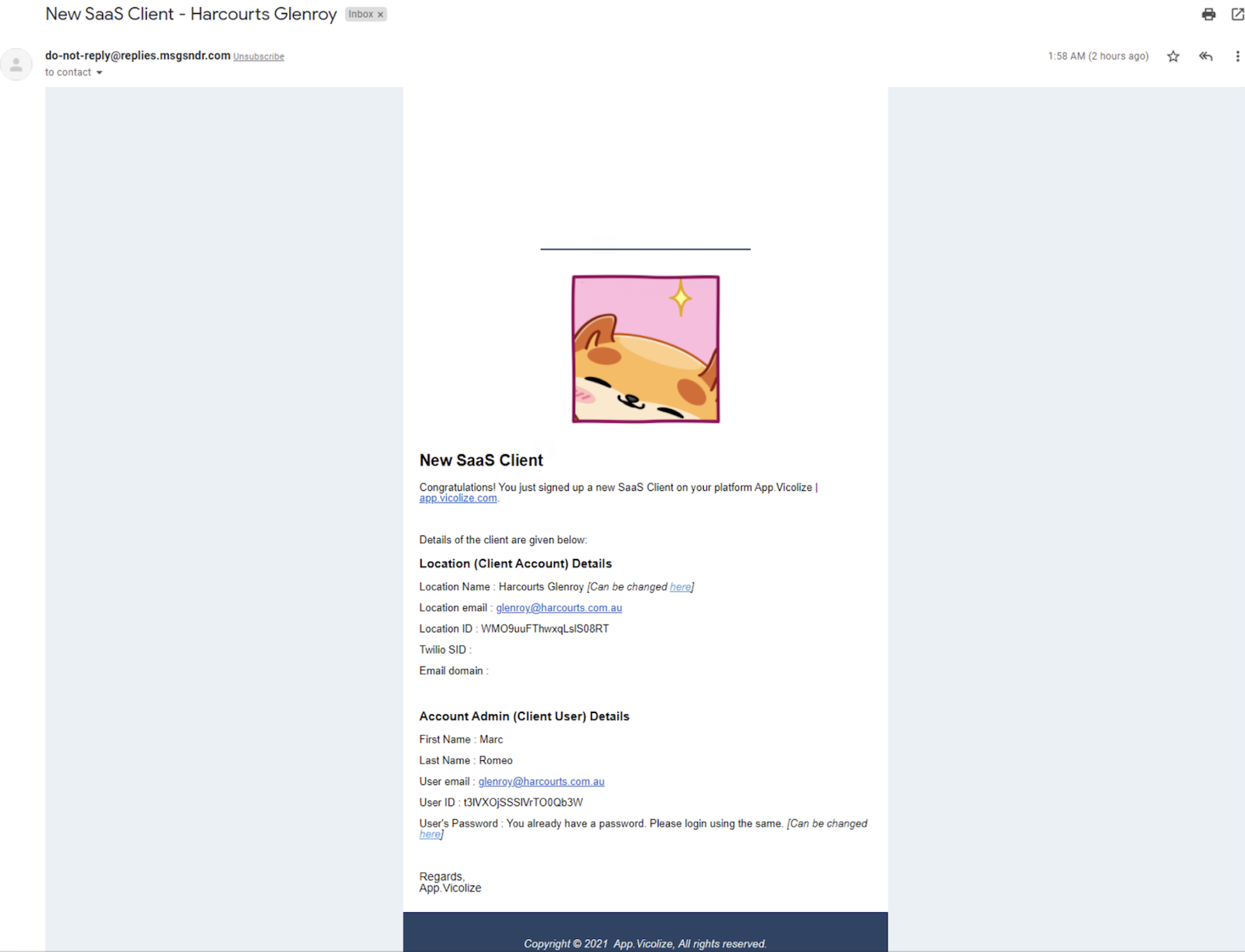
Sent to the agency when a SaaS plan signup occurs.
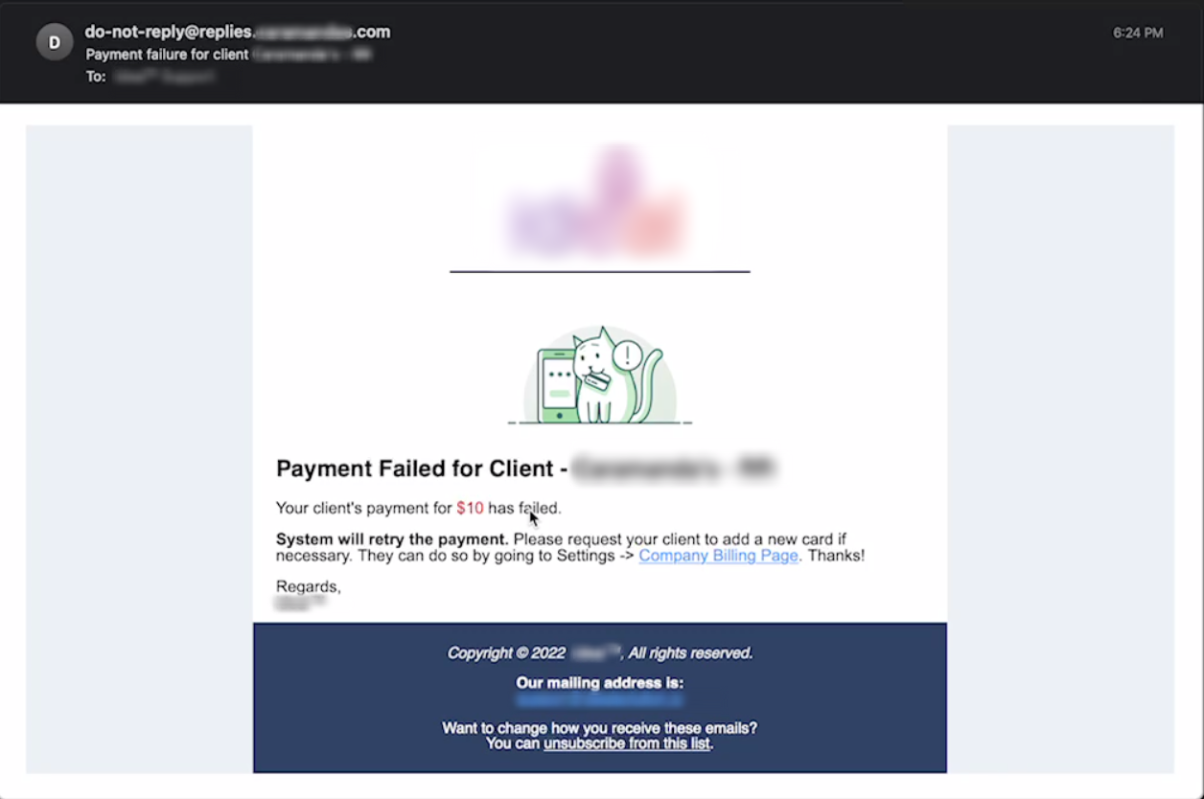
Sent to the agency when a client's recurring SaaS payment fails to process.
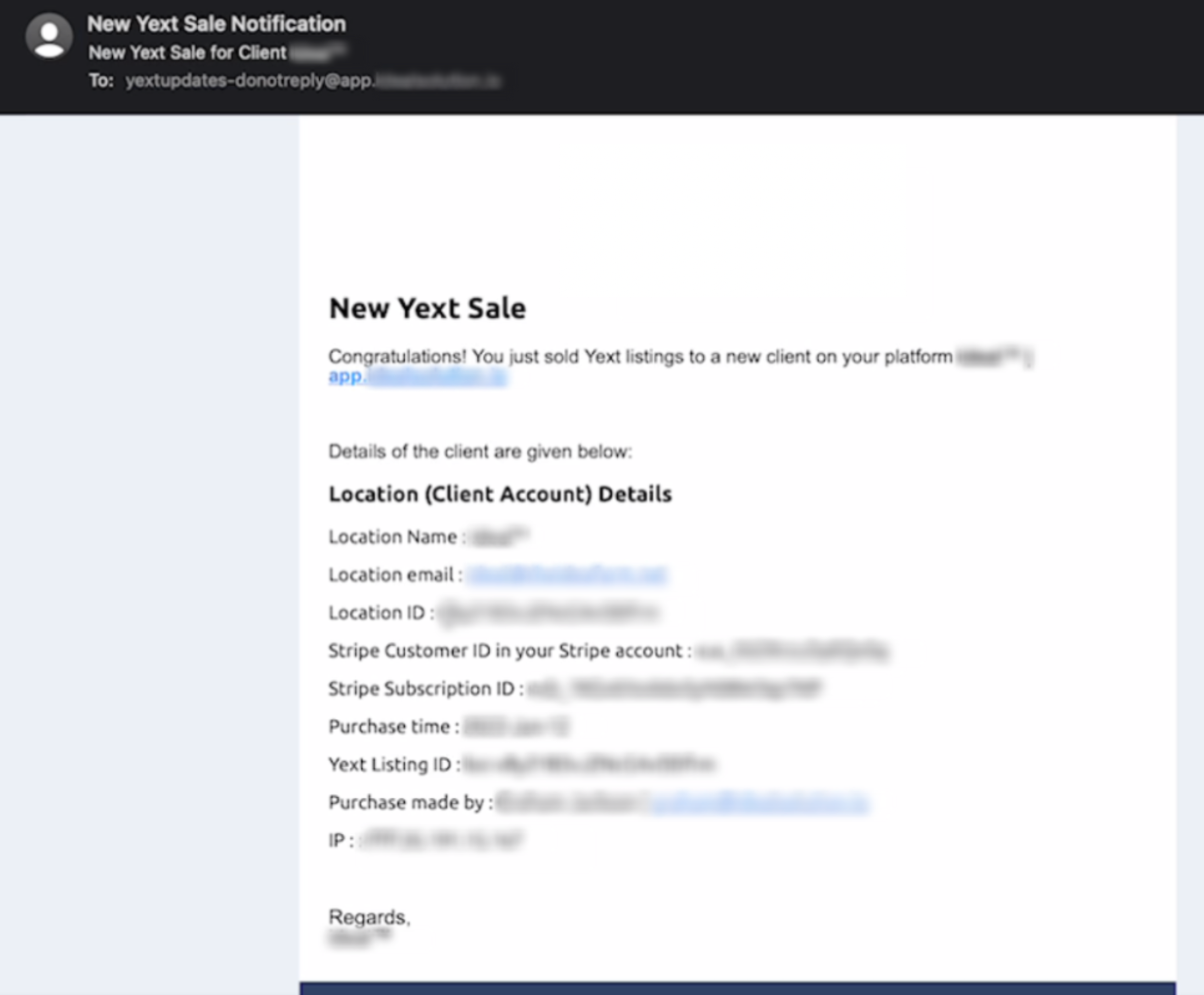
Internal-only notification sent to the agency when a YEXT listing service is purchased.
A2P & Toll Free Verification Notifications
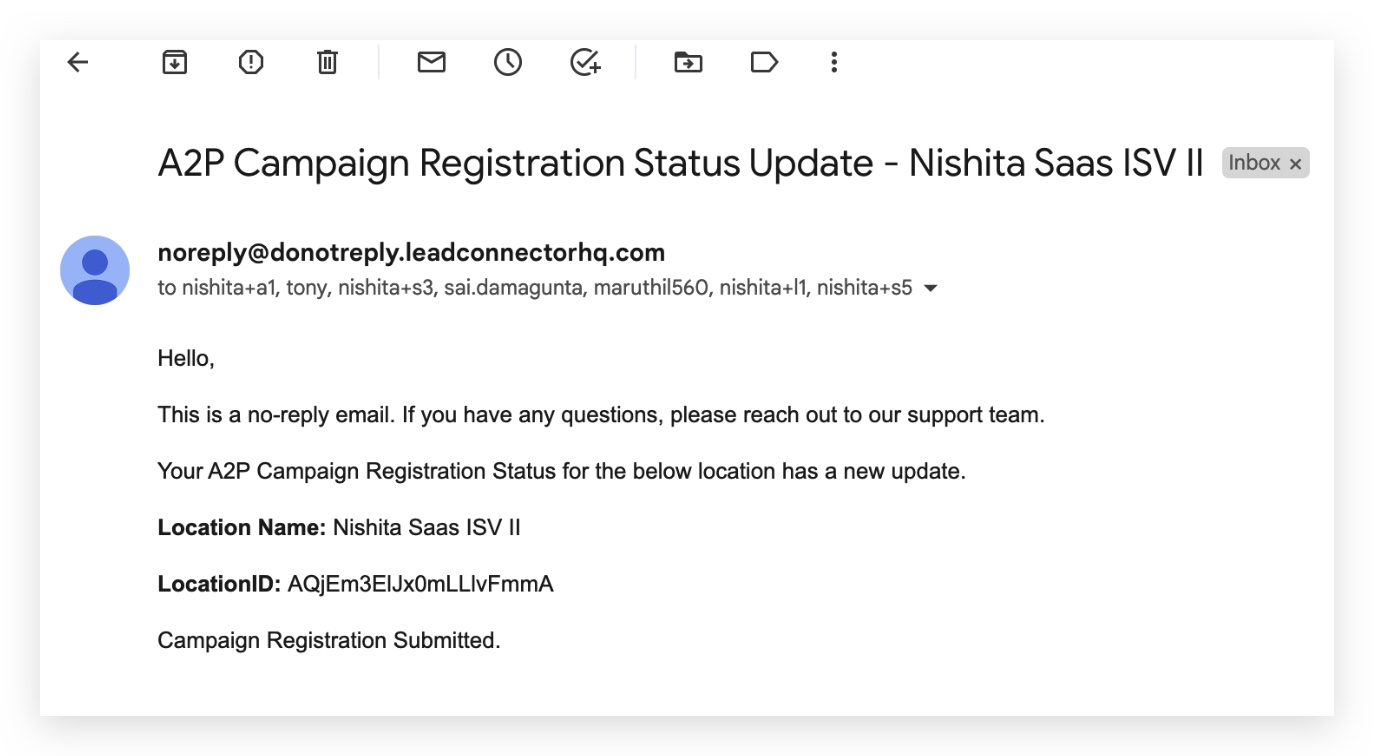
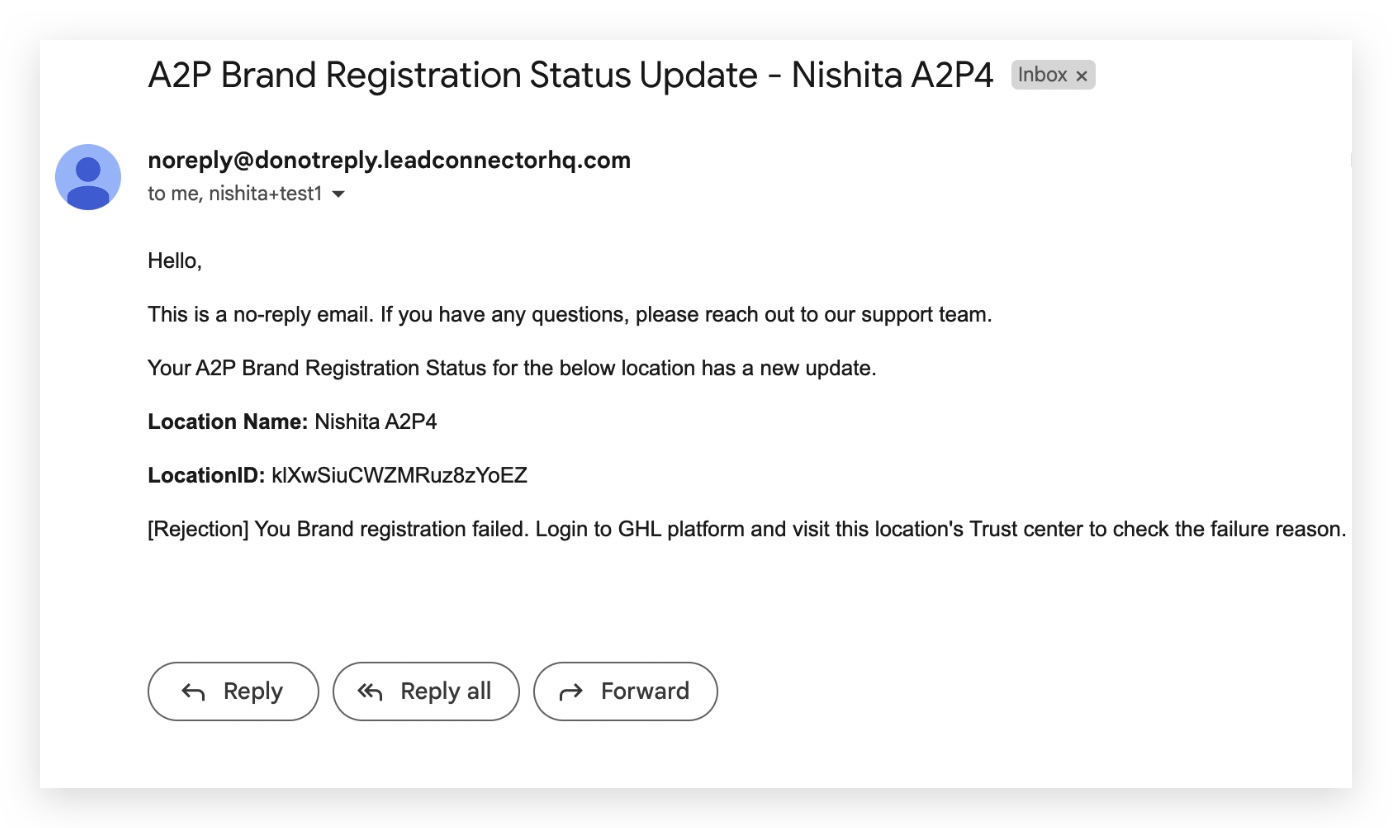
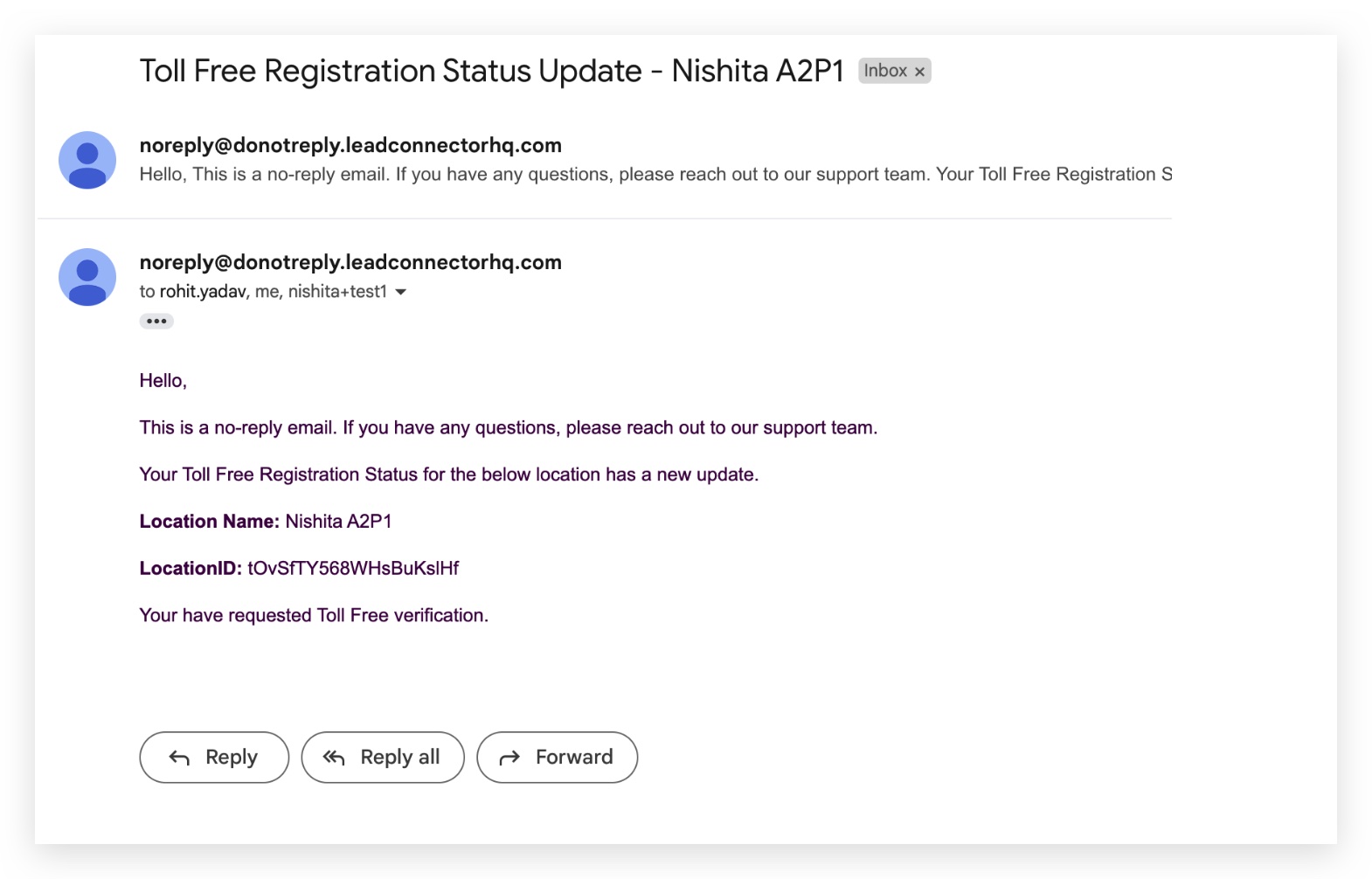
A2P and Toll Free registration status updates are emailed to the agency owner and admins, sent from noreply@donotreply.leadconnectorhq.com.
Notifications fire on these status updates from the carriers: