
Chat To Clients CRM Listings
Chat To Clients CRM Listings allows businesses to manage their local SEO by publishing consistent business information across multiple directories, including Google, Yelp, and Bing. This article explains how to activate, resell, and manage Listings directly within the Chat To Clients CRM platform.
TABLE OF CONTENTS
- What is Chat To Clients CRM Listings?
- Key Benefits of Chat To Clients CRM Listings
- Cost
- Getting Started
- What It Will Look Like
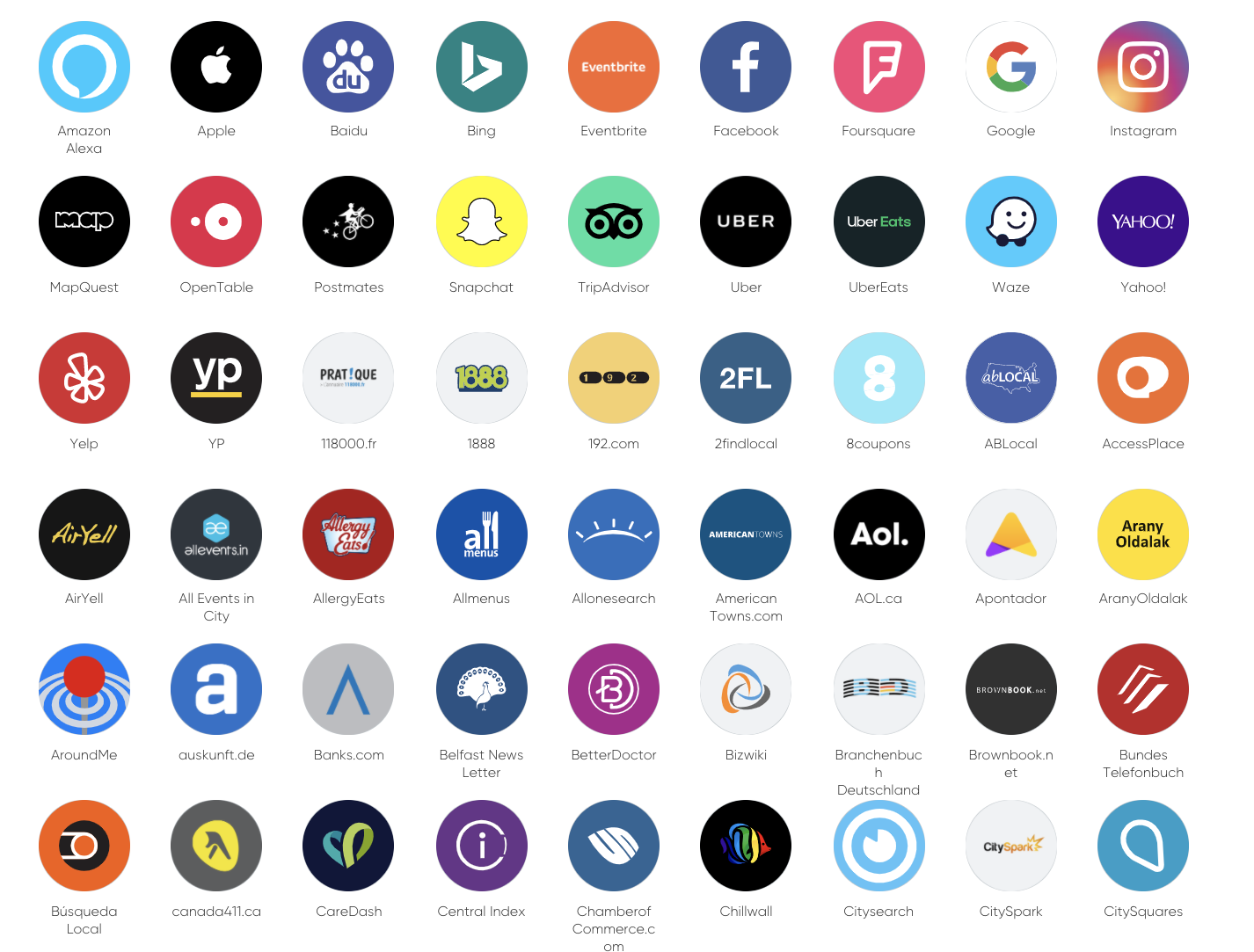
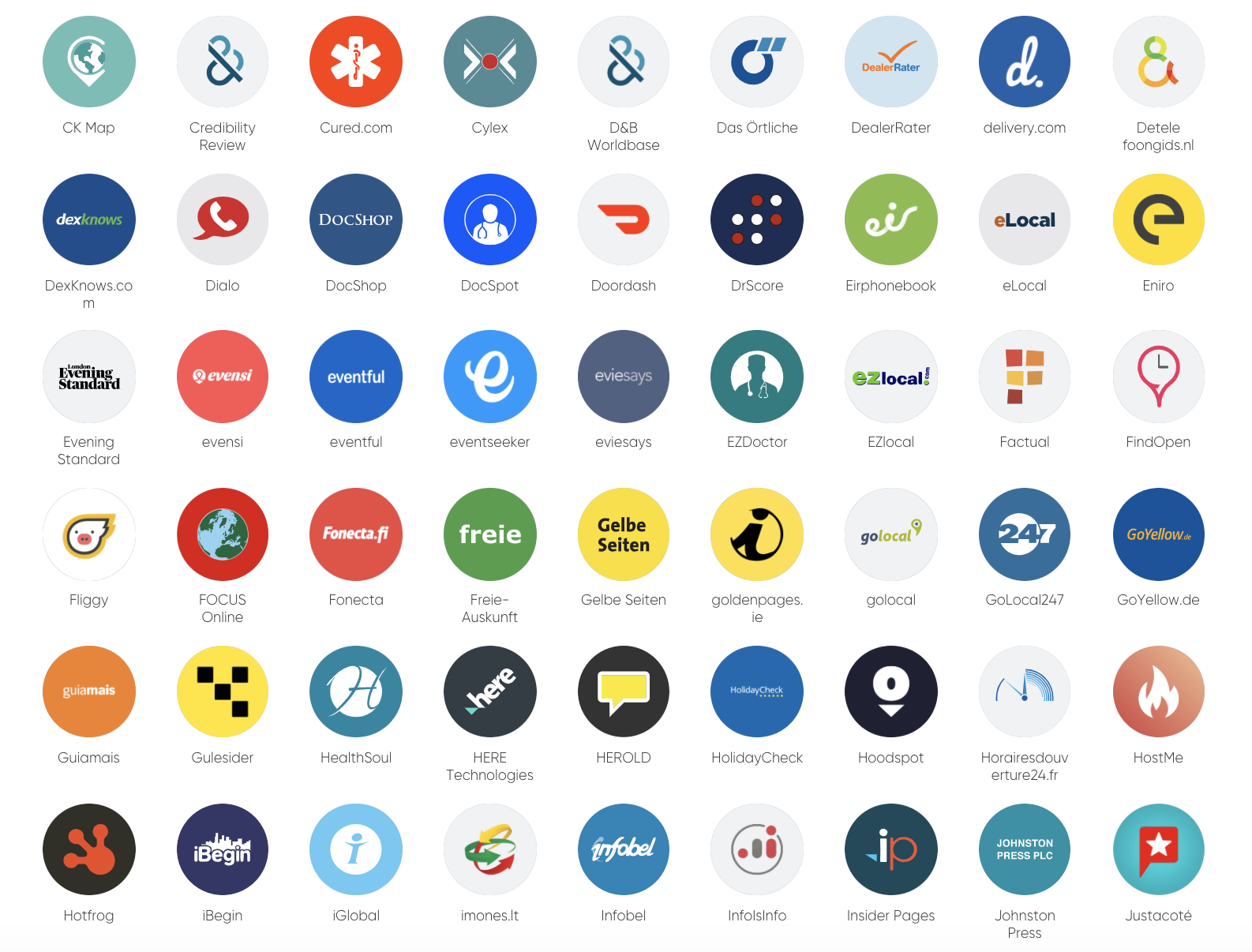
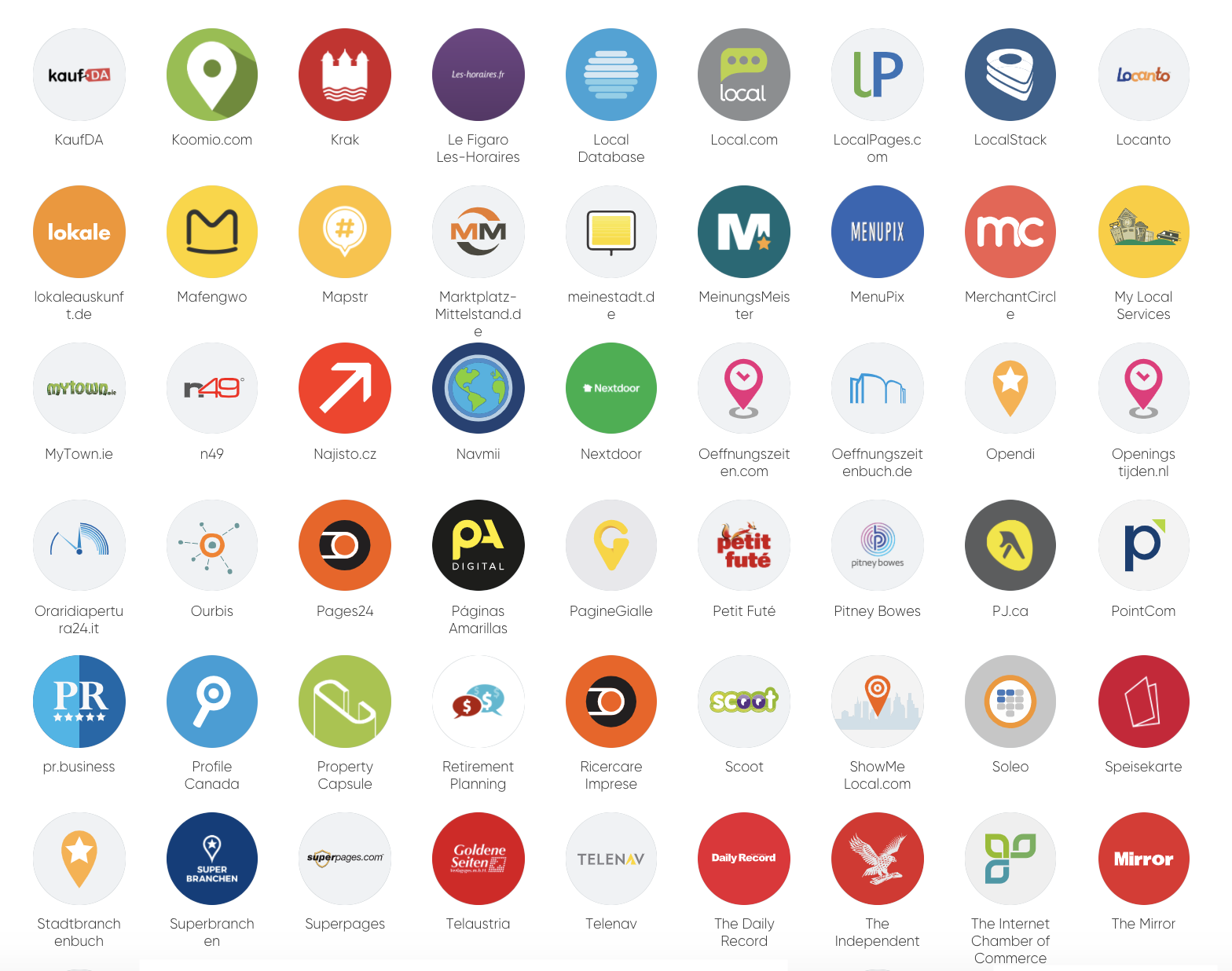
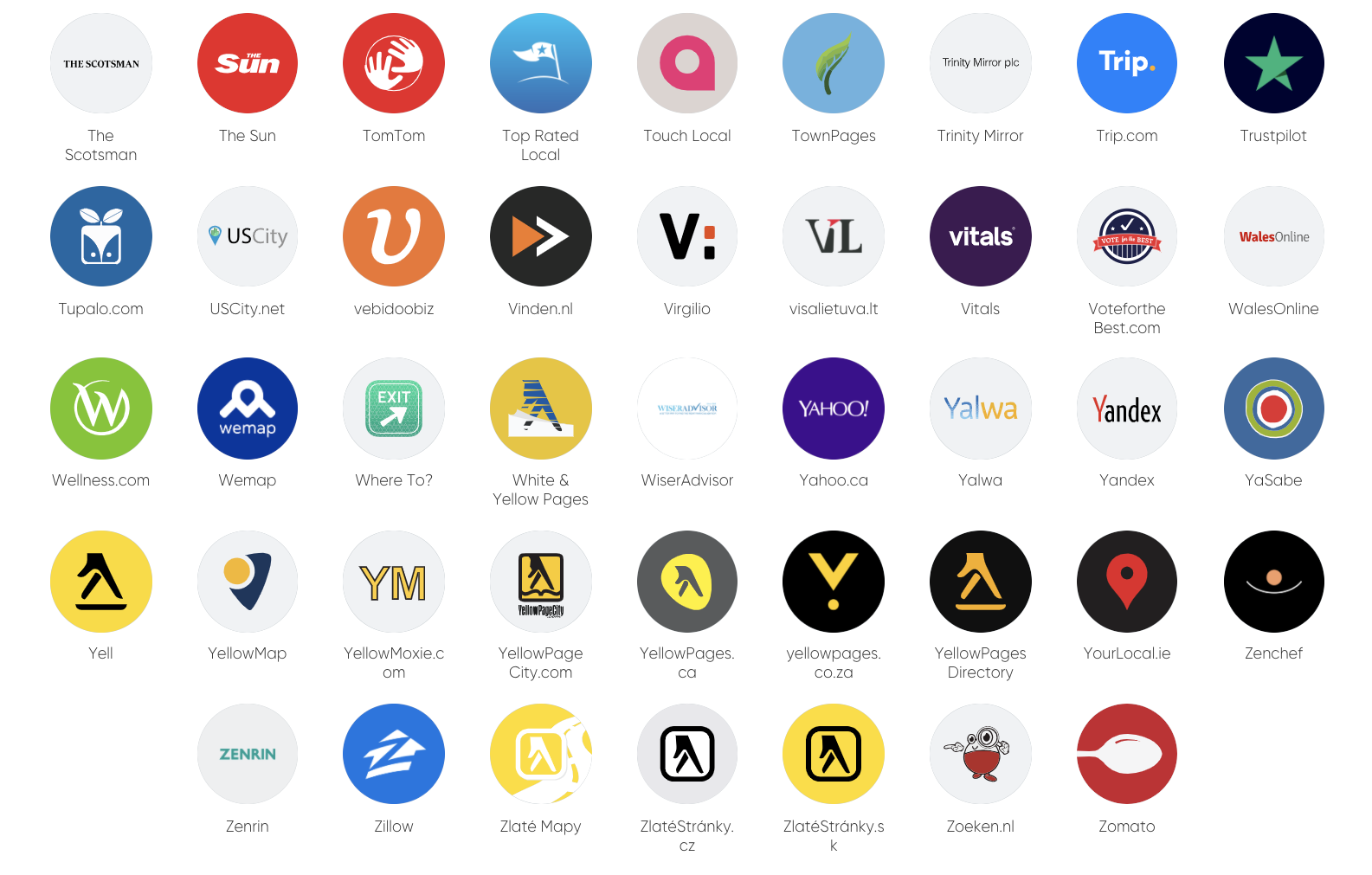
- Listing Sources
- Frequently Asked Questions
- Related Articles
What is Chat To Clients CRM Listings?
Chat To Clients CRM Listings is a local SEO platform integrated into the Chat To Clients CRM ecosystem. It enables agencies and businesses to sync accurate business information across multiple online directories—like Google, Bing, Yelp, and more—ensuring greater visibility and local search accuracy. Keeping business information consistent across online directories is crucial for SEO and customer trust. Chat To Clients CRM Listings centralizes this process, enabling agencies to manage and resell listing control while maintaining brand presence across multiple platforms from a single dashboard.
Key Benefits of Chat To Clients CRM Listings
Chat To Clients CRM Listings enhances online visibility and simplifies the management of business data across multiple platforms. This feature is especially beneficial for agencies looking to offer a value-added SEO service.
Publish consistent business info across multiple platforms
Increase local search rankings and customer trust
Instantly push updates to all directories
Agencies can resell with markup and manage billing via Stripe
Customize by location or offer packages
Review and manage public suggestions from publishers
Cost
Chat To Clients CRM Listings offers flexible subscription options to suit different business needs and cash flow preferences.
Monthly Plan
Smart Saver Plan (6 months)
Annual Advantage Plan (Yearly)
Click here to view pricing details for each plan.
These options allow agencies and their clients to choose the most convenient billing cycle. You can resell Listings by setting your own pricing tiers through the SaaS Configurator using Stripe.
Getting Started
To add Listings to your client's accounts, log into your Agency Chat To Clients CRM account, select the Marketplace from the left-hand sidebar, then click the "Find Out More" button under Listings Manager.
What It Will Look Like
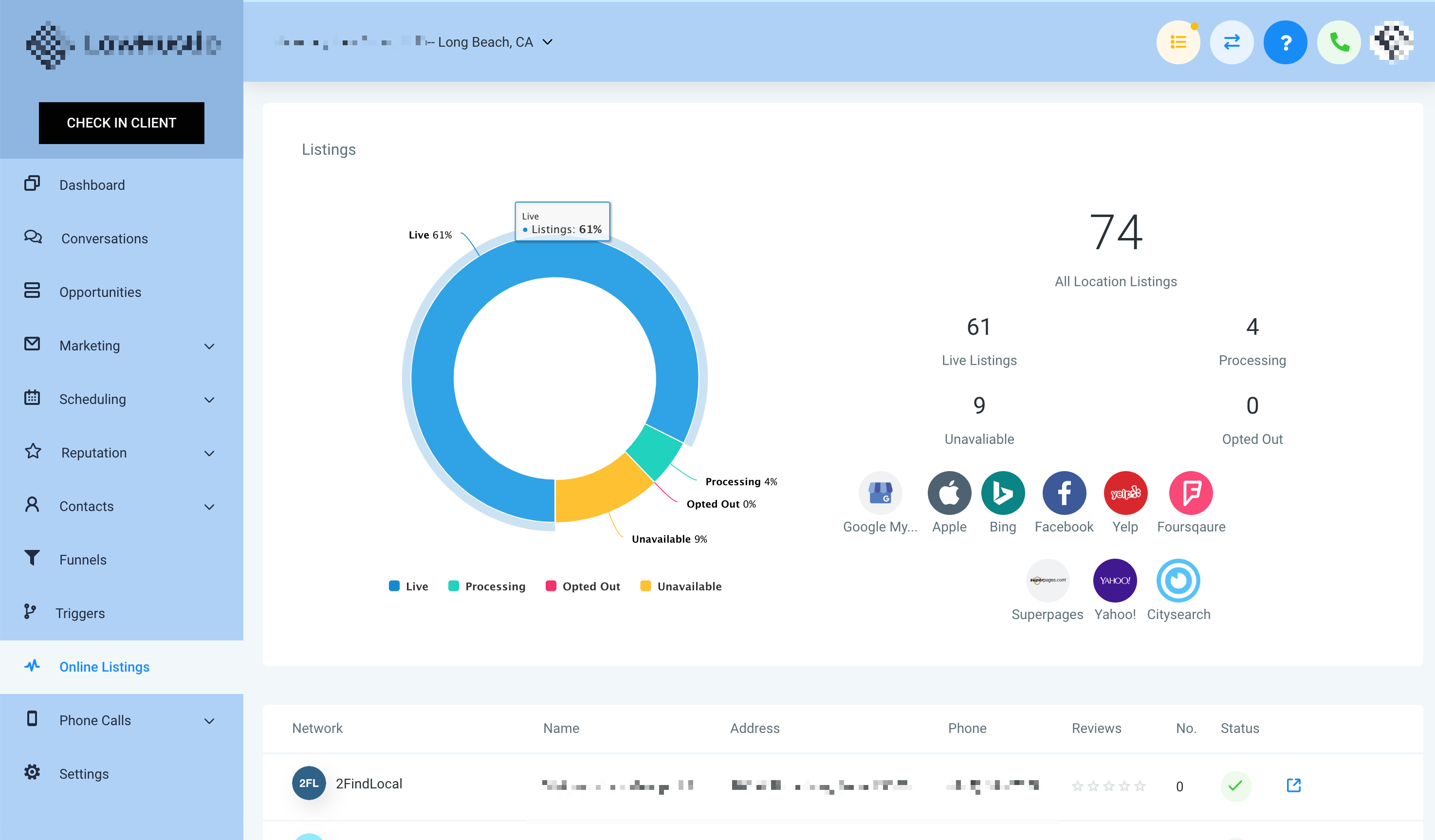
Once enabled for a location, the Listings tab on the left-hand side of the location account will look like this:
Listing Sources
Frequently Asked Questions
Q: Can I set my own price when re-selling Listings?
Yes! Use Stripe SaaS config to set any markup price you want.
Q: What happens if my client cancels Listings?
Listings will stop syncing across publishers and show as canceled.
Q: Can clients access the Listings Dashboard?
Yes. Once activated, clients can log in to manage suggestions and updates.