
Connect Multiple Facebook Pages to Chat To Clients CRM Sub-account
We are excited to announce the release of one of the most asked integration features - connecting multiple Facebook pages.
TABLE OF CONTENTS
What's new?
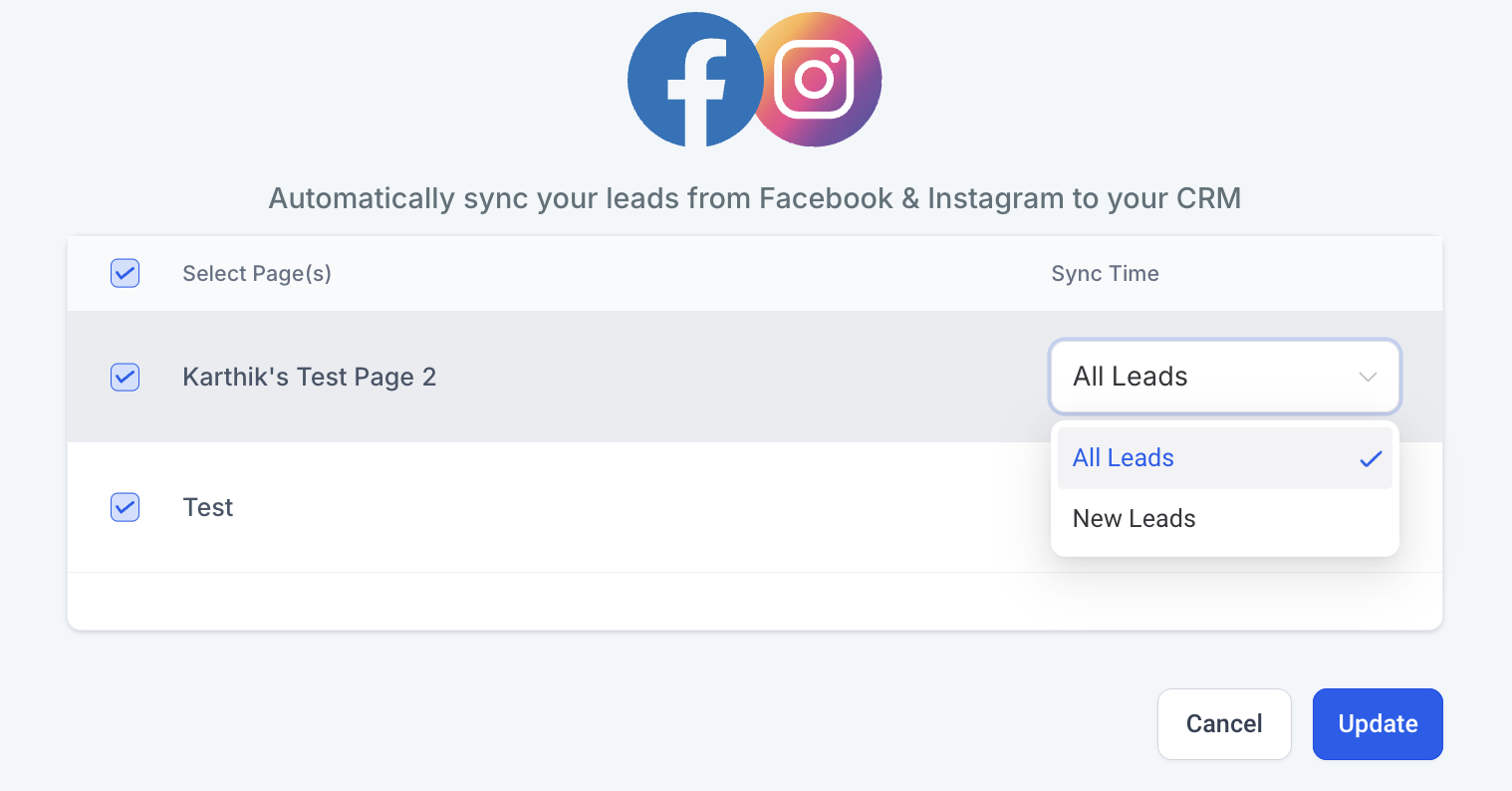
- Leads Sync: Sync leads automatically from Facebook Lead Ads across multiple pages with clear attribution to the source
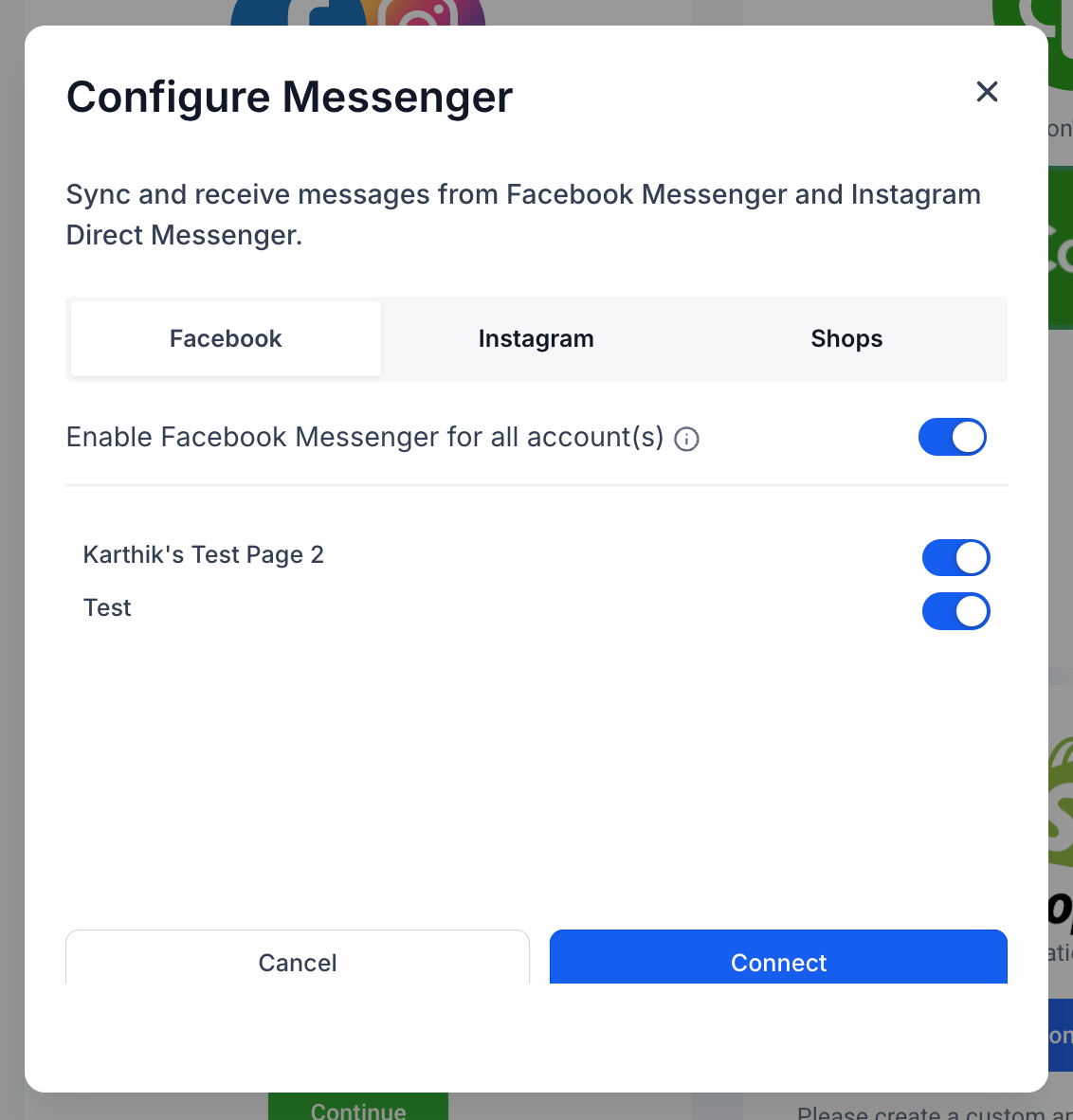
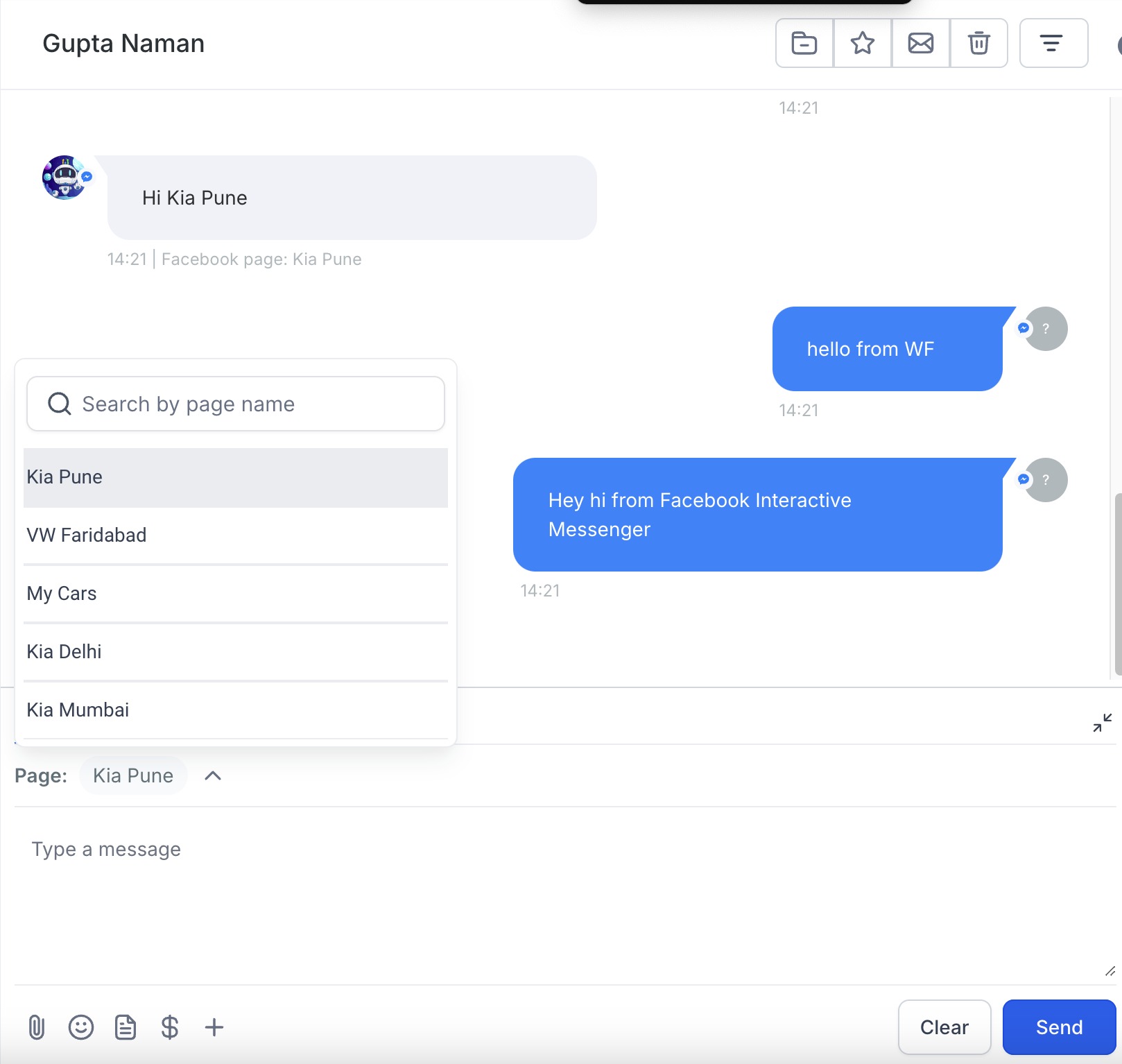
- Conversations: Chat with customers across multiple Facebook pages using Facebook and Instagram chat integrations
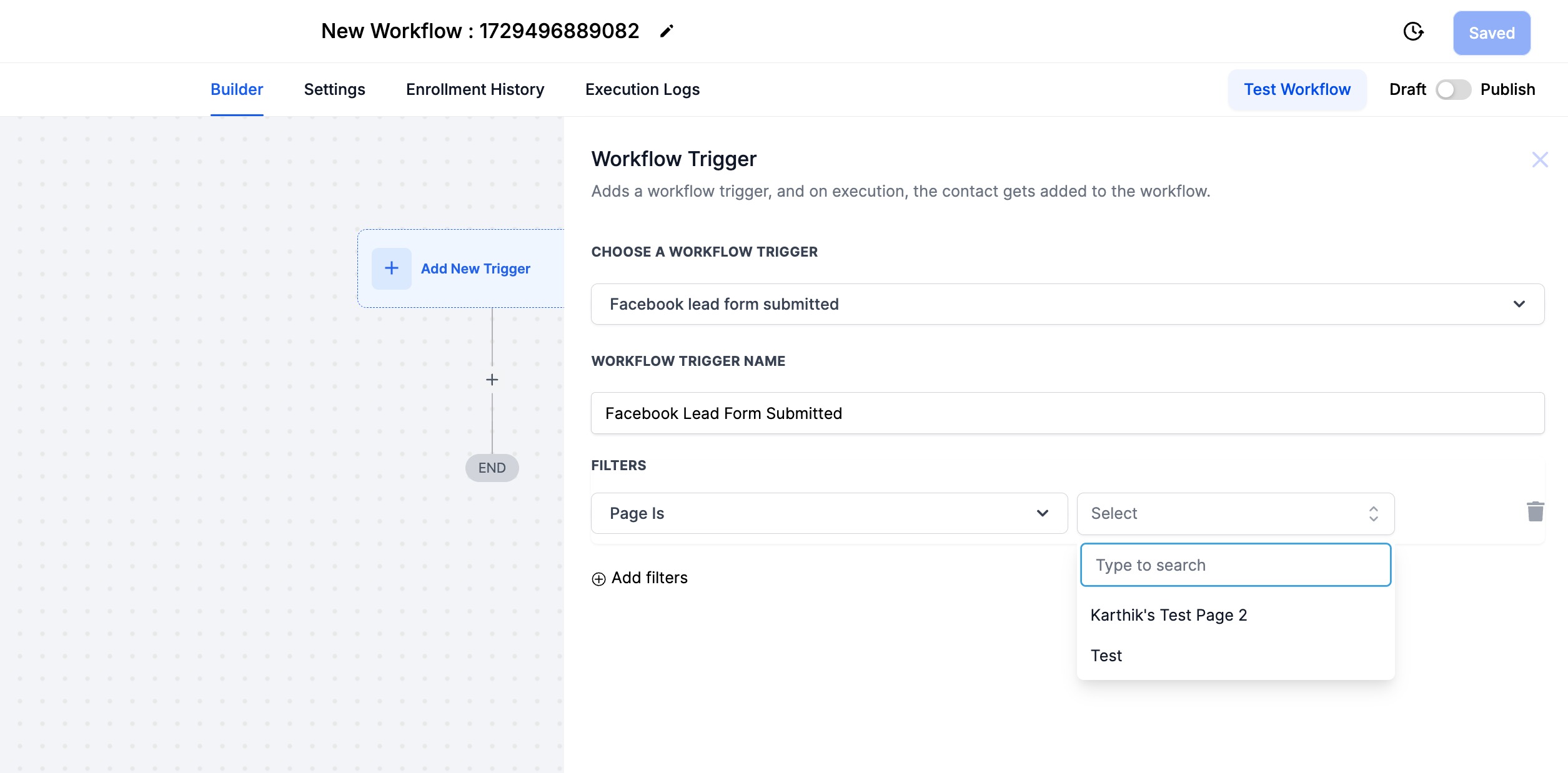
- Automation: Build customised workflows to automate customer engagement across multiple Facebook pages
- Reputation: Manage reviews and your review responses across multiple Facebook pages
Why is this feature important?
This was one of the most asked Integration features on Canny, with 800+ votes. This feature will enable customers across a spectrum of use-cases - SMBs managing multiple outlets, to influencers managing multiple fan pages.
Coming soon:
- Mobile App: The Chat To Clients CRM mobile app currently does not support conversations across multiple Facebook pages.
- Conversation AI: Conversation AI currently does not support auto-response to messages across multiple Facebook pages.
Troubleshooting: Facebook Page Not Showing
If the Facebook page you want to connect does not appear in the list during setup, it is typically due to permission or access issues.
Important: Facebook pages are made available based on the permissions of the Facebook user account you connect. Chat To Clients CRM does not connect directly to Facebook Business Manager or Ad Accounts.
Check the following:
Ensure you have Admin access to the Facebook Page (not just Editor or partial access)
Confirm you are logged into the correct Facebook profile connecting
During the connection step, make sure you grant all requested permissions
If access was recently updated, try disconnecting and reconnecting Facebook in Settings → Integrations
For a complete step-by-step troubleshooting guide (including Chat To Clients CRM permissions, Business Manager settings, and lead access issues), refer to: