Ad Manager: Clone a campaign
The ability to clone a campaign can be highly beneficial and it is discussed in detail in the following section.
TABLE OF CONTENTS
What are the benefits of cloning a campaign?
When you clone a campaign, you create an exact copy of an existing campaign, allowing you to quickly replicate its structure, settings, and creative elements. Here are the key advantages of cloning an ad campaign:
1. Time and Effort Saving
- Quick Duplication: Cloning an existing campaign allows you to avoid setting up a new campaign from scratch. All the settings, targeting, and creatives are copied over, saving you significant time.
- Speeding Up Testing: If you are A/B testing different audiences, locations or creatives, cloning lets you quickly set up variations without having to manually adjust each element.
2. Consistency in Settings and Structure
- Uniformity: Cloning ensures that your new campaigns have the same structure, budget allocation, and optimisation settings as the original. This consistency is crucial when you're scaling campaigns or want to maintain a similar campaign setup.
- Maintain Proven Success: If a campaign has been performing well, cloning it helps to maintain the same settings and configurations, increasing the likelihood of replicating its success.
3. Easier Campaign Scaling
- Scaling Up: When you're ready to scale a successful campaign, cloning allows you to quickly increase your reach by duplicating it with slight tweaks. For example, you can duplicate the campaign to target new geographies, increase the budget, or adjust the audience without starting from scratch.
- Multiple Variants for Different Audiences: You can easily clone a campaign to create separate variations targeting different audiences, ad placements, or devices, without losing the overall structure of the original.
4. Simplified Multi-Country Campaigns
- Adapt for New Markets: If you are running campaigns across different countries or regions, cloning a campaign allows you to quickly adjust the targeting (location, language, currency, etc.) for each market without needing to create a campaign from scratch for each one.
- Localise Campaigns: You can clone campaigns and adjust the ad copy or creative to suit local preferences while keeping the campaign structure consistent.
5. Efficiency in Seasonal or Recurring Campaigns
- Replicate for Seasonal Promotions: For recurring events, holidays, or promotions (e.g., Black Friday, Christmas), cloning a previous campaign allows you to reuse the same creative and structure with minimal changes.
- Automated Campaign Updates: If you regularly run similar campaigns (like product launches or weekly sales), cloning helps you set up these campaigns faster, especially if they follow a similar schedule.
6. Easier Management and Tracking
- Compare Performance Across Clones: If you clone a campaign and make slight adjustments, you can easily compare how each version is performing, giving you insights into what works best and where to optimise.
- Maintain Campaign Structure: By cloning, you keep the overall hierarchy and campaign structure consistent, making it easier to manage multiple ad sets and ads within the same framework.
When to use campaign cloning?
- Scaling successful campaigns: If a campaign is performing well, cloning allows you to expand it without redoing everything from scratch.
- Testing different audiences: Clone the campaign to target different audience segments and evaluate performance.
- Replicating ads across multiple platforms or regions: Clone and modify campaigns to adapt them to new regions, countries, or platforms.
How to clone a campaign?
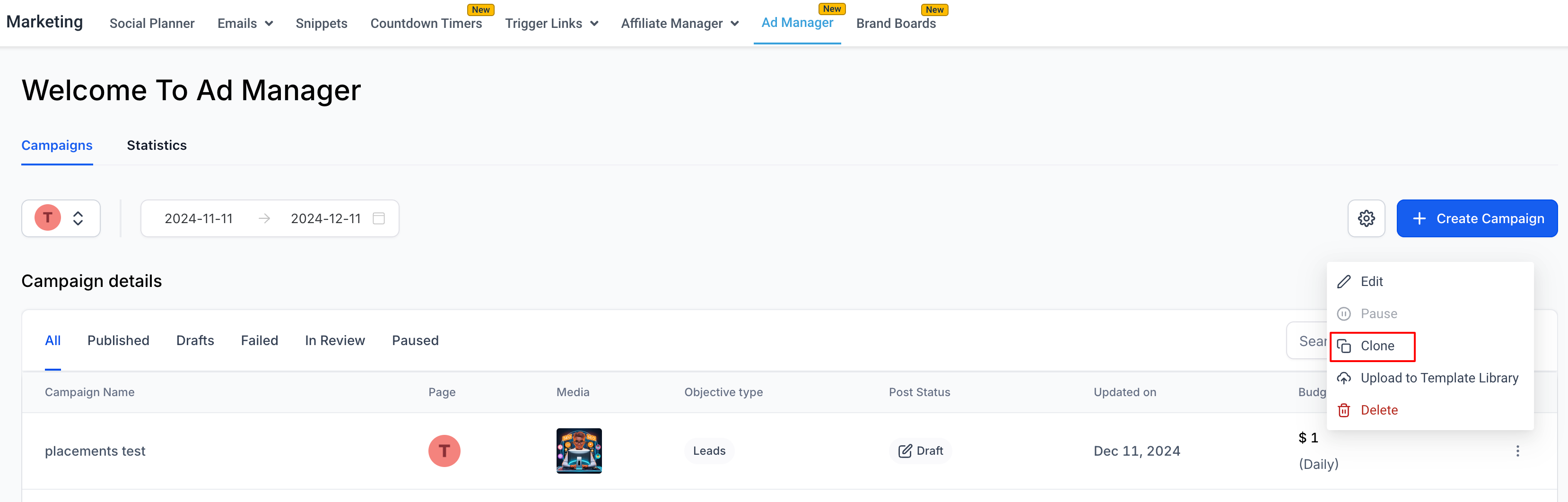
Click on the ellipses of the campaign you want to make a copy and select the option to 'Clone'.
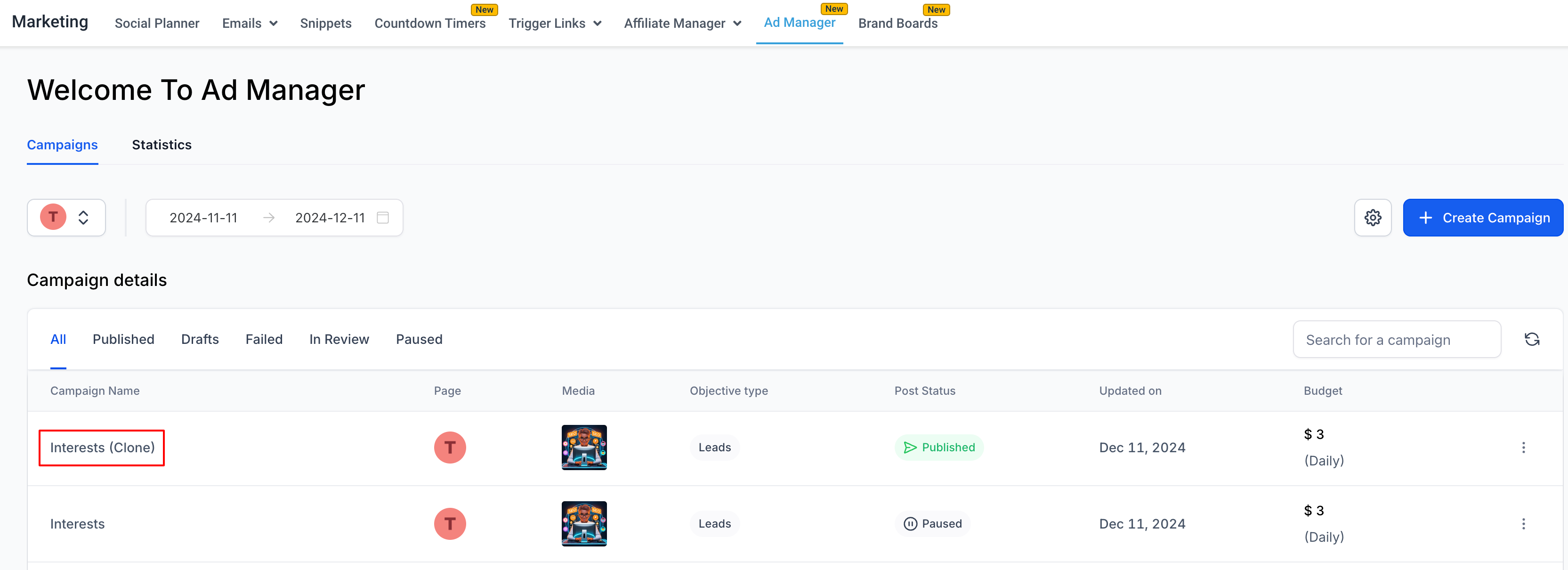
An exact replica of that campaign gets created at the top of the list with the campaign name suffixed with a "(clone)".