
Affiliate Manager: Improved Media Library
The Affiliate Manager Media Library lets account admins upload and organize media assets for affiliates. Media can be assigned to specific affiliate campaigns or made available across campaigns, helping affiliates access the resources relevant to the campaigns they promote.
Key Capabilities
- Centralized Media Management:Upload and manage affiliate campaign resources from the Media area in Affiliate Manager.
- Campaign-Specific Media:
Assign a media asset to a specific affiliate campaign or make it available across campaigns. Affiliates can access media resources available for the campaigns they are assigned to. - Copy and Download Media:
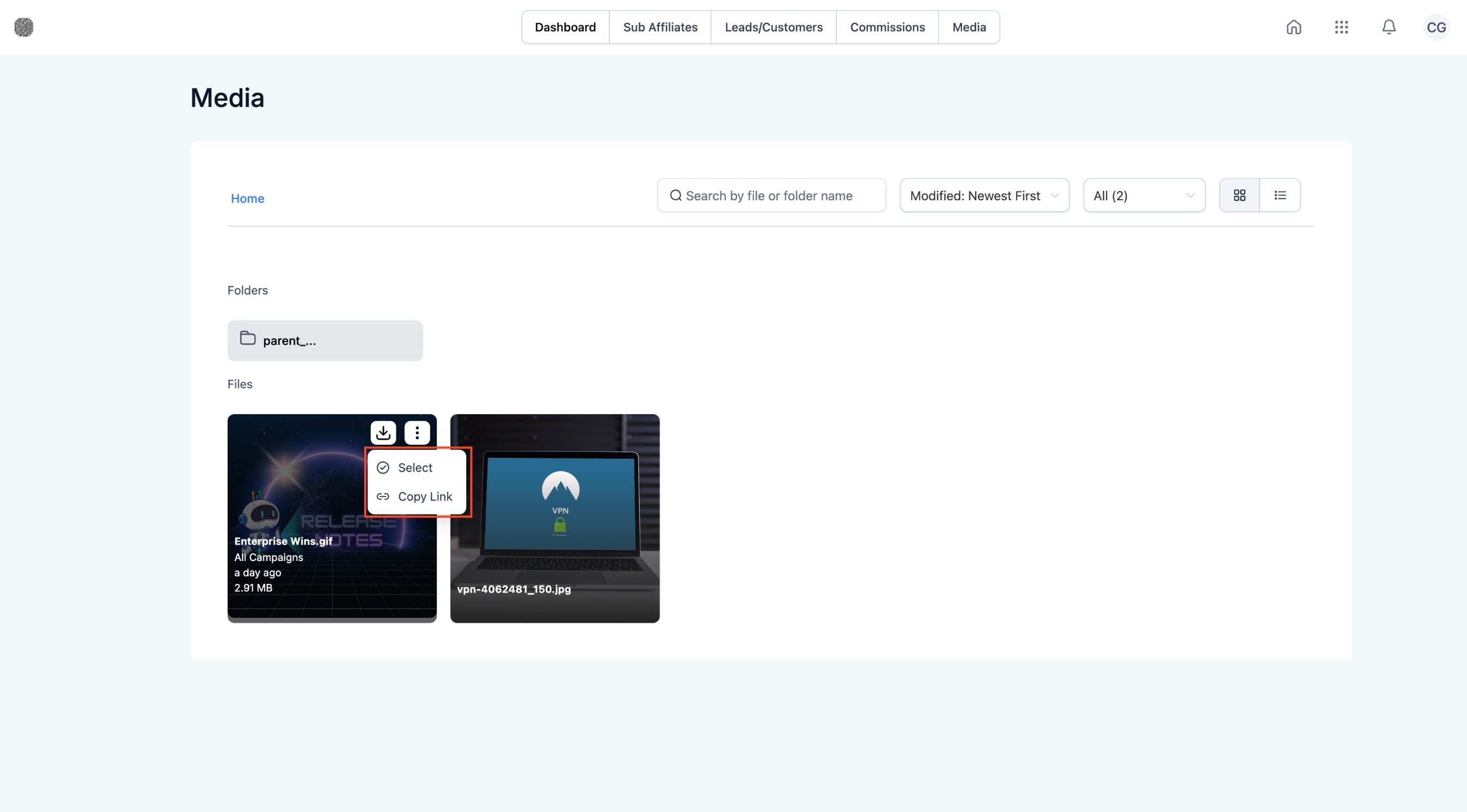
Affiliates can access available campaign media from the Media area of the Affiliate Portal and use supported copy or download actions for the assets available to them.
How It Works:
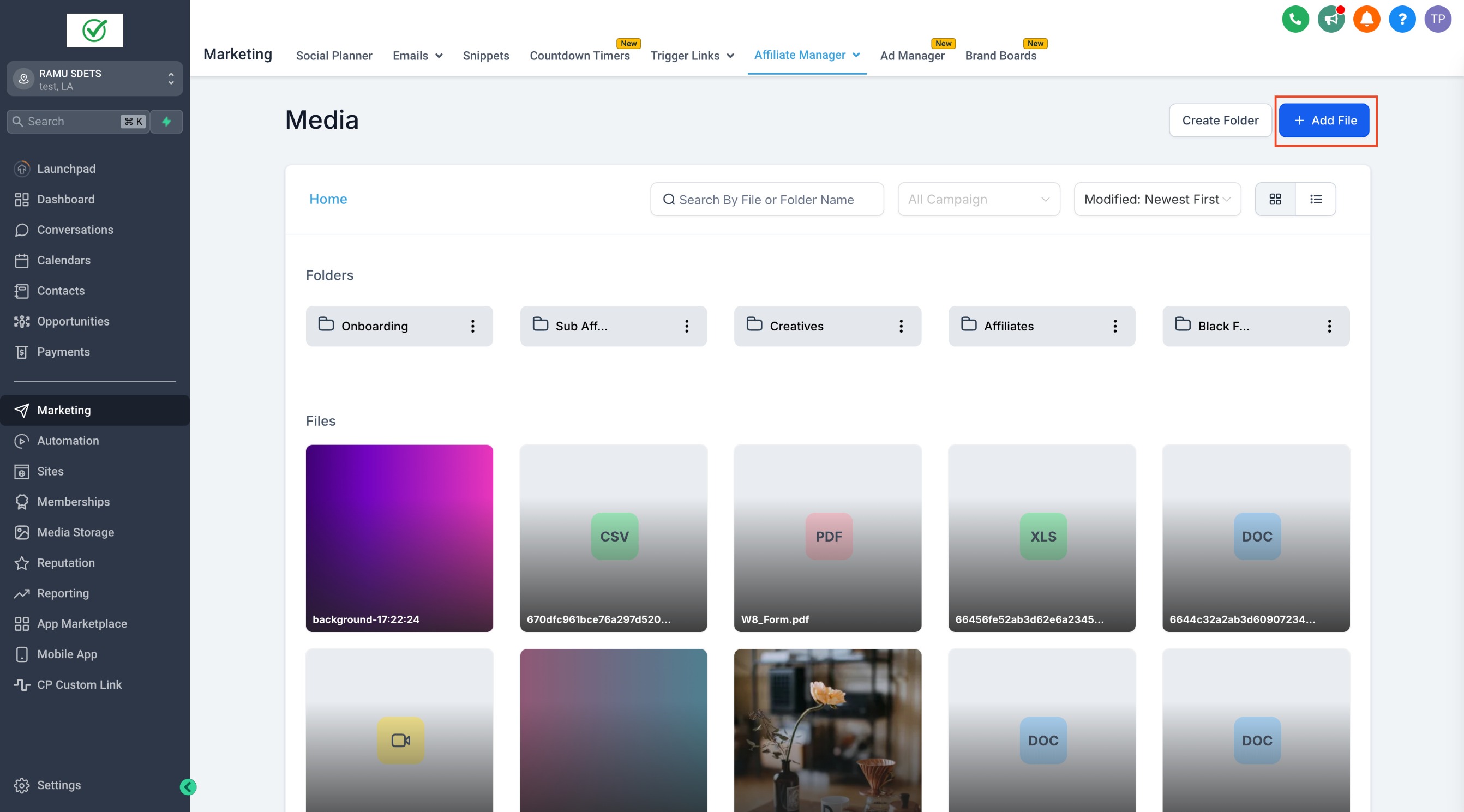
- From the sub-account, open Affiliate Manager, then select Media.
- Click "Add File" to upload a new media asset.
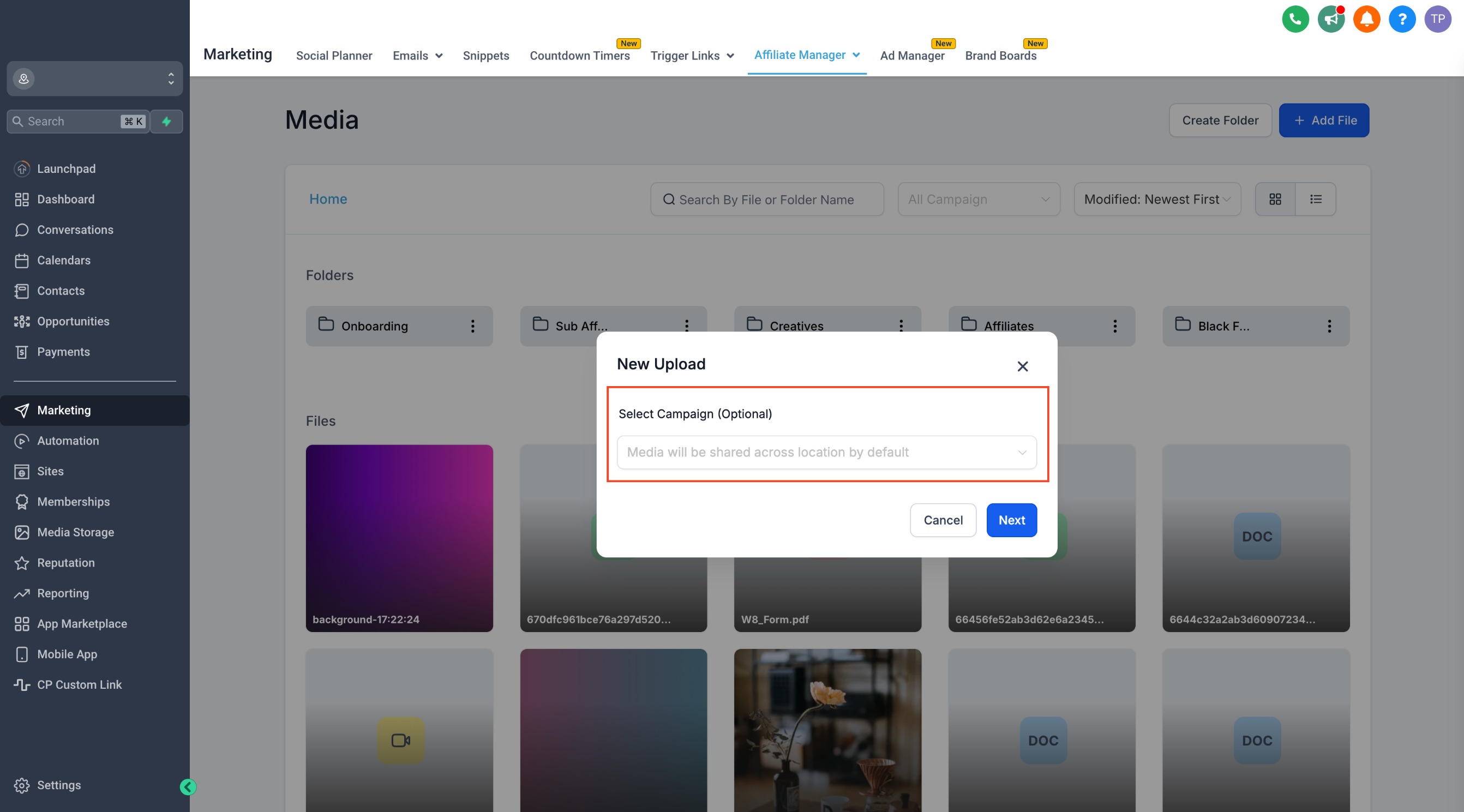
- Choose whether to link the media to a specific campaign or make it available across all campaigns.
- Save the media settings. Affiliates who have access to the applicable campaign can then view the available asset from the Media area of the Affiliate Portal.
Admin and Affiliate Experience
Account admins manage media from Affiliate Manager and control which campaign resources are available.
Affiliates access available resources from the Media area of the Affiliate Portal. The assets they can see depend on the campaigns they are assigned to and the media made available for those campaigns.
Note: Affiliates must be assigned to the applicable campaign before they can access campaign-specific resources in the Affiliate Portal.
Why it Matters:
- Improved Efficiency:Managing media assets is now faster and simpler, reducing the time spent on organizing files and ensuring affiliates get what they need quickly.
- Targeted Media Access:By linking media to specific campaigns, you ensure that affiliates only see the assets relevant to their campaigns, preventing confusion and enhancing productivity.
- Enhanced Affiliate Experience:With easy download and copy actions, affiliates can access and share media effortlessly, improving their workflow.
Frequently Asked Questions
Where can affiliates find campaign media?
Affiliates can access available media resources from the Media area of the Affiliate Portal. Available assets depend on the campaigns they are assigned to and the media made available by the account admin.
Can media be shared across multiple affiliate campaigns?
Yes. Media can be assigned to a specific affiliate campaign or made available across campaigns, depending on how the asset is configured.