How to add customer login in Ecommerce stores to view order details and past orders?
About:
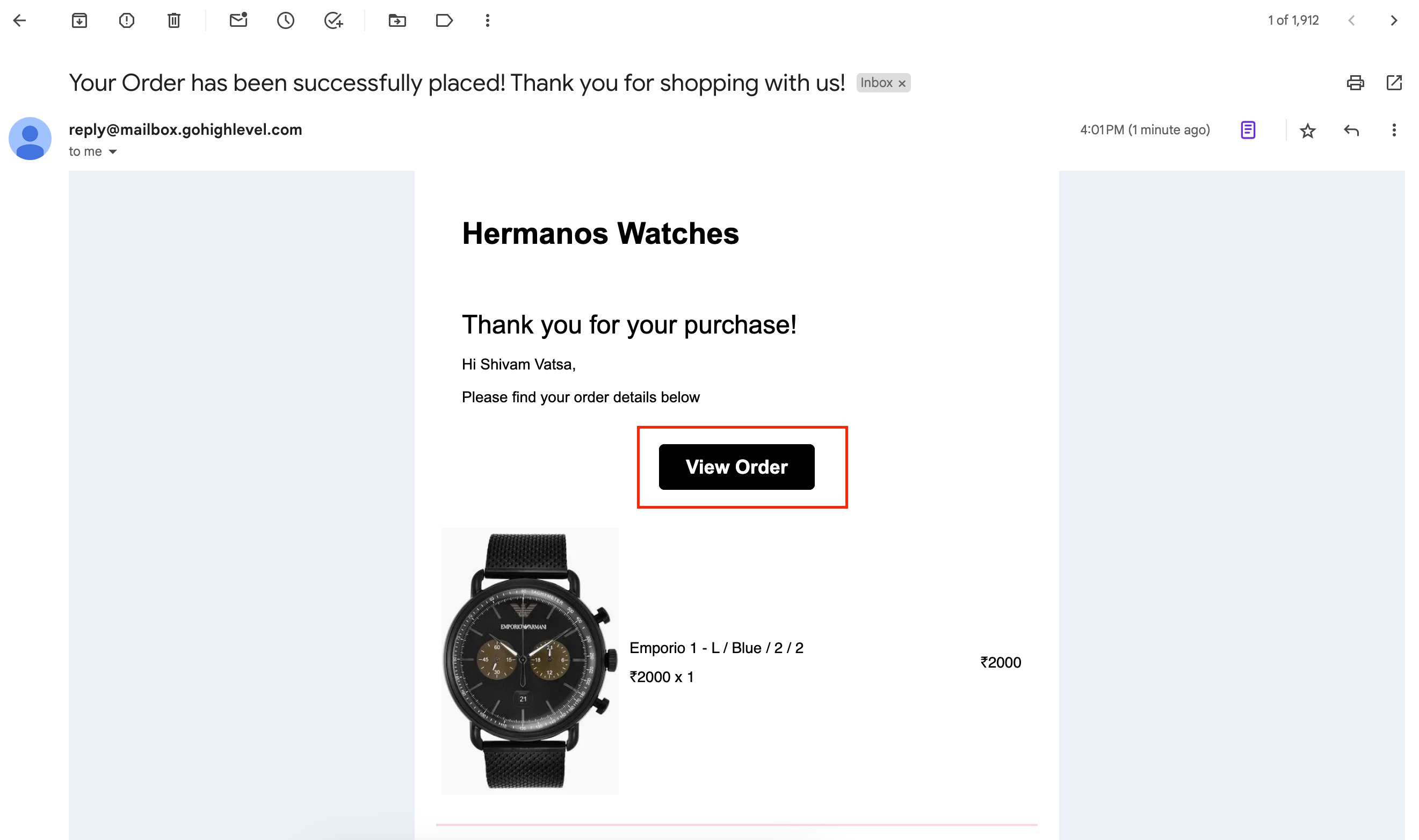
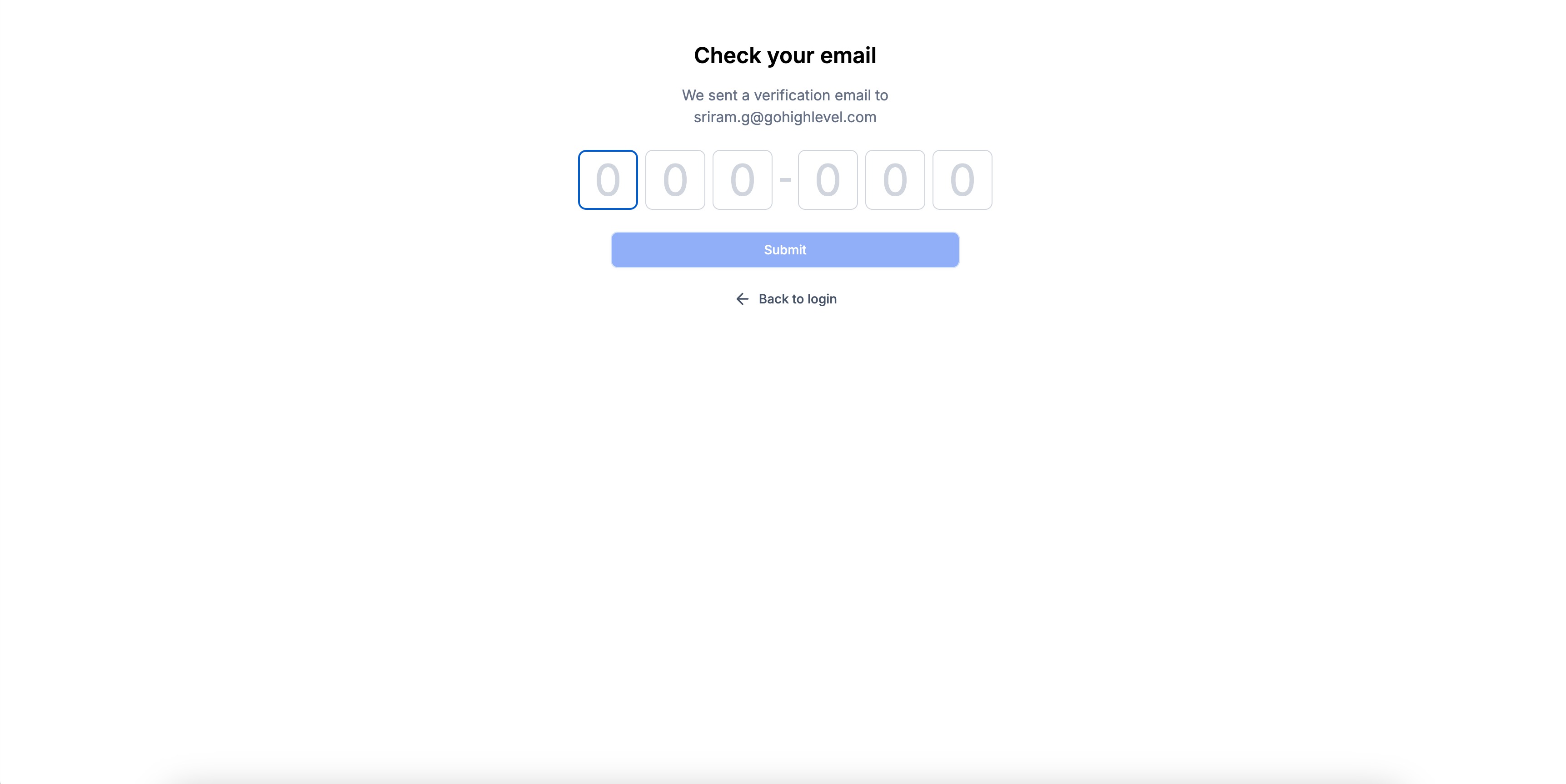
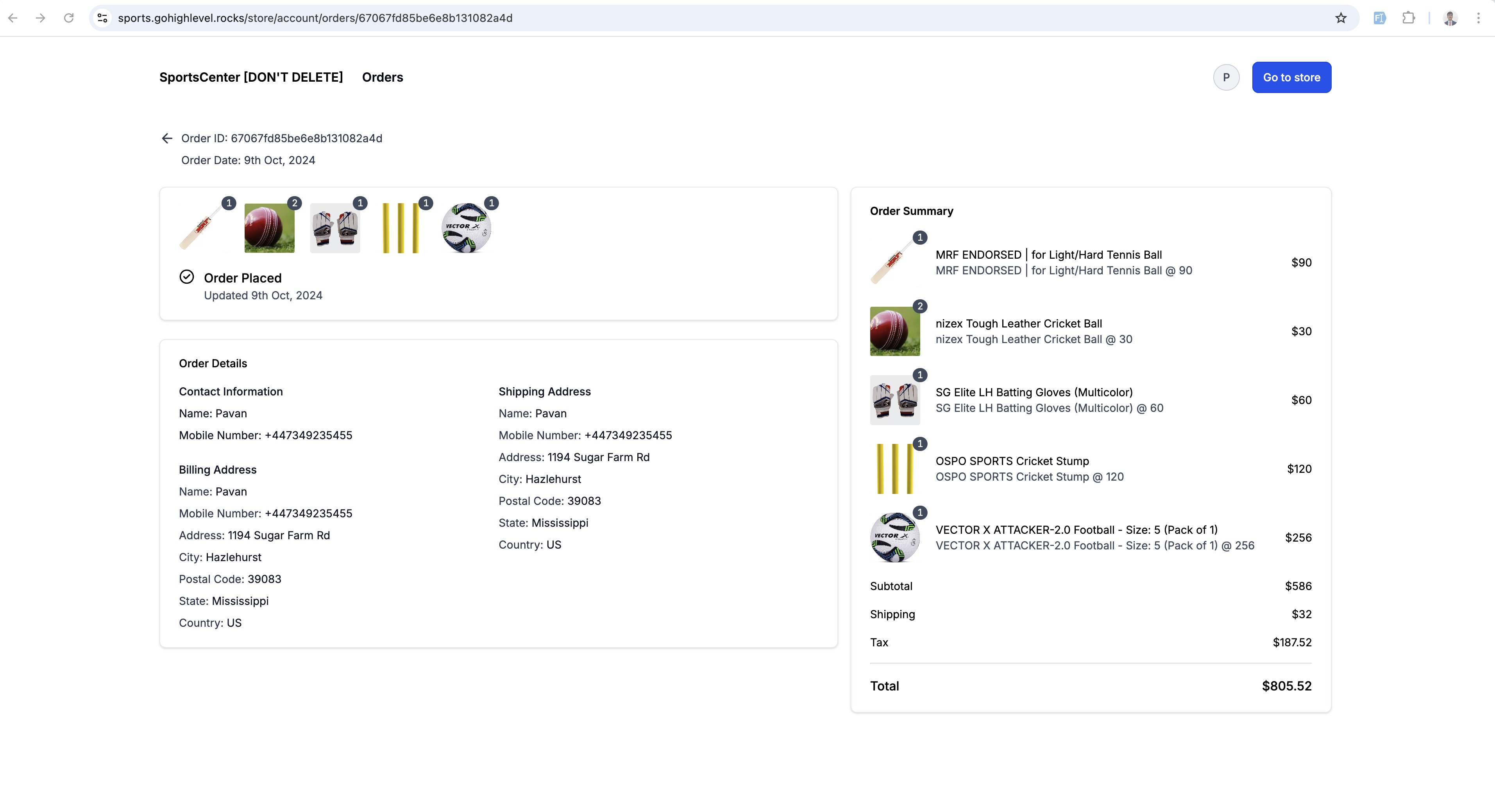
Store owners can now allow their customers to view their current order details along with the ability to view past order details. Customers will receive an order confirmation email which will have button through which they can access the customer access center by login via OTP verification.
How to use:
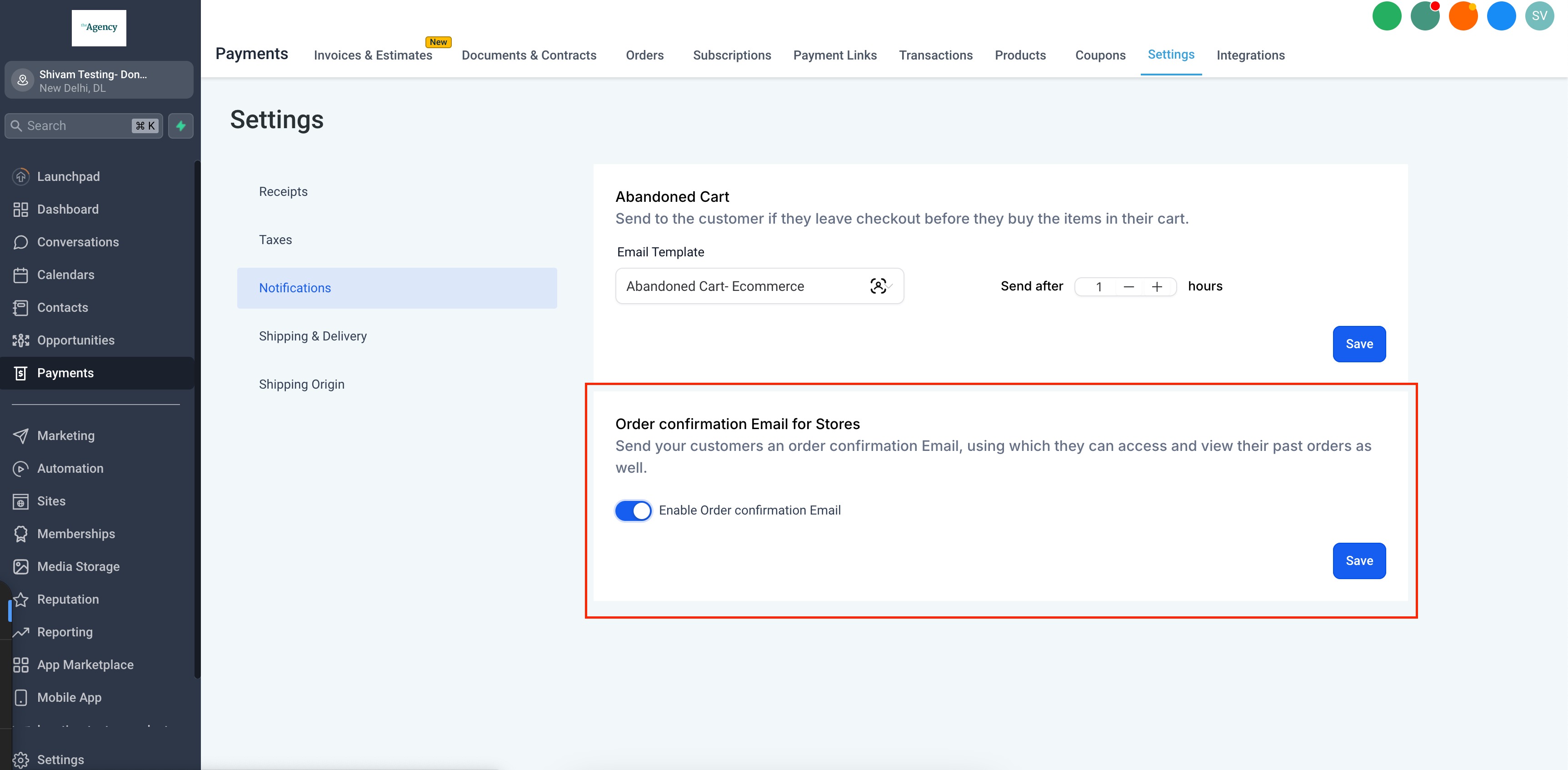
- Enable Order confirmation email:User needs to allow the order confirmation email to allow their customers to get email through which they can view Customer Access Center. This can be enabled at:Payments > Settings > Notifications > Order confirmation Email for Stores
- Login to the Customer Access Center:
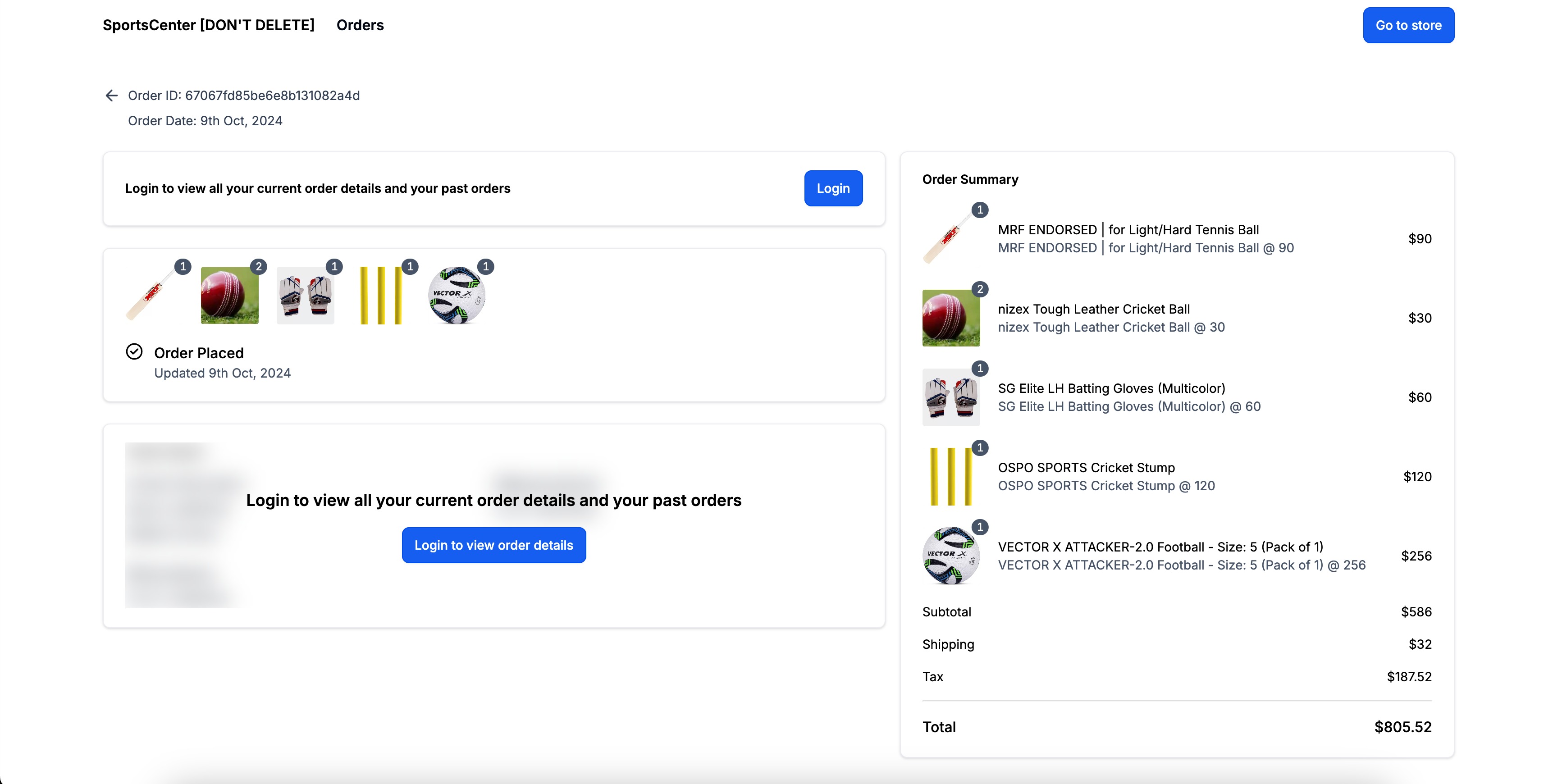
- Customers can access the Customer Access Center by clicking the "View Order" button in their order confirmation email.
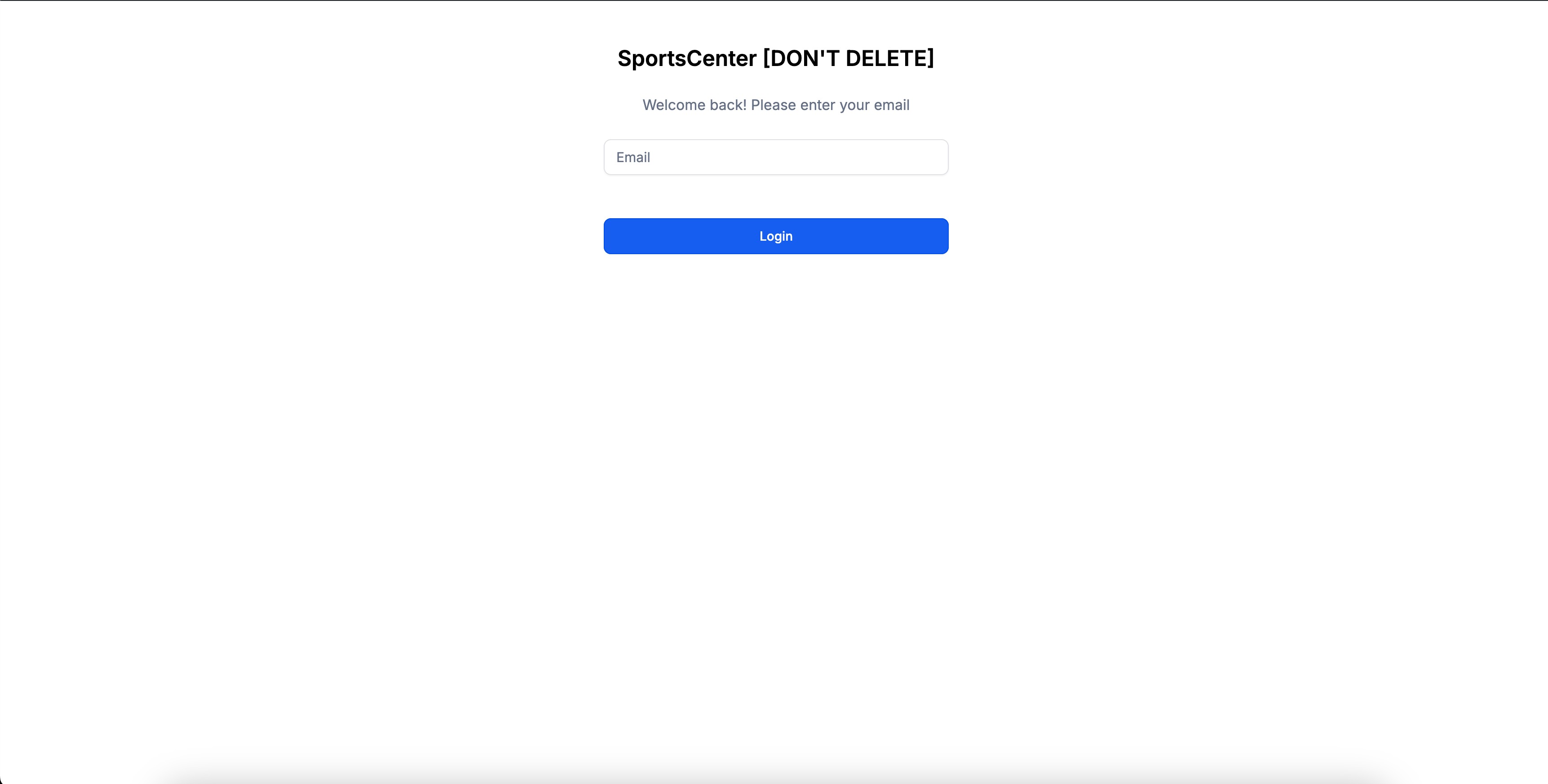
- Customers must log in using the email address they used during checkout to view all of their current order details.
Automatic verification: OTP requests in the Customer Access Center are automatically protected by Cloudflare Turnstile. Verification normally happens in the background without requiring any action from the customer. If additional verification is required, a visible challenge appears before the customer can continue with the OTP request.No setup or configuration is required.
- Fulfilment Status Details:Fulfilment status by Store owner for the order will also get reflected to end customers whether partial or complete. Customers can view the fulfilment details which will include tracking number, tracking URL, and Carrier name.
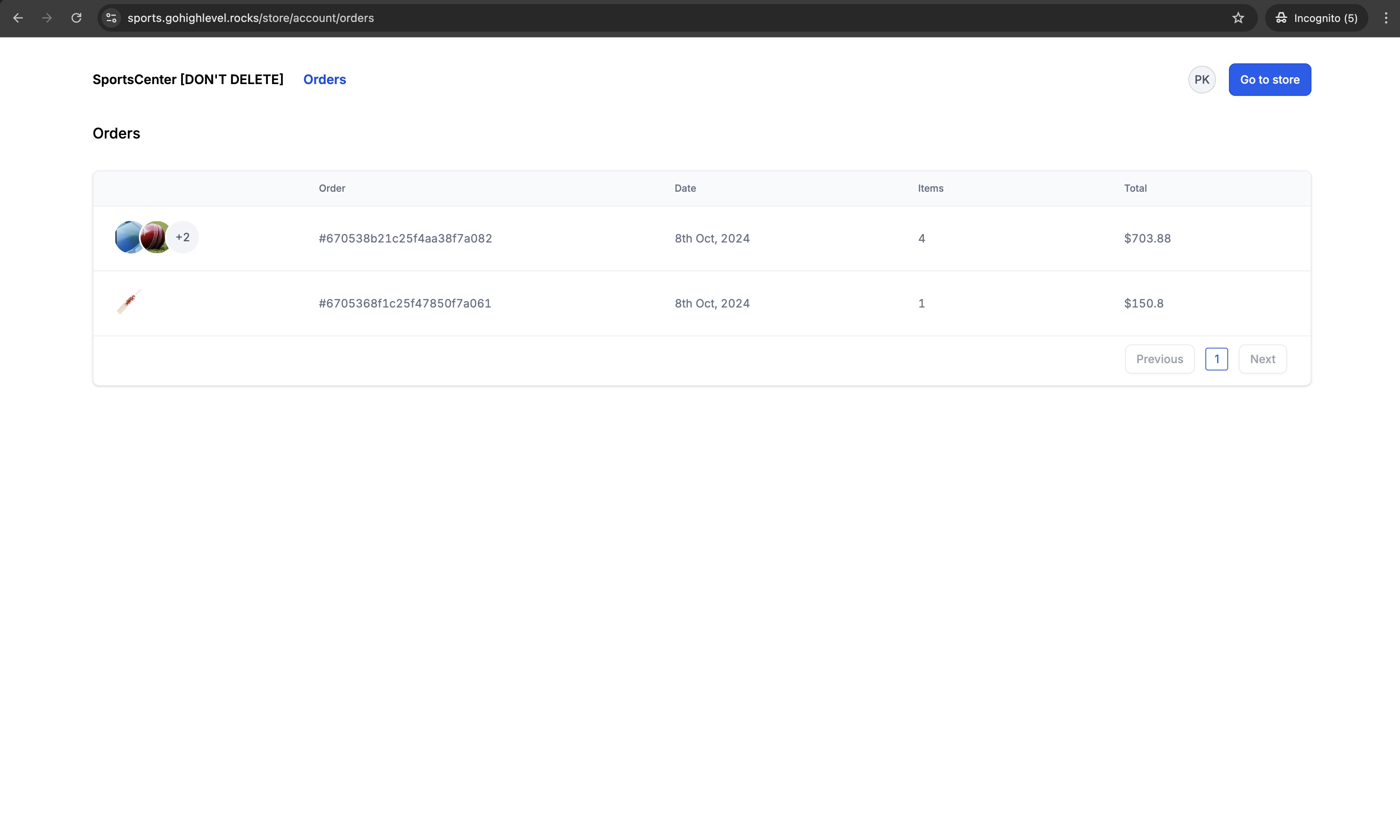
- Past Order Details:Past orders can be accessed by clicking the "Orders" button in the navigation menu.
- Unique URL for Customer Access Center:The portal can also be accessed through<storeurl>/store/account/orders. Eg. myawesomestore.com/products/store/account/orders
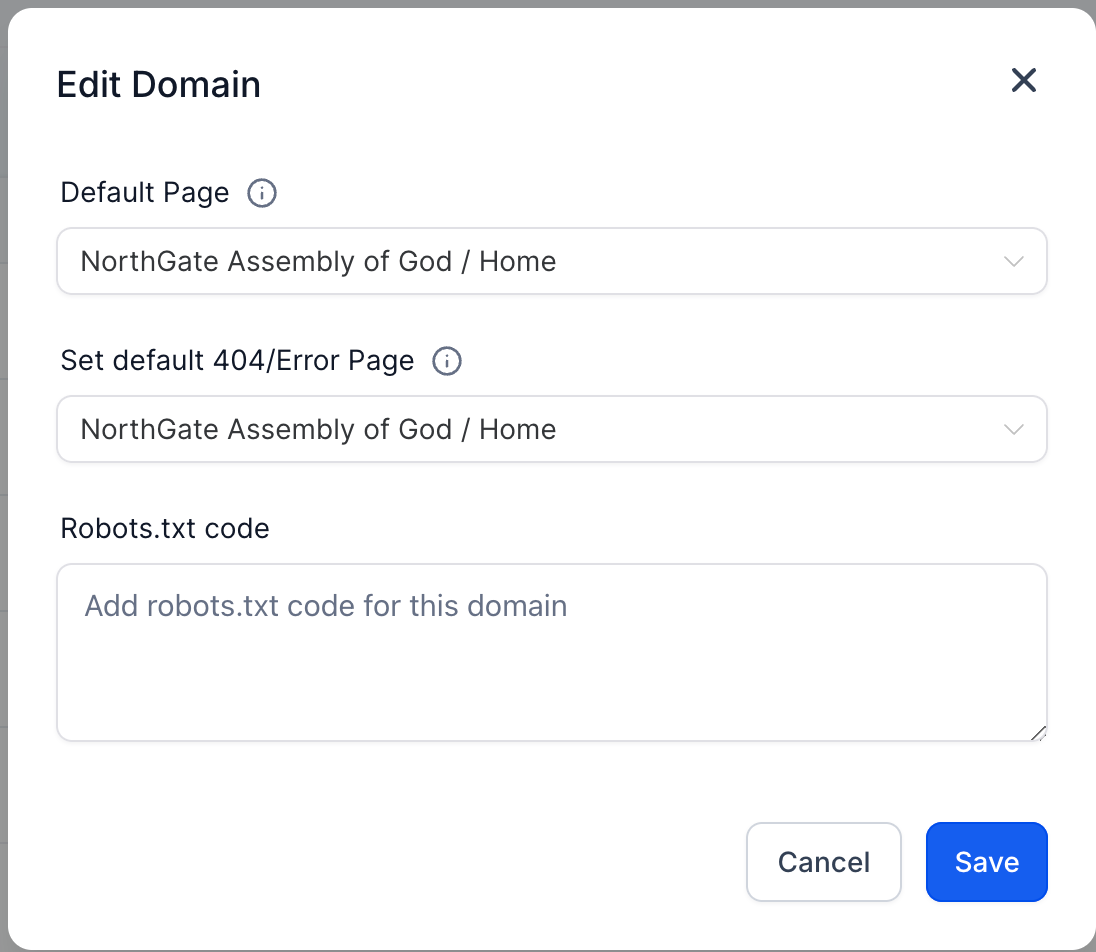
** Important Note: Make sure your domain is connected for the Customer Access Center to function properly, and ensure the default path for the domain points to any page in the store.
Notes:
- If multiple contacts are associated with the same email, the first created contact will be used for logging into the Customer Access Center.
- With sticky contact enabled, all orders will be consolidated for that browser session.
Images:
- Enable Order confirmation Email:
- Access Order details page:
- Order Details page:
- On Login, user needs to enter Email to login
- OTP for login:
- Order details summary page:
- Past orders screen: