Granular Permissions for WordPress
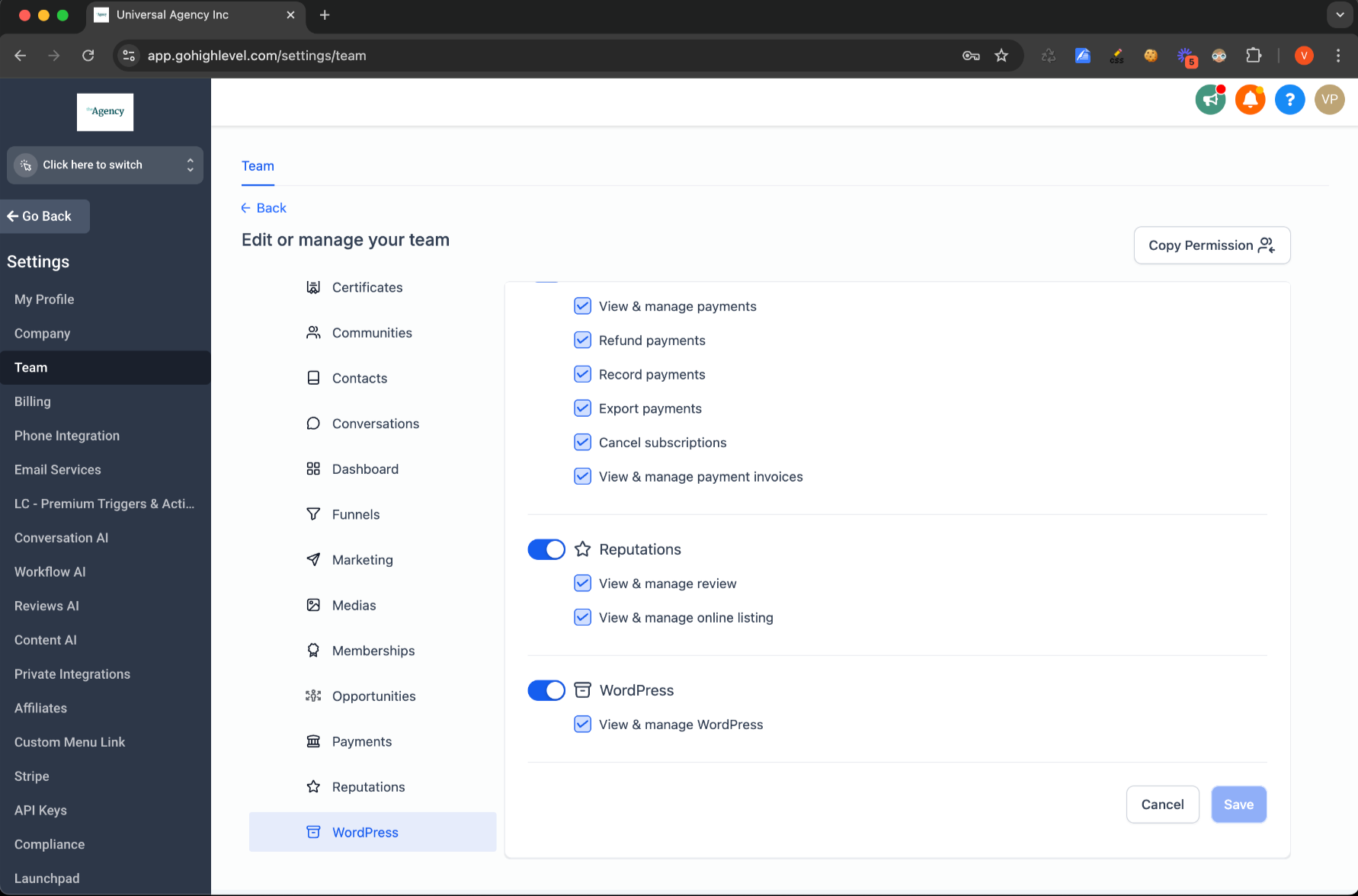
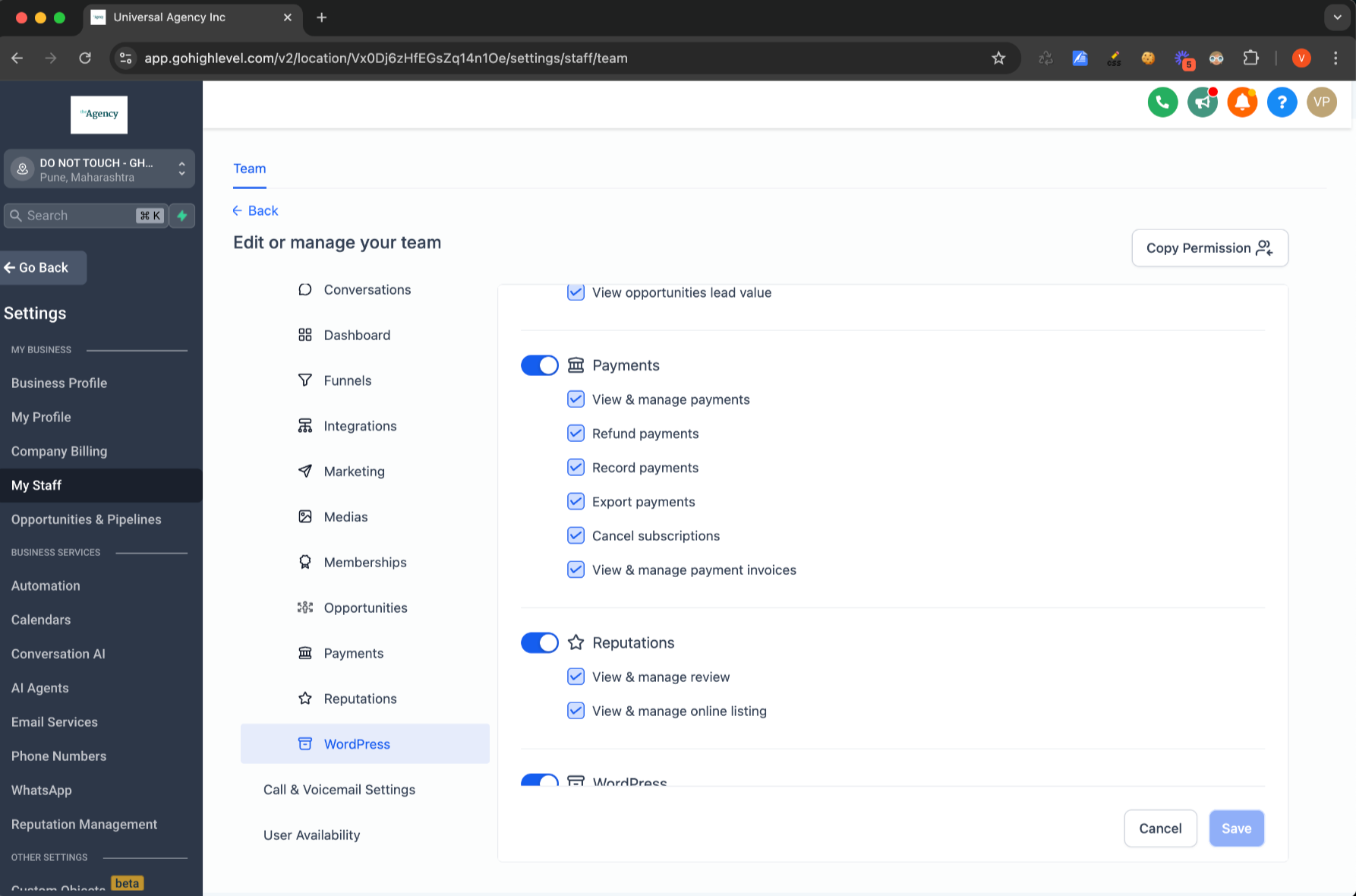
The WordPress team at Chat To Clients CRM is excited to introduce Granular Permissions for WordPress. Now, agency and sub-account admins can control which team members have access to the WordPress tab, offering enhanced security and streamlined management.
TABLE OF CONTENTS
Key Benefits:
Improved Control: Agency/Sub-Account admins can assign WordPress access only to specific team members.
- Increased Security: Limit who can manage WordPress settings, improving overall data security.
How to Access This Feature:
- Go to Agency/Sub-Account Settings.
- Select the My Staff/Team tab.
- Click Edit next to a specific user.
- Under Roles and Permissions, you’ll find the WordPress option.