
How to Manage and Create Templates from the Admin Screen
Agency Admins can create custom templates directly from the Template Library in Agency View without switching between sub-accounts.
To create a template, select the source sub-account and product, preview and optionally rename the template, then save it as a draft or publish it.
Note: Custom template creation requires an eligible Agency Admin account on the Pro plan.
For the complete step-by-step instructions, see Add Custom Templates to Template Library.
?
What we did:
- Direct Create:Templates can now be imported/ created directly from the Admin screen.
- Streamlined Process:Choose sub-accounts, preview templates, and rename them seamlessly.
⭐
Benefits:
- Efficiency:Saves time by consolidating template management into one screen.
- Simplified Workflow:Eliminates complexity across screens and sub-accounts.
?
How It Works:
- - Navigate to Template Library - Admin.
- - Click "Create" at the top right.
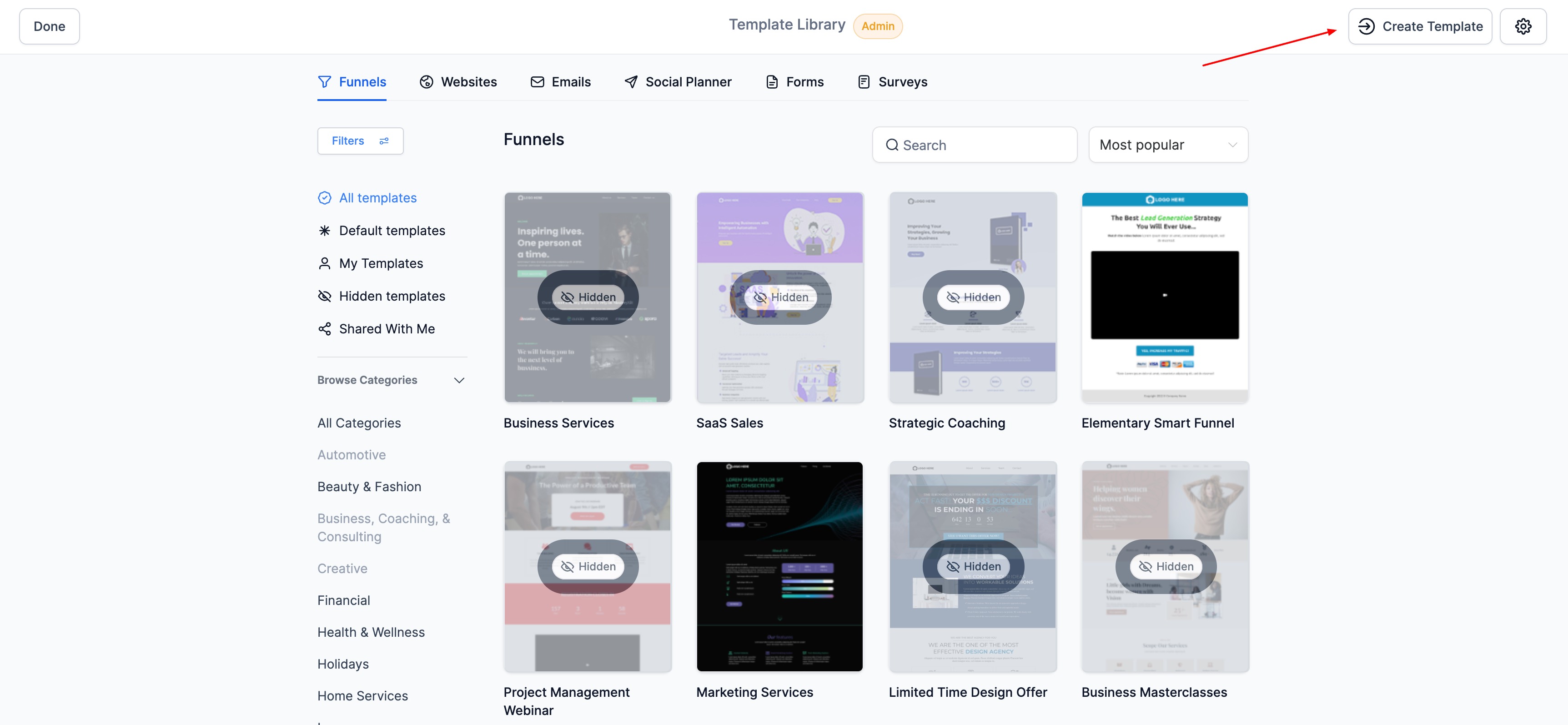
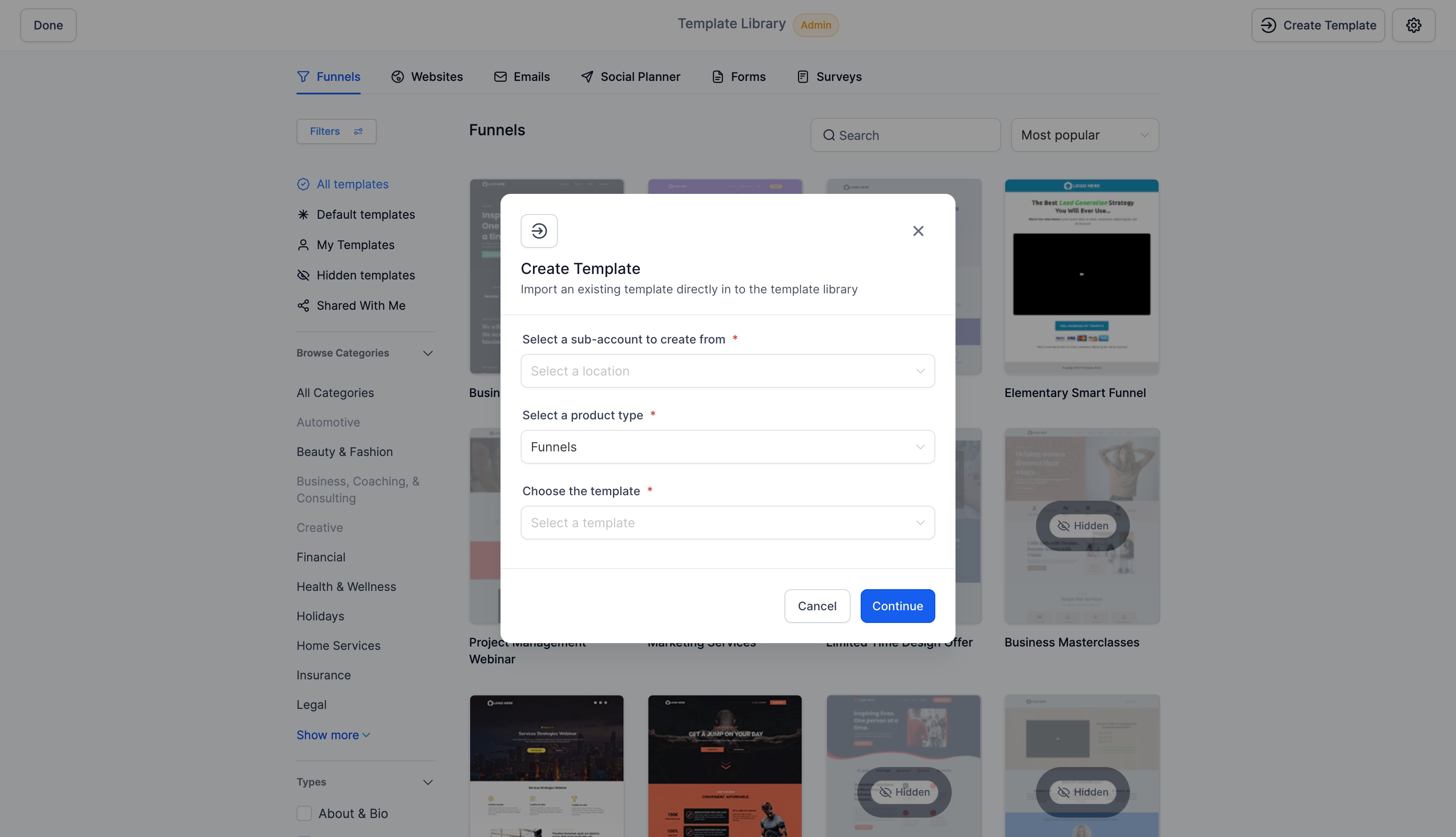
- - Choose the sub-account, product, and template name.
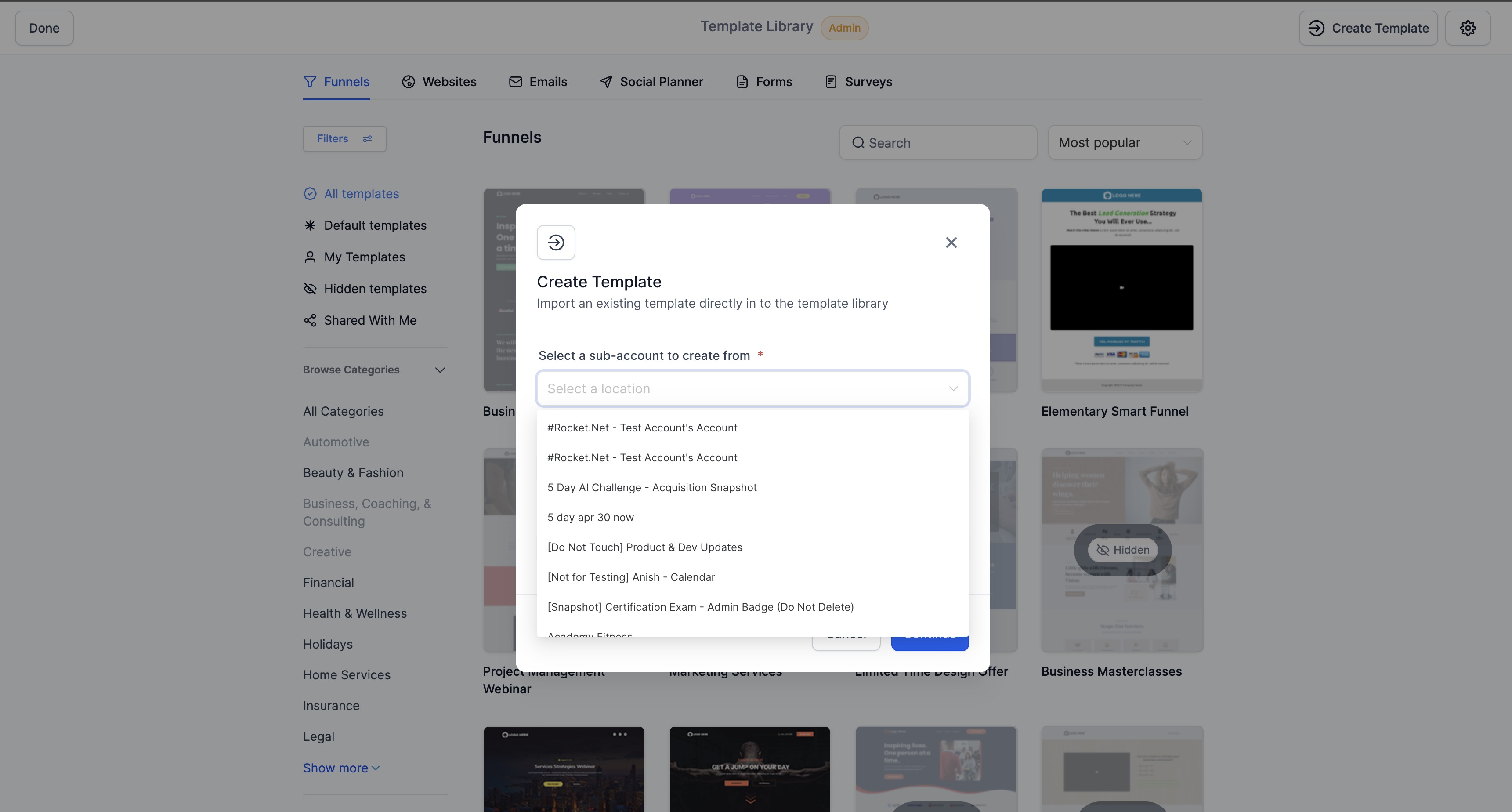
- - Click "Continue" to preview the template thumbnail. Click on the thumbnail to see the entire preview in a different screen
- - Rename the template if needed.
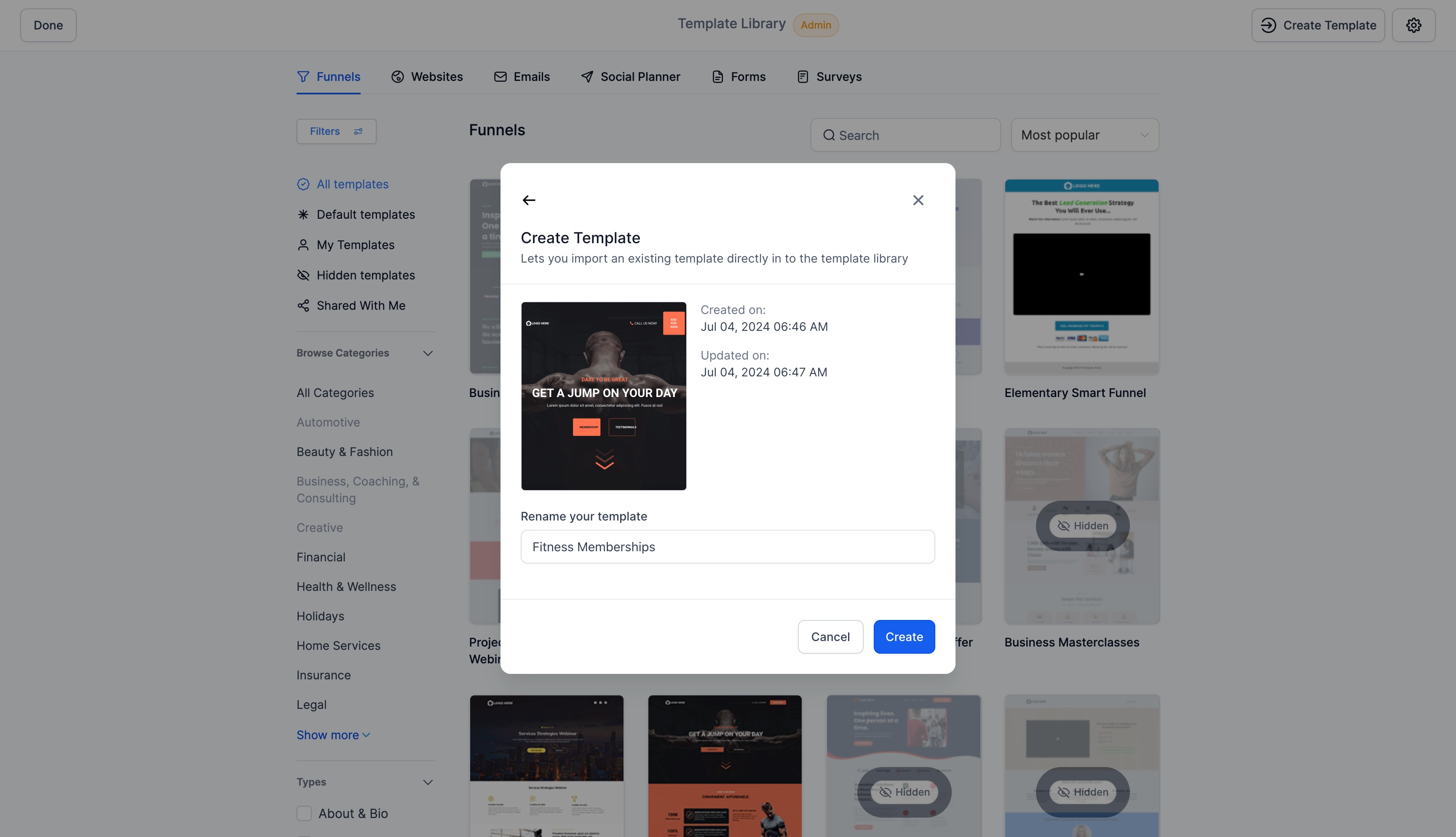
- - Click "Create" to finalize.
- - Update details like description and categories.
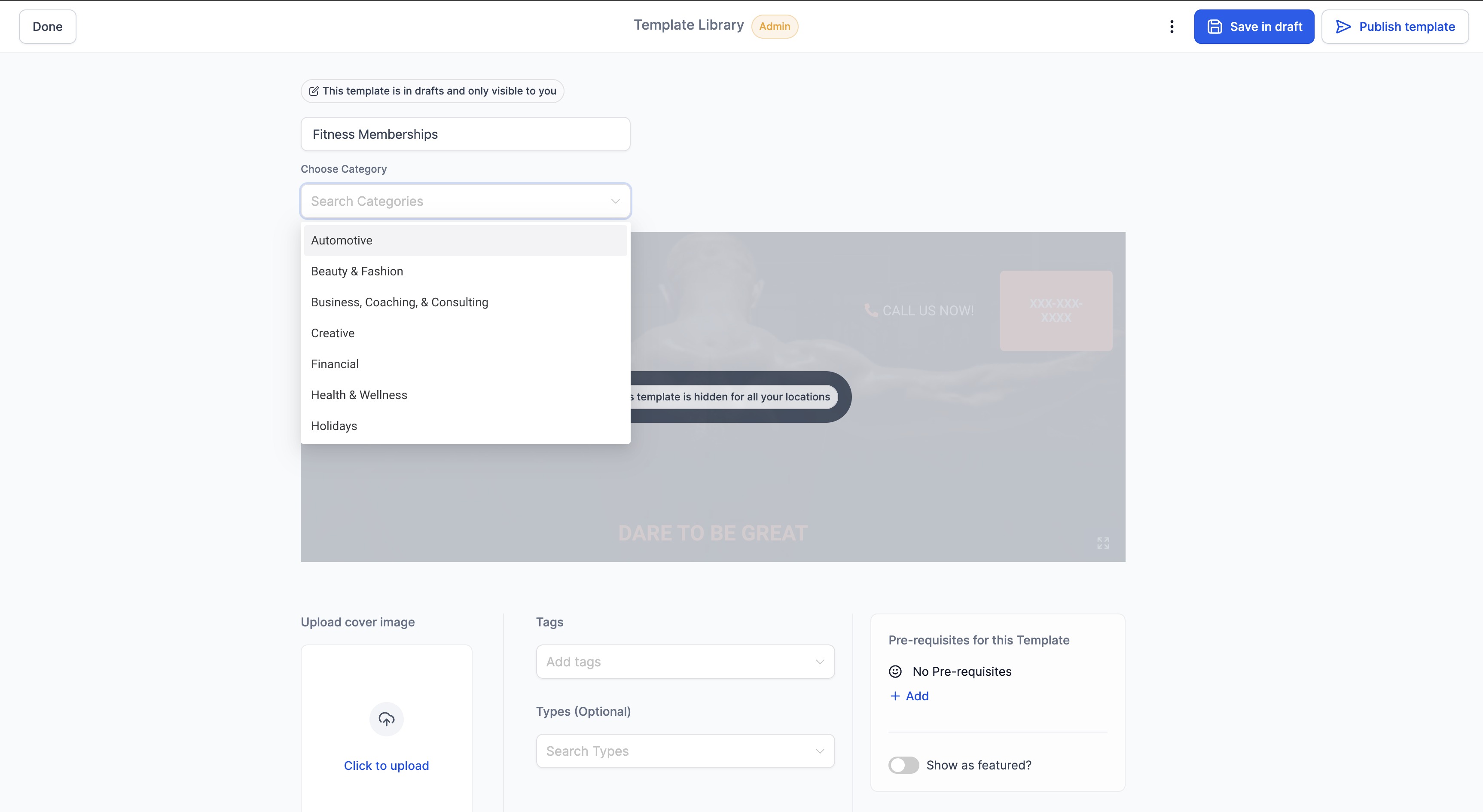
- - Choose to Publish or Save as draft.