
Searching for Opportunities
Chat To Clients CRM offers powerful search capabilities that enable users to locate specific opportunities with ease, saving time and streamlining workflow. In this comprehensive guide, we'll walk you through the process of searching for opportunities in Chat To Clients CRM.
In this Article
Step 1: Accessing the Opportunities Section
- Log in to your Chat To Clients CRM account and open your sub-account.
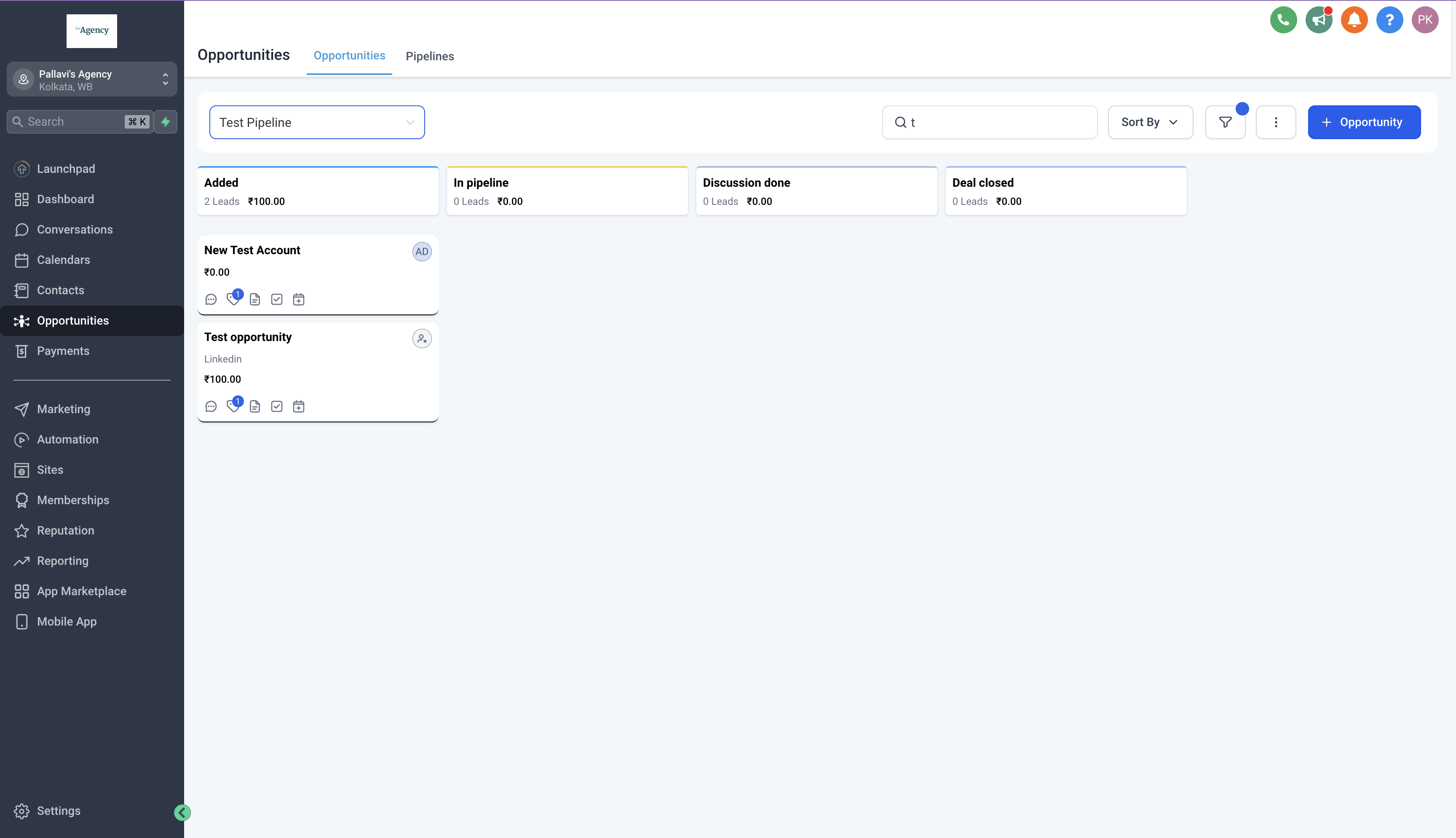
- Navigate to the "Opportunities" section from the sidebar menu.
Step 2: Understanding the Search Bar
- Once you're in the Opportunities section, locate the search bar at the top of the page.
- The search bar allows you to enter keywords, phrases, or criteria to find specific opportunities that match your search query.
- You can search for Opportunity names, Phone, Email, Company, Tags and Contact name.
Step 3: Conducting a Basic Search
- To perform a basic search, enter relevant keywords or phrases related to the opportunity you're looking for into the search bar. As you type, Chat To Clients CRM will dynamically filter the list of opportunities to display matches that meet your search criteria in real-time.
- Search works only after typing a minimum of 3 characters in the search box.
- Search does not look for words from the middle of the word. e.g. for the term "Opportunity details", 'Oppor' will return the searched for term but 'tunity' would not.
Other Relevant Links
Sorting Opportunities: TBA