How to make agency subscription payments with 3DS cards?
Agency subscriptions fail to automatically renew when 3DS cards are added to the account, as 3DS cards require authentication by the card holder in order for the payment to be successfully processed. This article outlines how you can reactivate your subscription after the automatic payment attempt has failed.
TABLE OF CONTENTS
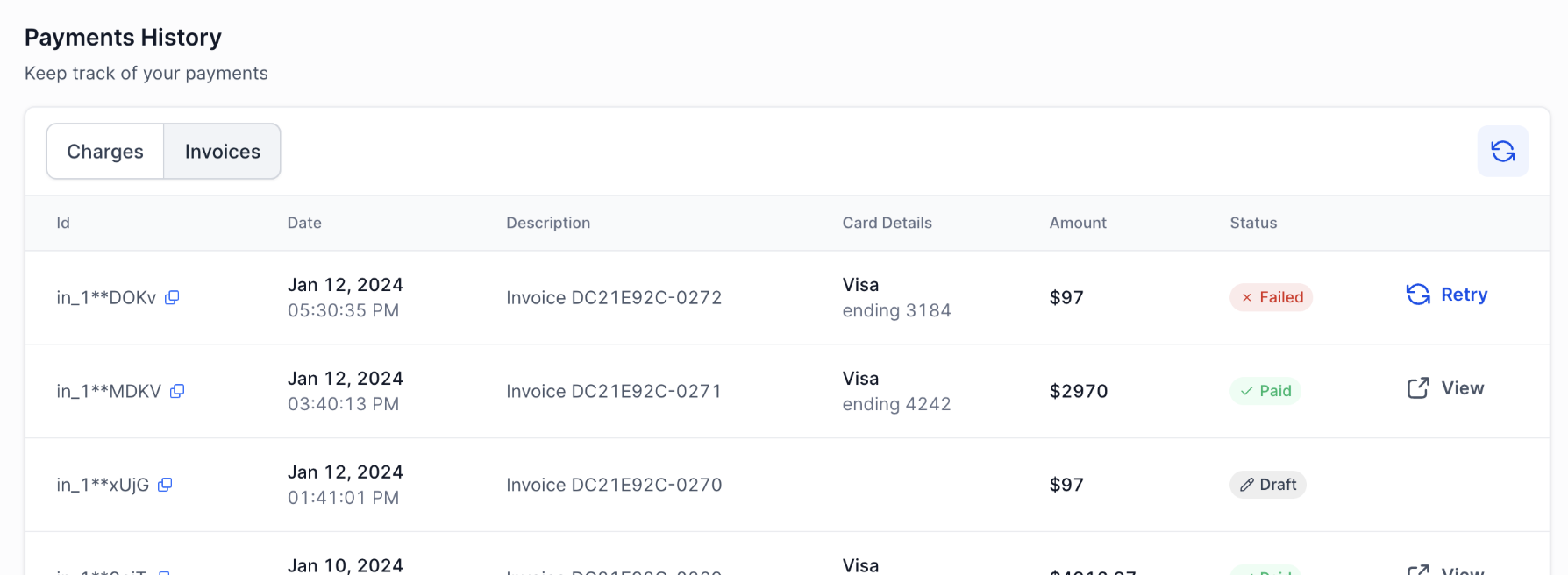
Step 3: Under the 'Payments History' section, identify the most recent failed invoice for your subscription, and hit 'Retry'
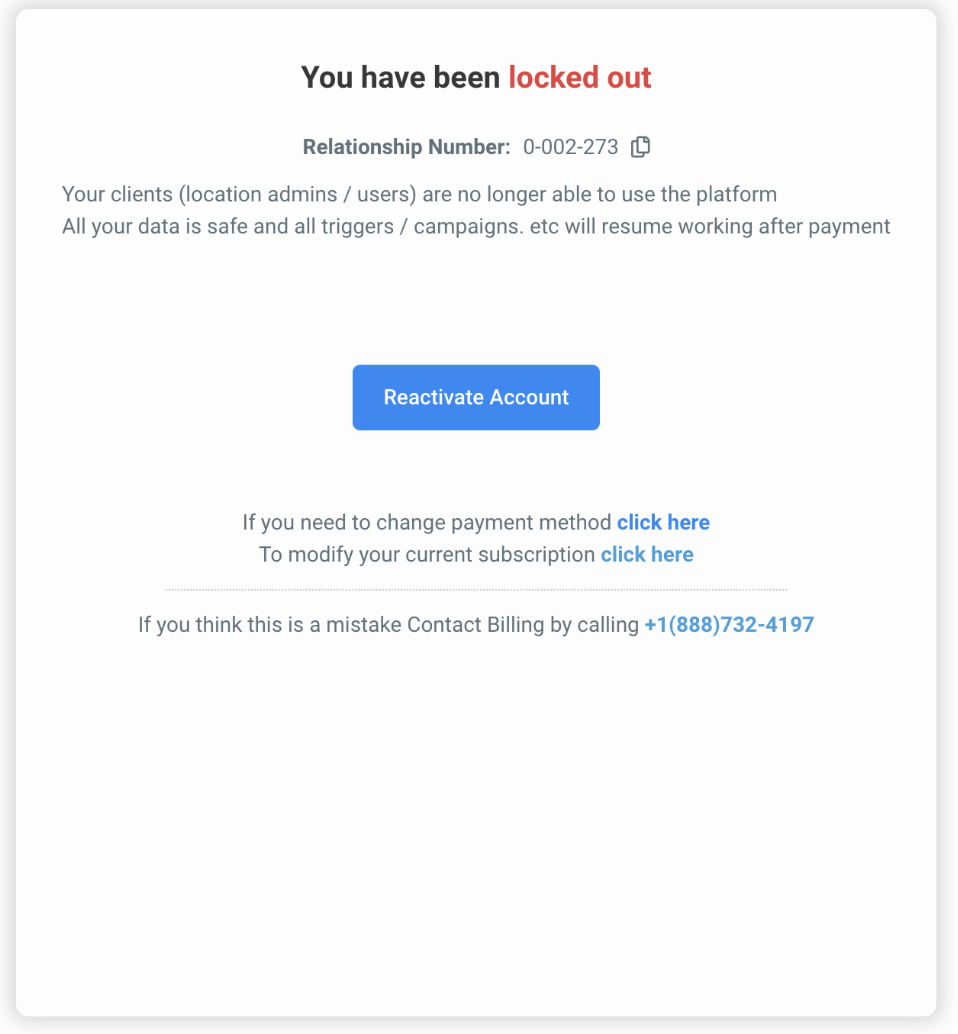
Step 1: Click on 'Reactivate Account' on the lockout screen
- You will be logged in to your account. This is temporary access though, since your payment is still pending and needs to be authorized by you in the following steps.
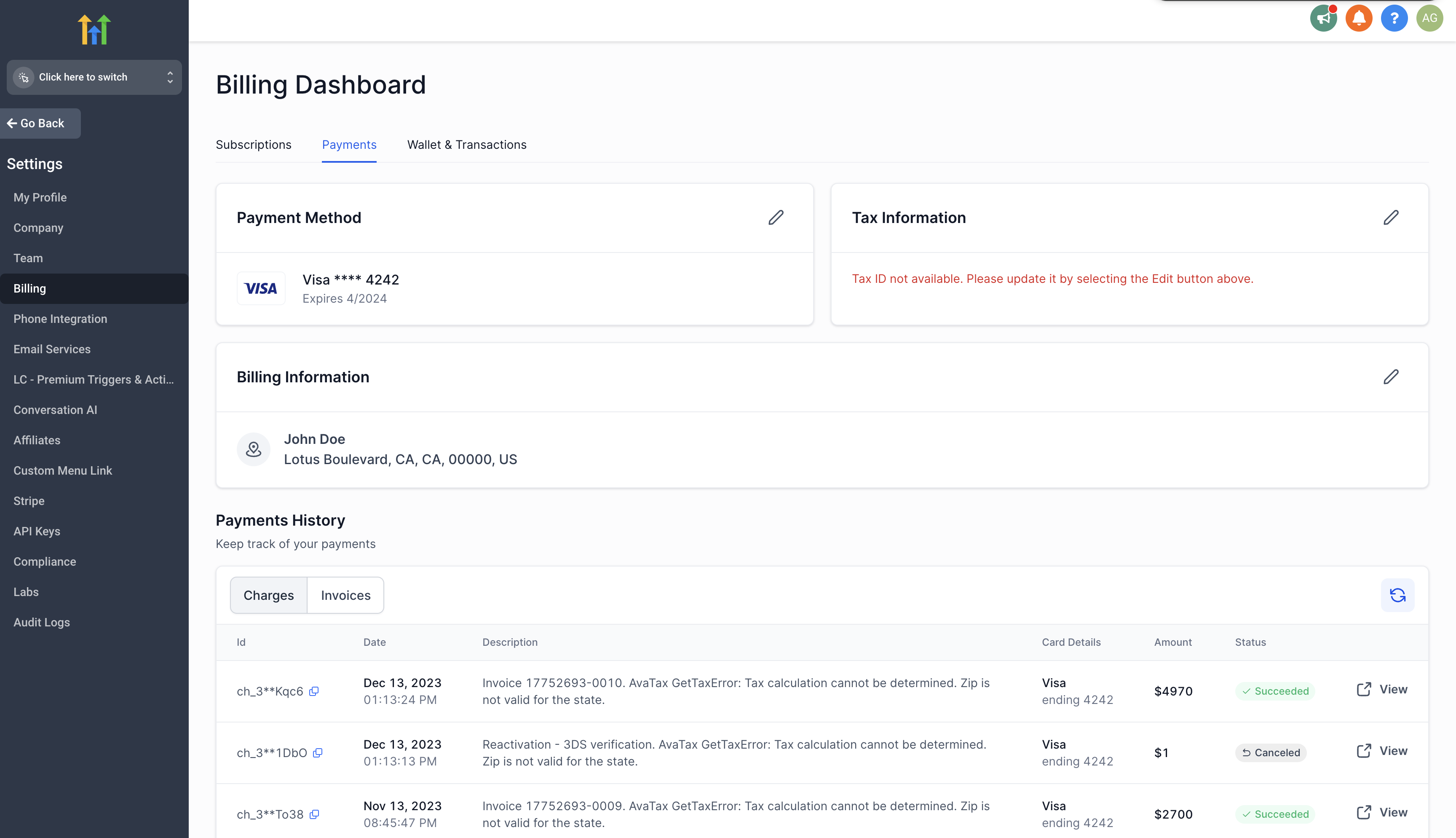
Step 2: Go to Agency Settings > Billing > Payments
Step 3: Under the 'Payments History' section, identify the most recent failed invoice for your subscription, and hit 'Retry'
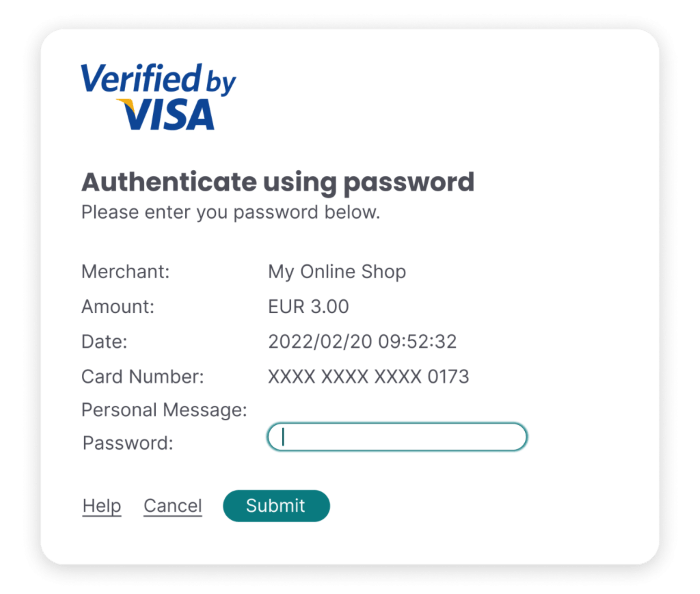
Step 4: The 3DS pop-up will open with your bank's website. Please follow the instructions there to authorize the payment.