
How to Copy Workflow to another Sub-Account?
More Tutorials From the Community
https://www.youtube.com/watch?v=Rpbas9scJCc&feature=youtu.be
https://www.youtube.com/watch?v=DnLKoZF0mug
https://www.youtube.com/watch?v=J7iJtHtiUnc
https://www.youtube.com/watch?v=jwleRdaw0sE
https://www.youtube.com/watch?v=G7oLShirC80
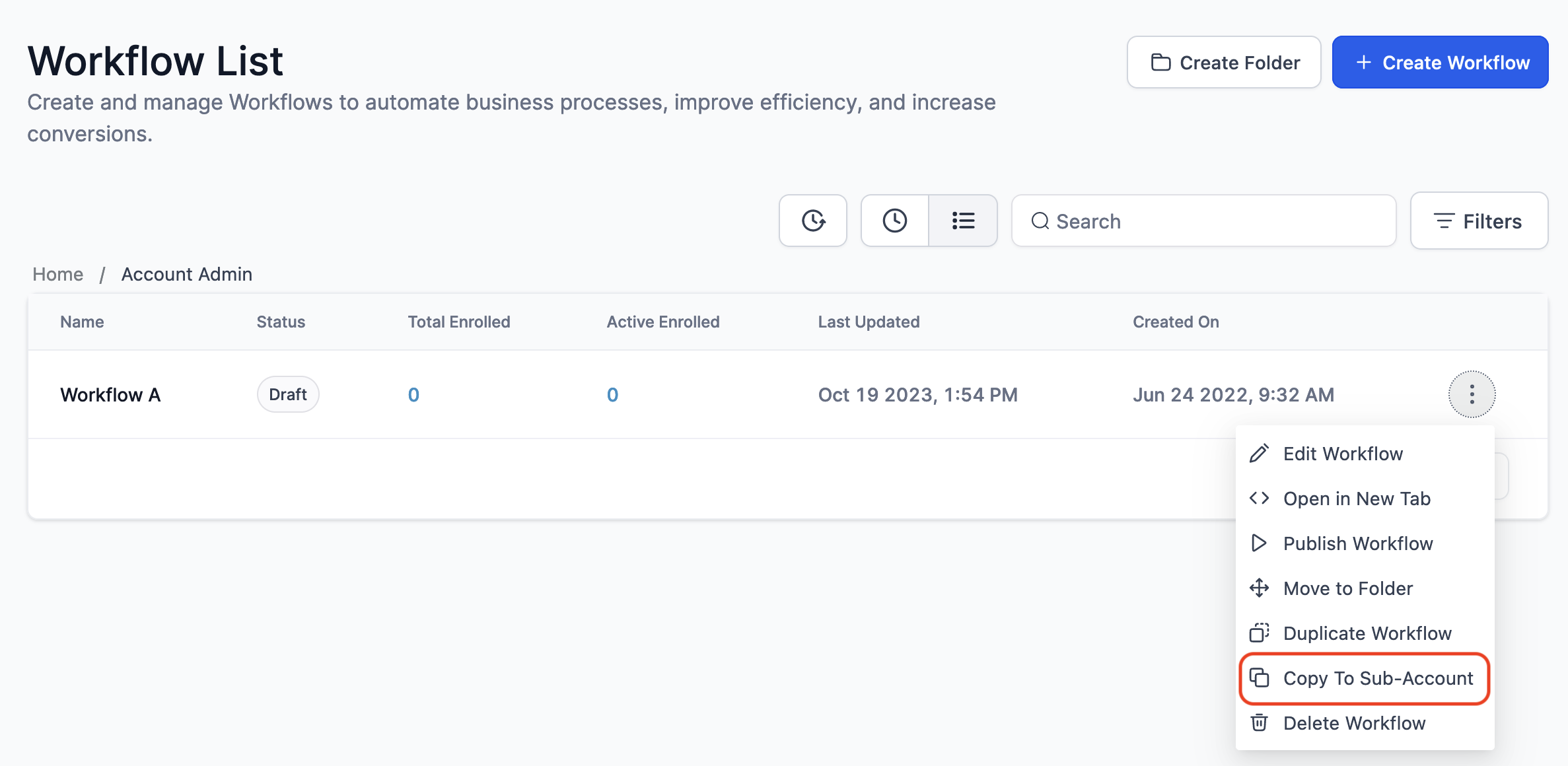
Now you can easily copy a workflow from one sub-account to another without going through the full "Snapshot" process. Only Agency Admin will be able to Copy Workflow.
Copy to Sub-Account
Select Sub-Account
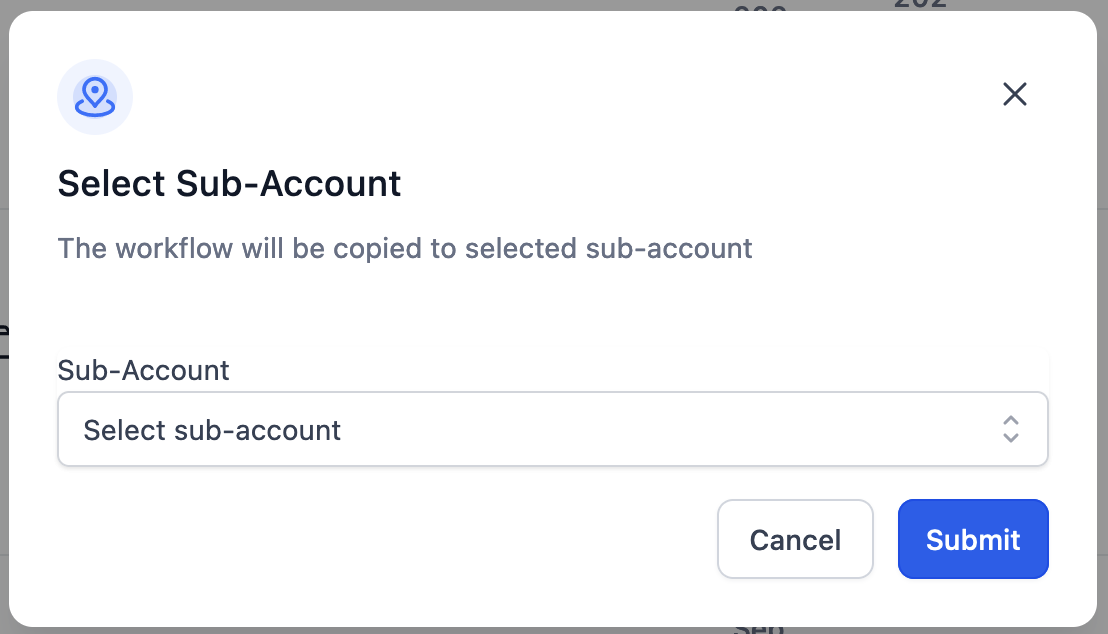
- Only the sub-accounts that the logged in user has access to will be listed here
- On submit, the workflow will be copied to the selected sub-account
- The workflow copied to other sub-account will be in draft state by default
Copy Workflow History
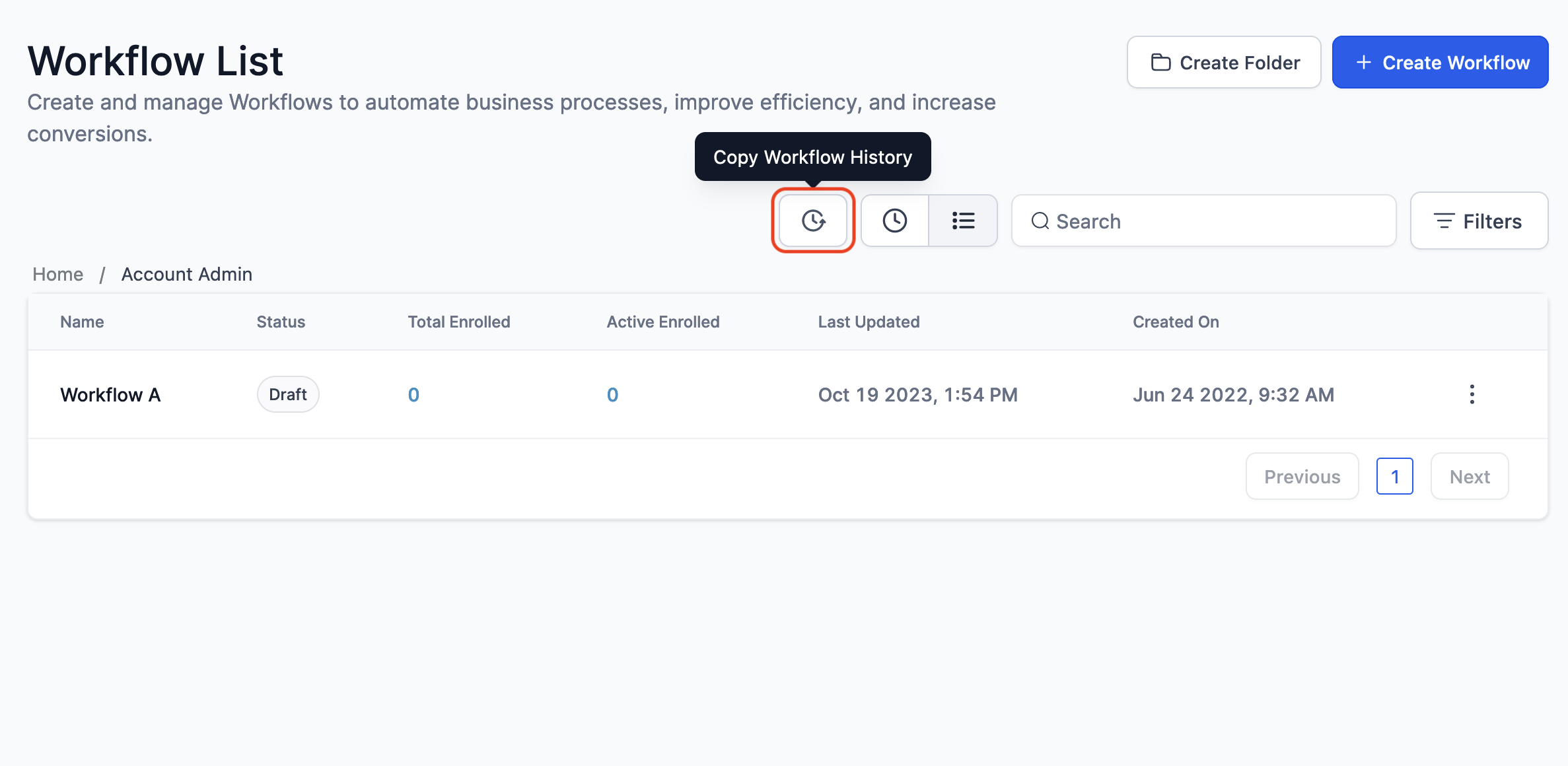
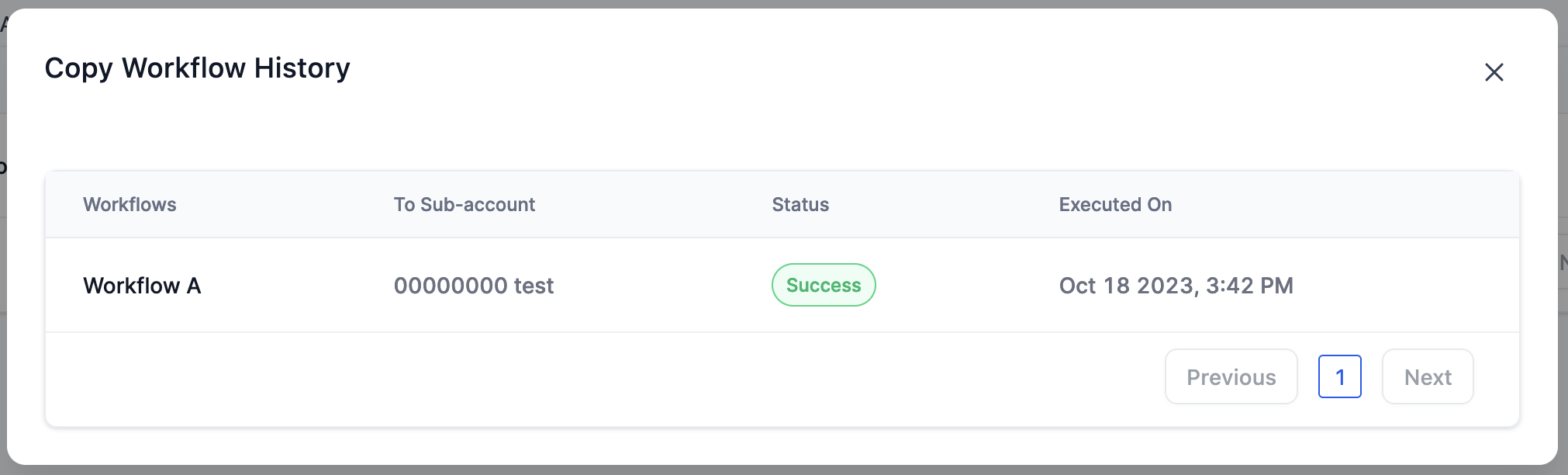
- The history of workflows copied to another sub-account are listed with current status for each log
Copy Workflow History Details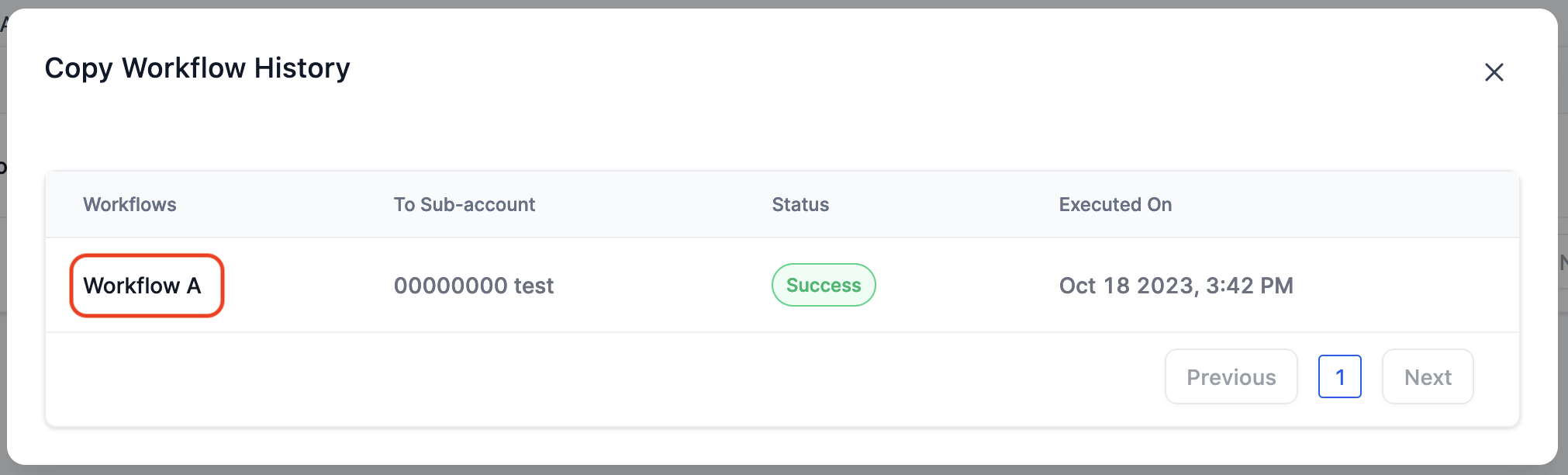
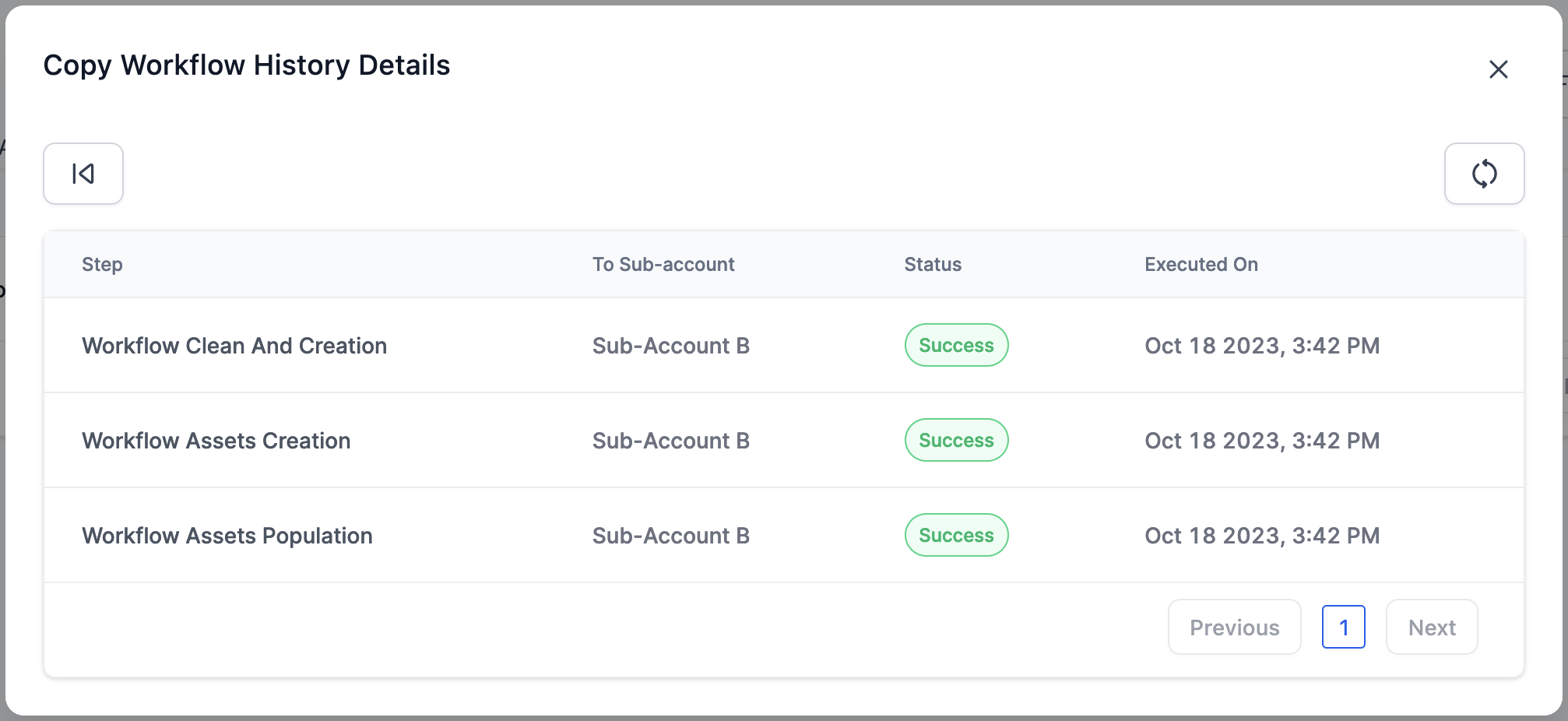
- If any error while copying, you can debug by clicking on that particular history to view detailed info
What happens to the assets while copying workflow?
The following assets in the workflow will be copied while copying a workflow to another sub-account:
- Contact Tags
- Contact Custom Fields (The field type should be same)
- Sub-Account Custom Values
- Opportunity Custom Fields
- Opportunity Pipelines & stages
- Email/SMS - text templates
- Email builder templates (coming soon)
Note: All the other assets or references will be cleared/removed from the workflow before copying to the selected sub-account.